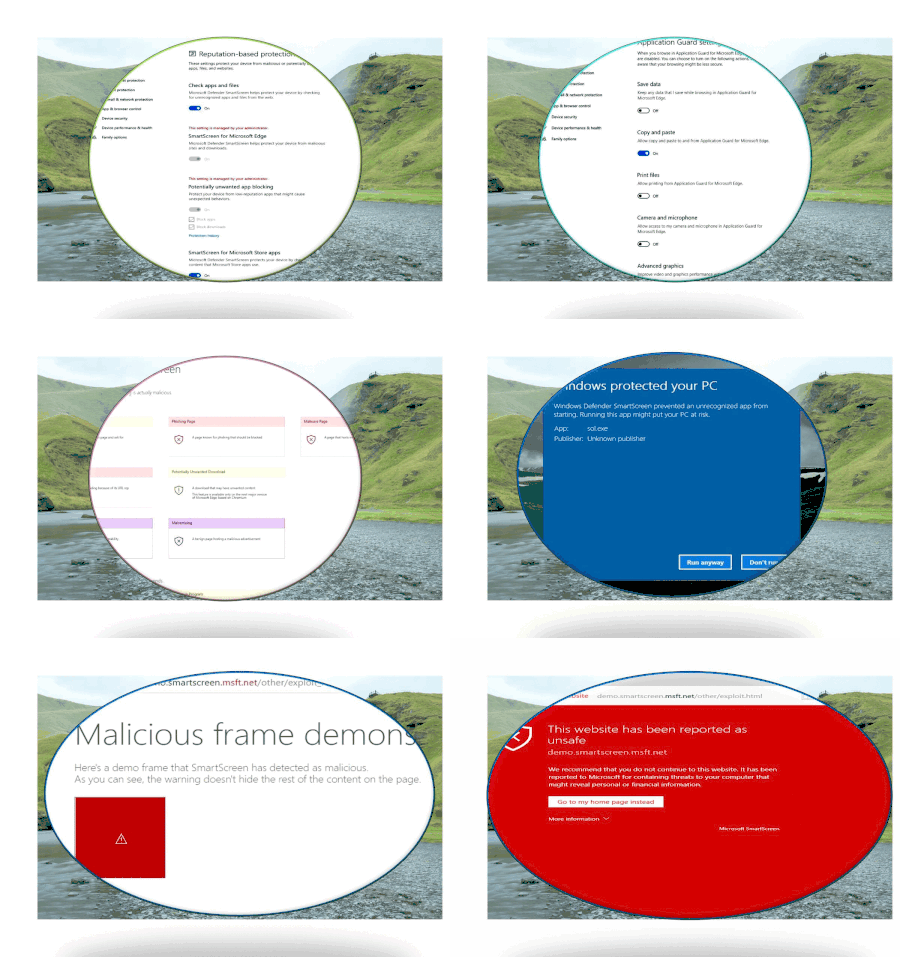
Thank you for sharing this detailed information about Windows Defender SmartScreen.
Your explanation of how SmartScreen protects against phishing, malware, and unsafe downloads is very helpful. The step-by-step breakdown of its features, event logging, and how to use Advanced Hunting to track suspicious activity makes it much easier to understand how SmartScreen works in real environments.
The guidance on false-positive blocks and how to submit files or URLs for whitelisting is also very useful, especially for admins who deal with internal applications. The reminder about Adobe Flash Player being discontinued is important as well.
Overall, this is a very informative post and helps clarify how SmartScreen works, how to troubleshoot issues, and how to handle blocked files properly. Thanks for putting this together!