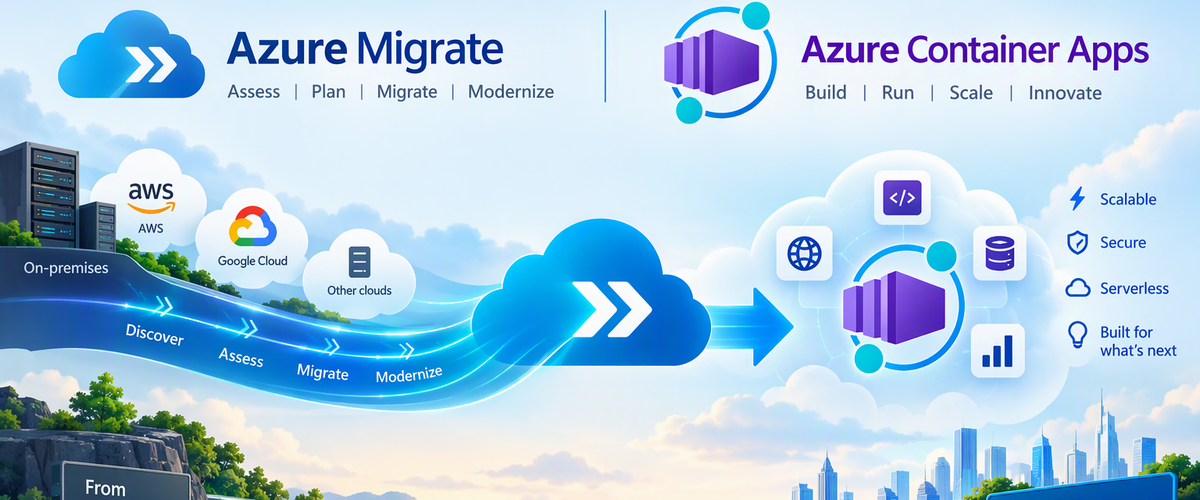
We are excited to announce Azure Container Apps as a target workload for assessment in Azure Migrate, helping organizations evaluate existing web applications for migration to a managed, serverless container platform.
This capability extends the Azure Migrate assessment experience to Azure Container Apps, bringing application readiness, migration requirements, sizing recommendations, and estimated hosting costs into migration planning. Organizations can identify suitable applications, understand the changes required, and make informed decisions before starting migration.
Supported workloads include Web Apps discovered through Azure Migrate
Make informed modernization and migration decisions
For organizations with an existing application estate, modernization starts with a few essential questions: Which applications are suitable for container-based hosting? What needs to change? What resources will they require, and what will they cost to run?
Azure Migrate helps answer these questions through discovery and assessment. With Azure Container Apps as a workload target, migration teams can:
- Assess application readiness: Evaluate existing web applications for migration to Azure Container Apps.
- Identify migration requirements: Review compatibility issues, warnings, and recommended remediation.
- Review resource recommendations: Understand the compute requirements of the assessed applications.
- Estimate hosting costs: Use assessment estimates to support migration decisions and budgeting.
- Plan migration waves: Turn assessment insights into manageable migration batches.
These insights help migration teams and application owners establish a shared understanding of migration scope, effort, and priorities.
Why Azure Container Apps?
Azure Container Apps enables organizations to run containerized applications without managing servers or the underlying container orchestration infrastructure.
The platform supports web applications, APIs, microservices, and background processing, with capabilities including:
- Automatic scaling based on HTTP traffic or event-driven rules, including scale-to-zero for supported configurations.
- Managed ingress for application endpoints.
- Application revisions and traffic splitting to support controlled updates.
- Connectivity to dependent services, including databases, storage, and messaging.
Adding Azure Container Apps as an assessment target helps organizations evaluate these capabilities against the requirements of existing applications before migration begins.
From discovery to migration
1. Discover existing web applications
Start with an Azure Migrate project and configure the Azure Migrate appliance for the source environment.
Discovery builds an inventory of web applications and their hosting servers. Review the discovered applications and dependency information to establish the assessment scope.
Review discovered web applications and select workloads for assessment. The inventory includes discovered workloads; discovery alone does not establish readiness for Azure Container Apps.
2. Assess for Azure Container Apps
Create a web app assessment for the selected applications and choose Azure Container Apps as the target.
Configure the applicable assessment settings, including target region and sizing preferences, then run the assessment to generate readiness findings, resource recommendations, and estimated costs.
Create an assessment for the discovered web app workloads.
3. Review results and decide
Review the assessment findings to understand which applications are ready for migration and which require changes.
Evaluate migration issues alongside business criticality, application dependencies, and operational requirements. Use these insights to select applications for migration and prioritize modernization work.
Navigate to the Azure Container Apps tab for more details on the readiness
Review readiness and estimated monthly costs for Azure Container Apps. This example shows three web apps ready for migration and one not ready, with a cost estimate for the three ready apps. Estimates vary by workload and assessment settings.
4. Plan migration waves
After selecting the migration path, use Azure Migrate wave planning, to organize assessed applications and workloads into migration batches.
Review the proposed waves, sequencing, dependencies, and risks. Refine assignments with application owners and stakeholders, then commit approved waves.
Committing a wave accepts the migration plan; it does not start migration. The approved scope and assessment findings provide the foundation for application preparation and deployment.
5. Migrate to Azure Container Apps
Continue the approved migration plan in GitHub Copilot app modernization, using the Azure Migrate assessment findings, application scope, and dependency information as context. The tooling handles application code changes, validation, containerization, and deployment to Azure Container Apps.
Follow the workflow for the application's language:
- Java: Migrate with GitHub Copilot app modernization, including containerization and deployment to Azure Container Apps.
- .NET: GitHub Copilot modernization overview and deployment workflow.
Get started
Assess existing web applications for Azure Container Apps and move forward with a migration grounded in application readiness, resource requirements, and cost insights.
Explore the resources:

 Microsoft