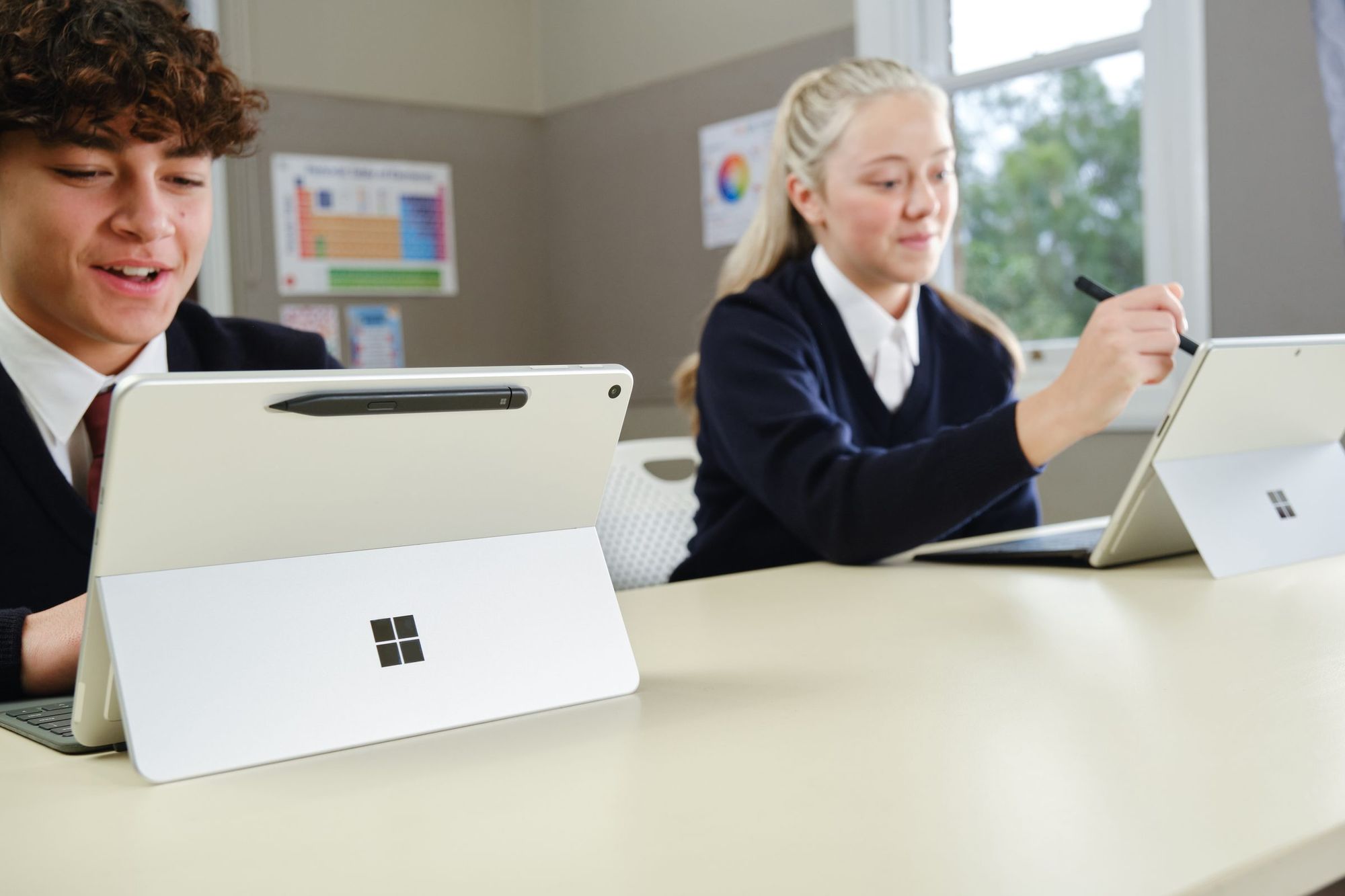
During a typical school day, a device rarely stays in one place.
It may start the morning charging, travel across campus in a backpack, connect to a display for a presentation, and finish the day at a library table or a desk at home. Along the way, the work changes too: typing notes during a lecture, reading a chapter of a textbook and writing in the margins, presenting a group project to a class, or color-coding a diagram.
The new Surface Pro 12-inch and Surface Laptop 13-inch provide two portable foundations for these environments and transitions. Powered by the Snapdragon X2 Plus® processor, these devices offer upgraded performance1 to support the pace of today’s learning environments.
Portability and power, however, are only part of the user experience. A more complete endpoint considers how the device, its ecosystem, and the environment around it intersect. Designed for Surface (DfS) accessories expand what’s possible with a Surface device by helping it adapt to different users, tasks, and environments.
Pictured: STM Dux Rugged Case for Surface Laptop 13-inch, UAG Scout Series Case for Surface Pro 12-inch, Cable Matters Foldable USB-C Multiport Adapter, and Kensington MagPro Elite Magnetic Privacy Screen for Surface Pro 12-inch.
Extending the experience around the device
With DfS accessories, education organizations can configure devices to adapt to a range of users and settings – including students, educators, faculty members, and shared learning spaces.
When it moves. A device traveling between classrooms, offices, libraries, and home encounters a different set of needs than one that stays on a desk. For students and faculty carrying a device from place to place, the STM Dux Rugged Case for Surface Laptop 13-inch or UAG Scout Series for Surface Pro 12-inch can add protection against everyday bumps and drops to a setup designed to move, preparing devices for the realities of everyday movement and use.
When it arrives. A portable device does not always need to remain a self-contained workspace. A student might arrive at a library table and need to connect accessories for a long study session, while an educator may enter a classroom and need to connect to equipment for presenting or collaborating. A portable solution such as the Cable Matters Foldable USB-C Adapter supports multiple ports and can help expand the connections available when a device reaches its destination. This flexibility allows a Surface setup to travel lightly while still adapting to the environment around it.
Pictured: Kensington SmartView™ Organizing Laptop Riser, ViewSonic ColorPro 4K Monitor, and JCPal VerSkin Language Keyboard Cover.
When the task changes. Sometimes it is not the location that changes, but what the person needs to accomplish. During an individual assessment, a Kensington MagPro Elite Privacy Screen can temporarily add visual privacy by narrowing the viewing angle. For users who work in multiple languages, JCPal VerSkin Language Keyboard Covers are available in French (EU), Spanish (EU), and German layouts – offering another way to adapt the physical device experience to a user’s needs. The result is a setup that can adapt to the task and the needs of the person using it.
When it needs more room. Portable devices can also become the center of a larger workspace. Creative work may benefit from additional screen space and a display designed for color-sensitive applications. A ViewSonic 27” ColorPro™ 4K UHD Monitor with USB-C can extend the workspace beyond the device display through a single cable, supporting creative work with Pantone Validation, power delivery, and a high-resolution screen. Pairing it with a Kensington SmartView™ Organizing Laptop Riser can free desk space for peripherals and other materials, creating a more complete workstation. The device can remain portable when the day requires movement, and it can also expand into a larger workspace when the task requires more.
Beyond the device
These scenarios vary widely, but they reflect the same idea: a device experience that can be configured around the learner and the task instead of requiring everyone to use the same setup.
The Surface Pro 12-inch and Surface Laptop 13-inch offer new foundations for education, with different form factors that support how people interact with and carry their PCs.
Designed for Surface extends those possibilities into the physical environment, with solutions for protection, connectivity, positioning, privacy, and other user-specific needs.
Built on a common Surface foundation, education organizations can tailor the experience to the people, tasks, and environments they support, adapting technology to different ways of teaching, learning, collaborating, and working throughout the day.
To explore the DfS ecosystem and discover solutions designed to extend Surface for education, visit DesignedforSurface.com.
Footnotes
1 Compared with the previous-generation Surface Pro 12-inch (1st Edition) and Surface Laptop 13-inch (1st Edition).

 Microsoft