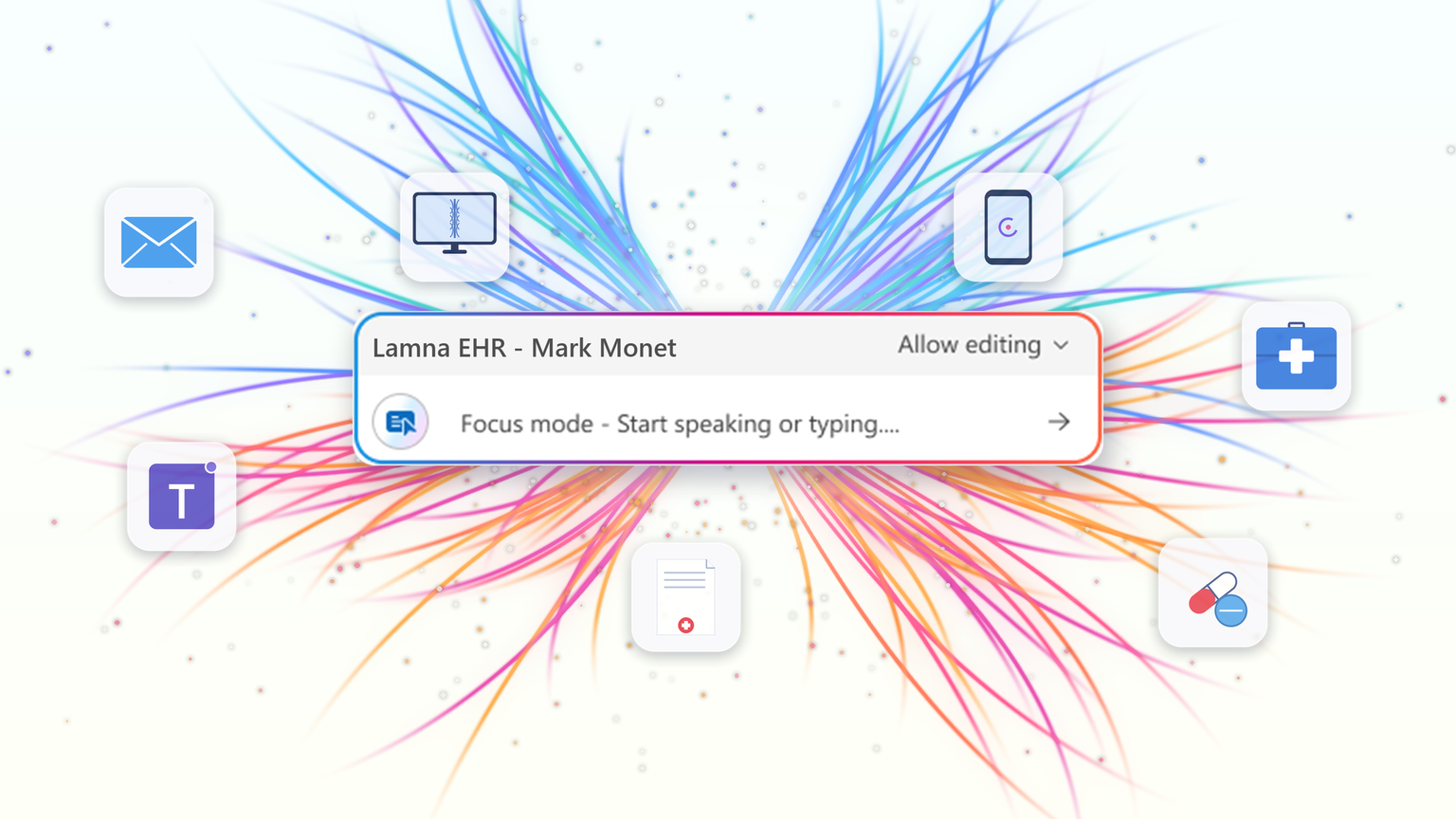
At HIMSS 2026, we showed that the most useful place to apply clinical intelligence is often not in a separate app or side window, but at the cursor, in the field where the clinician is already working. Our last post on this topic described the problem Dragon Copilot's focus capability is designed to solve: clinicians becoming data couriers, moving between windows, copying information from one system into another, and stitching together a day's work across multiple applications. That post looked ahead to what was coming. Now, it's here.
What Dragon Copilot's focus capability does
Dragon Copilot's focus capability brings AI directly into the text field where clinicians work, whether that's an EHR, a browser, Microsoft Word, SharePoint, or another desktop application. There is no separate application to launch and no workflow to rebuild.
Simply place your cursor where you're working, select content if needed, and ask for help using natural language by voice or text. The focus capability works directly within the application you're already using, helping you stay in the flow of work.
With focus, Dragon Copilot can:
- Read content from applications such as an EHR, browser, Microsoft Word, SharePoint, and other desktop applications.
- Answer questions about selected content and provide responses in context, using information from trusted sources and resources approved by the organization.
- Surface relevant information and insights without requiring manual searches, copying, or pasting.
- Generate, edit, and refine text directly where you're working.
The experience is conversational and voice-first. Because the focus capability operates directly at the cursor, clinicians can take action without switching applications or rebuilding context.
Questions are answered in context using information from the EHR and trusted sources, including resources approved by the organization.
Focus in action
The following examples illustrate how Dragon Copilot's focus capability helps clinicians read, answer, write, edit and surface information directly within their workflow.
Journal and guideline Q&A
Highlight a passage from a clinical guideline or journal article and ask:
"Summarize the three key takeaways in patient-friendly language for the after-visit summary."
The focus capability analyzes the selected content and generates a draft directly where you're working.
Answer questions in context
Clinicians often have the information they need in front of them but spend valuable time locating or interpreting it.
Highlight relevant content and ask:
"What does this recommendation mean for a patient with diabetes?"
The focus capability reviews the selected information and delivers an answer within the workflow, without requiring clinicians to leave the application. The information is sourced from the EHR, a credible source such as MSD Manual, DailyMed, Medline Plus or from an organization’s internal source.
Edit in place
Select existing text and ask:
"Convert this into a bulleted list." or "Summarize this HPI in two sentences."
The focus capability reshapes the content directly where it already exists, helping clinicians refine documentation without disrupting their workflow.
Surface relevant information
Place your cursor inside a note and ask:
"What's the patient's BMI?"
The focus capability can retrieve relevant information available in context and return the answer inline, eliminating the need to navigate between screens, search for values, or perform calculations manually.
Generate new content
Need a referral letter, patient instruction, or summary?
Simply ask.
The focus capability can generate content directly within the destination field, helping clinicians create documentation where it belongs without copying and pasting between applications.
Why this capability matters
Bringing AI directly to the cursor is more than a convenience. It's what makes AI practical, visible, and actionable within everyday clinical workflows.
Dragon Copilot's focus capability sits in a useful middle ground between ambient AI, which operates largely in the background, and traditional dictation, which requires clinicians to explicitly construct documentation themselves.
- Outputs are reviewable and editable before being finalized.
- Actions remain visible within the workflow, providing transparency and control.
- Clinicians can work without repeatedly navigating between applications or rebuilding context.
- Because the focus capability operates directly at the cursor, it creates an extensible foundation for future Dragon Copilot experiences and integrations from Microsoft and partners.
When Dragon Copilot's focus capability brings AI directly to where clinicians are already working, copying, pasting, and window-switching fall away. Clinicians can access information, generate content, and take action without leaving their workflow, helping them spend less time managing technology and more time focused on patient care.
Learn more about Dragon Copilot.

 Microsoft