Fixing a BACPAC Import Primary‑Key Failure Caused by Collation
Problem Statement
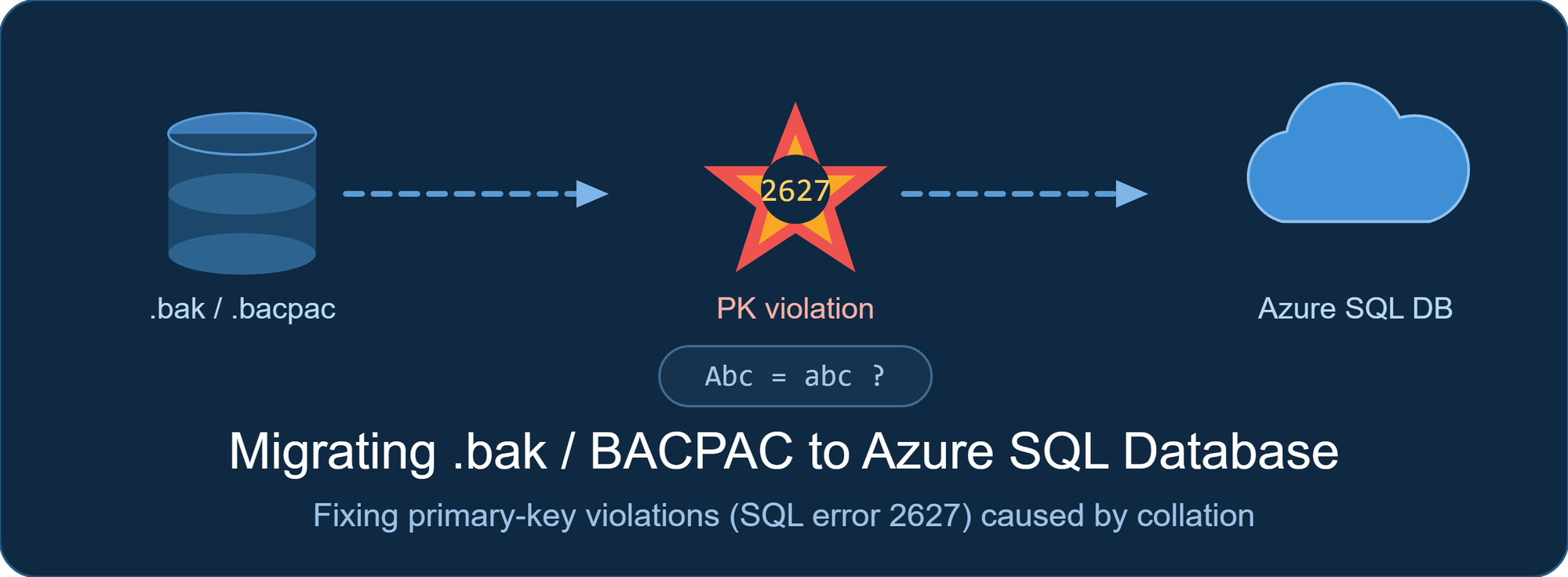
Customer trying to mograte SQL Server database to Azure SQL Database by restoring a .bak file to a jump server, exporting it to a .bacpac, and importing that .bacpac to Azure SQL with SQL Server Management Studio (SSMS). The import failed with a primary‑key violation (SQL Error 2627), even though the source database had no duplicate keys.
SQL Error 2627
Violation of PRIMARY KEY constraint 'pk_table_parameters'.
Cannot insert duplicate key in object 'dbo.table_parameters'.
The cause was a collation mismatch. The source used a case‑sensitive collation, so key values that differed only by letter case were unique. When SSMS created the target database, it used the default case‑insensitive collation, so those values became duplicates and the primary key rejected them.
The fix is to pre‑create the Azure SQL database with the source's case‑sensitive collation, then import the .bacpac into that existing empty database using the SqlPackage command‑line utility (run from an Azure VM for large files or restricted networks).
Environment
| Attribute | Value |
|---|---|
| Source | SQL Server database restored from a .bak file |
| Migration path | .bak → .bacpac (SSMS export) → import to Azure SQL Database |
| Failing tool | SSMS import (creates the target with default collation) |
| Error | Primary‑key violation (SQL Error 2627) |
| Target | Azure SQL Database |
Root Cause
Collation decides whether string comparisons are case‑sensitive (CS) or case‑insensitive (CI). Under CS, ABC and abc are different values; under CI, they are equal.
- The source database used a case‑sensitive collation (for example, Latin1_General_100_CS_AS), so its key values were legitimately unique.
- When SSMS imported the .bacpac, it created a new target database using the default collation, which is case‑insensitive (SQL_Latin1_General_CP1_CI_AS).
- Under the case‑insensitive target, key values that differed only by case collapsed into duplicates, and the primary key rejected the second row with SQL Error 2627.
On Azure SQL Database, you cannot change the database collation afterward — ALTER DATABASE ... COLLATE isn't supported. The collation must be set when the database is created.
Solution
Set the target collation correctly before loading data, then import into that existing database.
Step 1 — Pre‑create the Azure SQL database with the source collation
Run in the master database on the target logical server.
CREATE DATABASE [TargetDb] COLLATE Latin1_General_100_CS_AS;Step 2 — Import the BACPAC into the existing database with SqlPackage
The Azure SQL Database import documentation supports importing a .bacpac into an existing empty database, and recommends SqlPackage for larger or production migrations. Running SqlPackage from an Azure VM avoids local disk and network limits.
SqlPackage import into an EXISTING empty database (preserves its collation)
SqlPackage /Action:Import ^ /SourceFile:"C:\migrate\TargetDb.bacpac" ^ /TargetServerName:"<server>.database.windows.net" ^ /TargetDatabaseName:"TargetDb" ^ /TargetUser:"<userId>" ^ /TargetPassword:"<password>"
Because the database already exists with the correct case‑sensitive collation, SqlPackage loads the data into it and the key values stay unique — no 2627 collisions.
You don't have to pre‑create the database. If you point SqlPackage at a target database name that does not yet exist, SqlPackage creates it and the new database inherits the collation from the BACPAC — which is the source database's case‑sensitive collation. Either approach works; the key point is that the target must not end up with the default case‑insensitive collation. The SSMS import failed precisely because SSMS created the target with the default (case‑insensitive) collation.
Performance tip — pre‑create a database with a higher service objective. A BACPAC exported from a non‑Azure source (an on‑premises or .bak database) contains no service‑level objective (SLO) metadata. When SqlPackage creates the target, it uses a default SLO, which can make a large import run slowly. Pre‑creating the target lets you assign more resources (a higher service tier and compute size) so the import completes faster; you can then scale down after it succeeds. You can also pass the SLO to SqlPackage on create with /p:DatabaseEdition and /p:DatabaseServiceObjective.
Connectivity: To reach Azure SQL Database, port 1433 must be open from the machine running SqlPackage (including an Azure VM). Adjust firewall and network rules to your organization's security policy.
Because the database already exists with the correct case‑sensitive collation, SqlPackage loads the data into it and the key values stay unique — no 2627 collisions.
Connectivity: To reach Azure SQL Database, port 1433 must be open from the machine running SqlPackage (including an Azure VM). Adjust firewall and network rules to your organization's security policy.
Step 3 — Verify the collation
Run against the target database.
SELECT DATABASEPROPERTYEX(DB_NAME(), 'Collation') AS DatabaseCollation;
-- Expected: Latin1_General_100_CS_AS
Expected: Latin1_General_100_CS_AS
Validation
- Confirm the target collation matches the source (Step 3).
- Compare row counts between source and target.
- Start the application and spot‑check data.
Key Takeaways
- SSMS import creates the target database with the default (case‑insensitive) collation. For a case‑sensitive source, that alone can cause SQL Error 2627.
- Two fixes work: let SqlPackage create a new database (it inherits the source collation from the BACPAC), or pre‑create the database with the correct collation and import into it.
- You can't change collation later on Azure SQL Database. Set it at CREATE DATABASE, or let the BACPAC define it.
- Use SqlPackage (optionally from an Azure VM) for larger or restricted migrations. Keep port 1433 open.
- Pre‑creating the target lets you assign a higher service objective for a faster import. A non‑Azure BACPAC has no SLO metadata, so a SqlPackage‑created database defaults to a low SLO; use a higher tier during import and scale down after.
- Match the source collation before migrating whenever the source is case‑sensitive.
References
- SqlPackage Import - SQL Server | Microsoft Learn
- https://learn.microsoft.com/en-us/azure/azure-sql/database/database-import?view=azuresql&tabs=azure-powershell#use-sqlpackage

 Microsoft