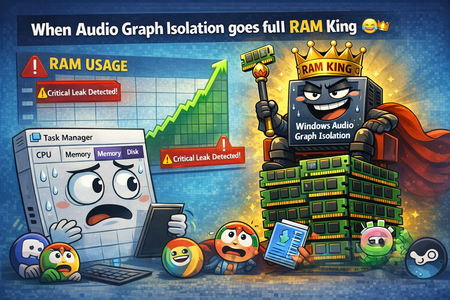
very funny bug
1 TopicWhen the audio pipeline decides to act up 😂🤌
Ever since build 2820.x.x.x, I’ve been keeping an eye on one specific process — Audio Graph Isolation. And this little troublemaker 😂 sometimes decides it wants to “spice up your day.” Not by taking a few MB of RAM… Oh no, no — it goes straight for several gigabytes 😂 So you’re just sitting there, wondering why your system suddenly starts lagging, why the audio sounds like a corrupted Star Trek transmission after a virus attack 🙈😂 You open Task Manager, sort by RAM usage… And there it is, grinning at you, Audio Graph Isolation, quietly turning your system into its personal victim 🙈 How to deal with it until Microsoft finally fixes this regression? Honestly — the only thing that works is: 👉 force‑killing Audio Graph Isolation in Task Manager And boom, your system instantly gets its speed back. Unfortunately, because of this regression, you have to keep an eye on this process regularly, since the RAM leak can happen anytime during idle — whether you’re watching a movie, listening to music, or the system is just running with no user input.378Views0likes2Comments