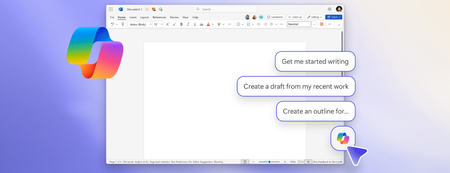
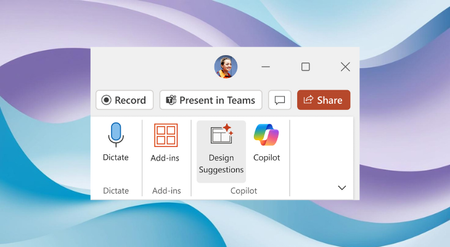
Most RecentNewest TopicsMost LikesMost ViewedNew Copilot entry points, smart suggestions, and keyboard-first design The ability for Copilot to better connect to your content when using a keyboard and screen readers has evolved. KeyTips now available in Office for Mac Get quick access to actions—no clicking needed—with KeyTips. Design Suggestions: Combining the power of Designer and Microsoft Copilot in PowerPoint Elevate your presentations with a broader range of creative options -, ensuring that your slides convey information effectively but also captivate your audience visually. Powerful image editing, now in PowerPoint Edit images directly in PowerPoint to enhance, refine, and perfect visuals without leaving your deck. SmartArt is becoming more accessible in PowerPoint With this update, PowerPoint can now generate meaningful accessibility descriptions for SmartArt automatically. Shaping Copilot across Word, Excel, and PowerPoint Learn about updates we're making based on your feedback to give you more control over how Copilot appears in your favorite apps. Co-create slides with Copilot in PowerPoint for iPad A popular feature on desktop and the web is now available in PowerPoint for iPad: the ability to co-create with Microsoft 365 Copilot directly in your presentation. Stay in sync in PowerPoint Live Learn about two new features that help presenters and audiences stay aligned during live presentations. Get live feedback during PowerPoint presentations with Microsoft Forms Take the pulse of your audience by gathering live feedback during a presentation with Forms. From LaTeX to accessible PDFs: Transforming math workflows in Microsoft 365 It's easier than ever to bring your LaTeX into Word, PowerPoint, Excel, and OneNote, and MathML Core is now available on the clipboard.