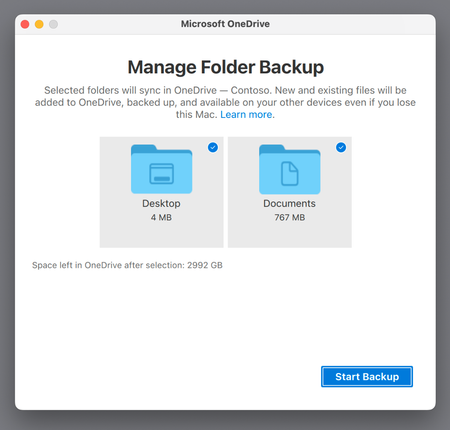
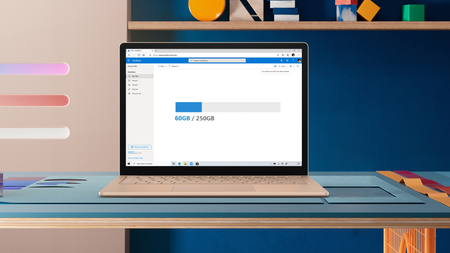
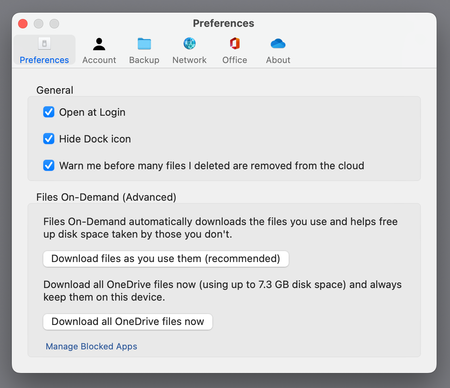
Most RecentNewest TopicsMost LikesMost ViewedInside the new Files On-Demand Experience on macOS Take an inside look into the new Files On-Demand experience that's rolling out right now for macOS 12.1 or later. OneDrive sync 64-bit for Windows now in public preview We’re excited to announce that the 64-bit OneDrive sync client for Windows is now available as a public preview! Microsoft works to ensure a great OneDrive experience on Apple products We’re excited to share some of the updates and improvements we’re in the process of making to OneDrive running on Apple products Announcing Public Preview of OneDrive Sync Admin Reports We’re excited to announce availability of OneDrive Sync Admin Reports in Microsoft365 Apps admin center Top 5 advantages of syncing your files with OneDrive To get work done from anywhere, across your devices, you need ubiquitous access to all your files – online and offline. Let us look at the top 5 benefits when using the OneDrive sync client: NOW ON DEMAND | Join us October 8th for the 3rd Annual OneDrive Digital Event! Get ready to ignite your productivity and reimagine what’s possible with your files in Microsoft OneDrive! Apple silicon support in GA and KFM for macOS in Public Preview We are delighted to announce OneDrive support for Apple silicon in GA and KFM for macOS in Public Preview. Best practices for migrating to SharePoint and OneDrive This blog outlines the tools and best practices for migrating your organizational content to OneDrive and SharePoint Gain more flexibility with 250 GB file size support in Microsoft 365 We are increasing the upload file size limit for Microsoft 365 from 100 GB to 250 GB—which includes uploads of files into SharePoint, Teams, and OneDrive. Updates to Files On-Demand on macOS Based on your feedback we are releasing updates to Files On-Demand on macOS, that would address most common concerns.