Forum Discussion

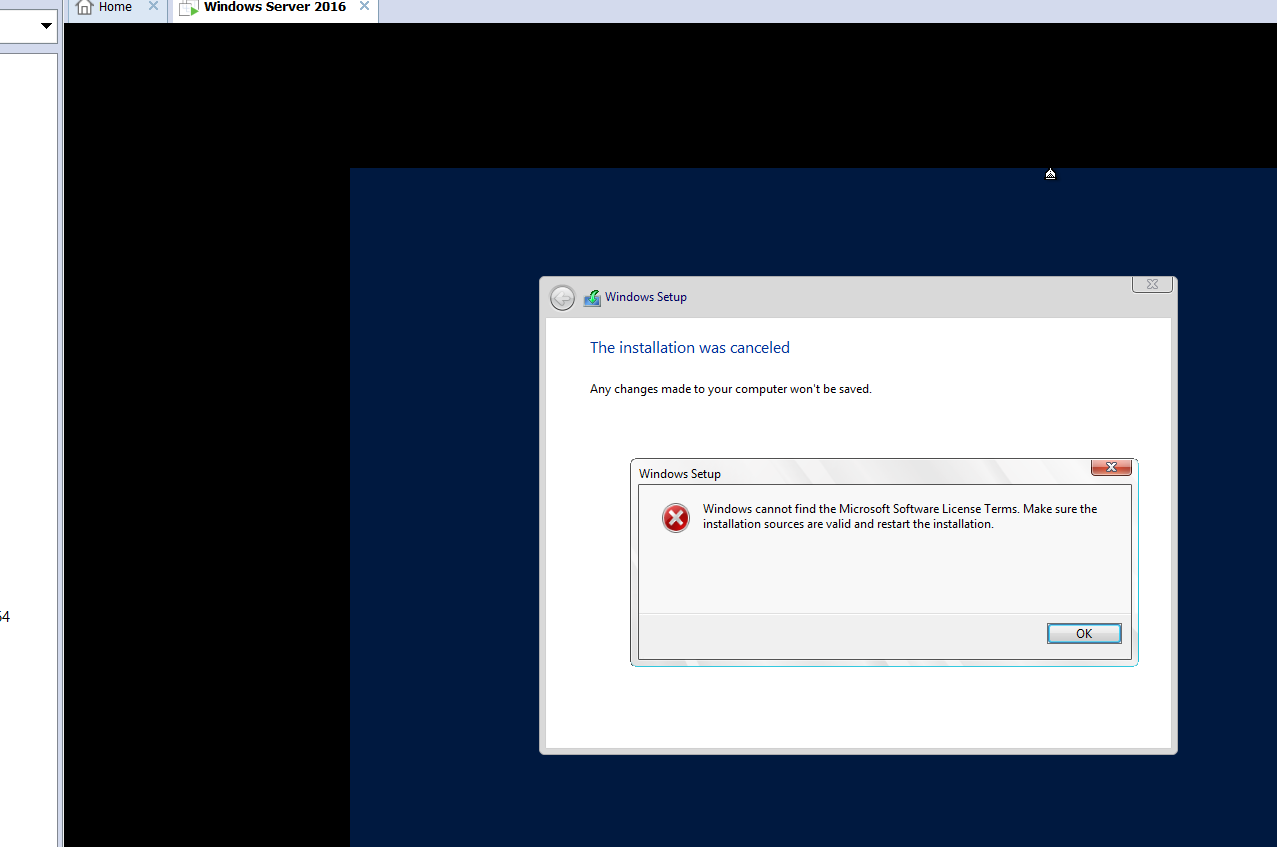
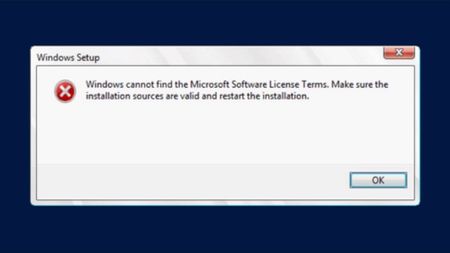
Windows Cannot find Microsoft software license terms - During Server 2016 install
- Feb 24, 2018
It's possible the media is corrupt in which case I'd try downloading from another location to avoid the same copy ISP has cached on their systems. I've also seen this with HP intelligent provisioning in which case I'd ask HP about a newer version of tool compatible with server 2016. Also some hypervisors such as VMWare add an additional floppy drive that causes install media to look for licensing on floppy, in this case remove the virtual floppy from guest and try again. Also try;
Bypassing Easy Install
- First start VMware Workstation
- Create A New Virtual Machine
- Select the option “I will install the operating system later”
- Then your new virtual machine will be added to your virtual library.
- Double click on your new Virtual Machine to start it.
- Then it will prompt that an OS is not installed and provide an option to insert the OS installation media.
- Simply click on Change CD/DVD Settings to select your ISO media then Restart VM.


Hello,
this can happen if you use dynamic memory and you have, for example, 512mb ram as start up memory.
VM with Windows Server is sometimes needed at least 700 mb as a start up memory, try to increase to at least 700 MB this should help.

 MARYL84Jan 12, 2022Copper Contributor
Jason Stone thanks! this worked for me. I was trying to set up a VM with Hyper-V, and was not able to install Win 10 pro. I selected static ram and installation of Windows succeeded.
 John ReyesOct 07, 2018Copper Contributor
I have tried all the processes for installing Windows Server 2016 into VMware workstation. I am now getting different responses as follows:
- Dave PatrickOct 07, 2018MVP
John Reyes wrote:
I have tried all the processes for installing Windows Server 2016 into VMware workstation. I am now getting different responses as follows:
For VMWare problems I'd ask for help over here.
https://communities.vmware.com/welcome