User Profile

ankitbko
Brass Contributor
Joined Aug 13, 2020


User Widgets
Recent Discussions
Re: Dev channel update to 97.0.1069.0 is live
josh_bodner Latest build is crashing very often. Had 6 crashes within 12 hr of update. No fixed pattern, it crashes during regular browsing. One area it crashes always is while doing payment for Azure subscription using credit card.9KViews1like4CommentsRe: Dev channel update to 94.0.972.0 is live
Windows version: 22000.120 Edge version: 94.0.975.1 I have seen it usually happen in morning, after waking up from sleep, but this isn't consistent. For instance now its working as expected. I am yet to find the exact trigger for this. Is there anyway I can capture logs or any other form of information when it happens? The feedback popup does not render as well during the issue.634Views0likes0CommentsRe: Dev channel update to 94.0.972.0 is live
josh_bodner there is an issue where none of the menu items in edge browser renders in display in windows 11. This includes right click menu, triple dot menu bar, any option box in web page, extension options etc. Only the display is not being rendered, these menu items infact do open (without being displayed). Even feedback page doesn't render so can't even raise the feedback while this is happening. Completely closing all windows of Edge and starting Edge again fixes this.5.2KViews0likes2CommentsRe: Dev channel update to 93.0.961.2 is live
Josh, I may have stumbled upon the root cause. I am not sure. I checked the network tab and when the site is taking too long the DNS lookup in the GET request to the site URL is taking 7.53 seconds. Testing over multiple sites I see the DNS lookup always taking 7.53 seconds. This problem started after I enabled DNS over TLS in windows 11. In my limited testing I found the problem resolved if I use unencrypted DNS setting. I am not sure if this is problem with Edge or Windows 11. Let me know if there is any way to further dig in this lead.1.8KViews0likes3CommentsRe: Dev channel update to 93.0.961.2 is live
Yes I do have extensions installed. But I have seen similar behavior even in a different profile which has only 2 extension - ublock origin and json viewer. I do not think this is problem with extension. Let me rephrase the problem - when navigating to a new site, the site even *starts* to load after 3-4 seconds. The problem happens randomly. But while having the devtools open I have never faced this problem. The problem is erratic. Same site will open instantaneously other times. Is there a way to actually find out which extension or process is causing this? I can connect with you internally as well if needed.1.8KViews0likes0CommentsAccessibility feedback on tab close button in Vertical Tab Bar (column?)
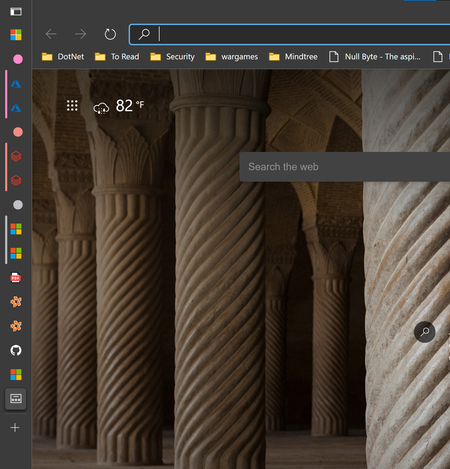
Make closing tab ([x] button) easier (Accessibility) Problem - In vertical tab collapsed bar the close (x) button is not visible. Currently, when we over over the tab it expands the vertical bar and the close button (x) appears at the right most side. This means to close the tab we have to move mouse again to the rightmost edge of expanded bar. Many times the mouse goes a little too far to right which collapses the vertical bar and we have to start the process again. Potential solution and ideas - 1. (x) close button always visible on left side. So there is no need to wait for vertical column to expand and move mouse around. However we should be careful that people dont misclick it when they want to switch to the tab. 2. (x) button is visible on left side on hovering after a delay. Can help to solve misclick problem. 3. Have a (x) close button at a dedicated location (similar to (+) New Tab button) that closes "current" tab. Some location idea - top most left or just above/below (+) New tab button. More ideas are welcome.1.1KViews2likes2Comments
Recent Blog Articles
No content to show