User Profile

rjpaulsen
Brass Contributor
Joined Dec 19, 2018


User Widgets
Recent Discussions
Re: Quickly share links with yourself or others with the new share menu
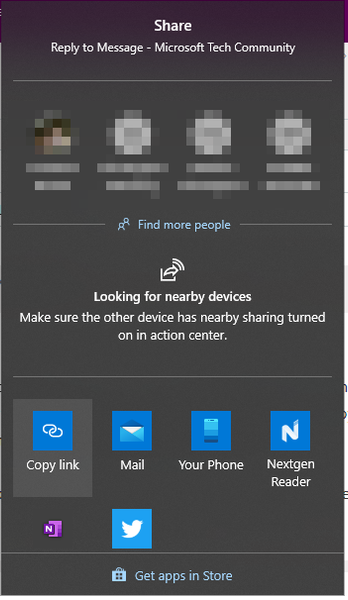
I use "Share" at least a hundred times a day (literally). I would like the ability to right-click on a link and share that link. Use Case: In Dev Ops Azure I have a query that returns a list of Tasks. If I want to email someone about a task, I have to open the task in a separate tab, then share that tab. This becomes much more fluid if I could "share a link". (I would still want the shared link to include the page title).4.7KViews3likes0CommentsCollections are slow to open
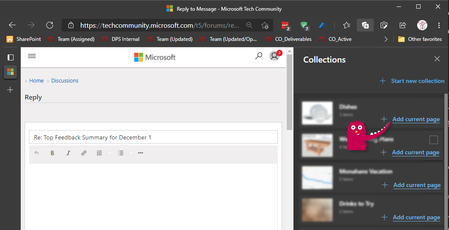
I'm now totally sold on using collections, but they are sooo slow to open. When I first open them, it takes 3-4 seconds. Subsequent opens are faster, but the UI kind of gets built (vs just appearing). I would like to see a faster response time on the collections UI.4.4KViews4likes4CommentsRe: Top Feedback Summary for December 1
MissyQ I very much heart vertical tabs. I've been using them for a while and vertical now feels so backwards. I'm not sure if it's you, but I regularly use the "Continue on PC" option from the phone and share to Your Phone. Awesome-Awesome-Awesome. A custom one-click share button(s) would be nice. For example: I like the ability to "share" to my phone, but it requires too many clicks. I'm finally feeling some love for Collections. I would like an easier way to add a page to a collection without having to go into that collection. Currently I drag the URL into the collection, but that requires dragging across the entire screen. Password management is too far from LastPass's offering, so I'll continue to hold off on that for a while. Your team has really been cranking out solid, useful, and significant changes. Thanks!!!10KViews2likes2CommentsRe: Announcing a new way to paste URLs, Link format!
MissyQ I'm not loving this feature. Too many times I want to paste the actual URL, but I cannot. One example is when pasting a URL from Edge into MS Teams. I think I'd prefer the option to "Copy as Formatted Link" and "Copy as Text". This would help when pasting into something that does not support "Paste as Text". It would be nice if there were additional Share --> "Copy Link" options. One to copy the formatted URL and one to copy the content that ends up the email body when sharing via Outlook. I realize there is a way to disable this feature, so I'm not complaining. Just giving feedback. Thanks!10KViews1like2CommentsRe: Top Feedback Summary for June 24
MissyQ Recently I've seen several websites that don't function correctly with the latest Edge browser. The latest I've come across was this: https://nextdoor.com/help_map/ I've been using the Edge Dev Channel for many months (Year?). Only in the past week or so have I had to switch over to Chrome for certain pages. Yesterday it was the page for ordering a pizza.5.9KViews0likes0CommentsRe: Introducing sidebar search in Microsoft Edge
In Edge on Android, long pressing a word or phrase will open a context menu with Share and Search as options. This works well and is easily discovered. Something as intuitive (and constant) would be nice on the desktop. Bonus points if doing so on an address opens a map. With the sidebar search pane open (controlled by the current hot keys) I wouldn't mind seeing the search sidebar update automatically when selecting a other word or phrase. Unlike at least one other review, I like how the page with shrinks to make room for this feature. Yes, there needs to be a better close button. Visually it would be nice to be separated from the web page itself. An obvious solution would be for the results to display in something like dark mode, but I can see people not liking that. A good challenge for good designer, and I know there are some over there.5.9KViews1like0CommentsRe: Introducing sidebar search in Microsoft Edge
mayusuf Is this where we leave feedback? I really missed this functionality. Back when it said "Ask Cortana" I was hoping we'd see it as system-wide feature. FEEDBACK I don't see is having an easier way to open it. At one time MS Word let you CTRL+Double-click (?) a word to open "Smart Lookup". Something similar would be nice here. Bing lets you click a magnifying glass when you highlight a word. Do something similar would help discoverability of the feature.8.9KViews1like8Comments
Recent Blog Articles
No content to show