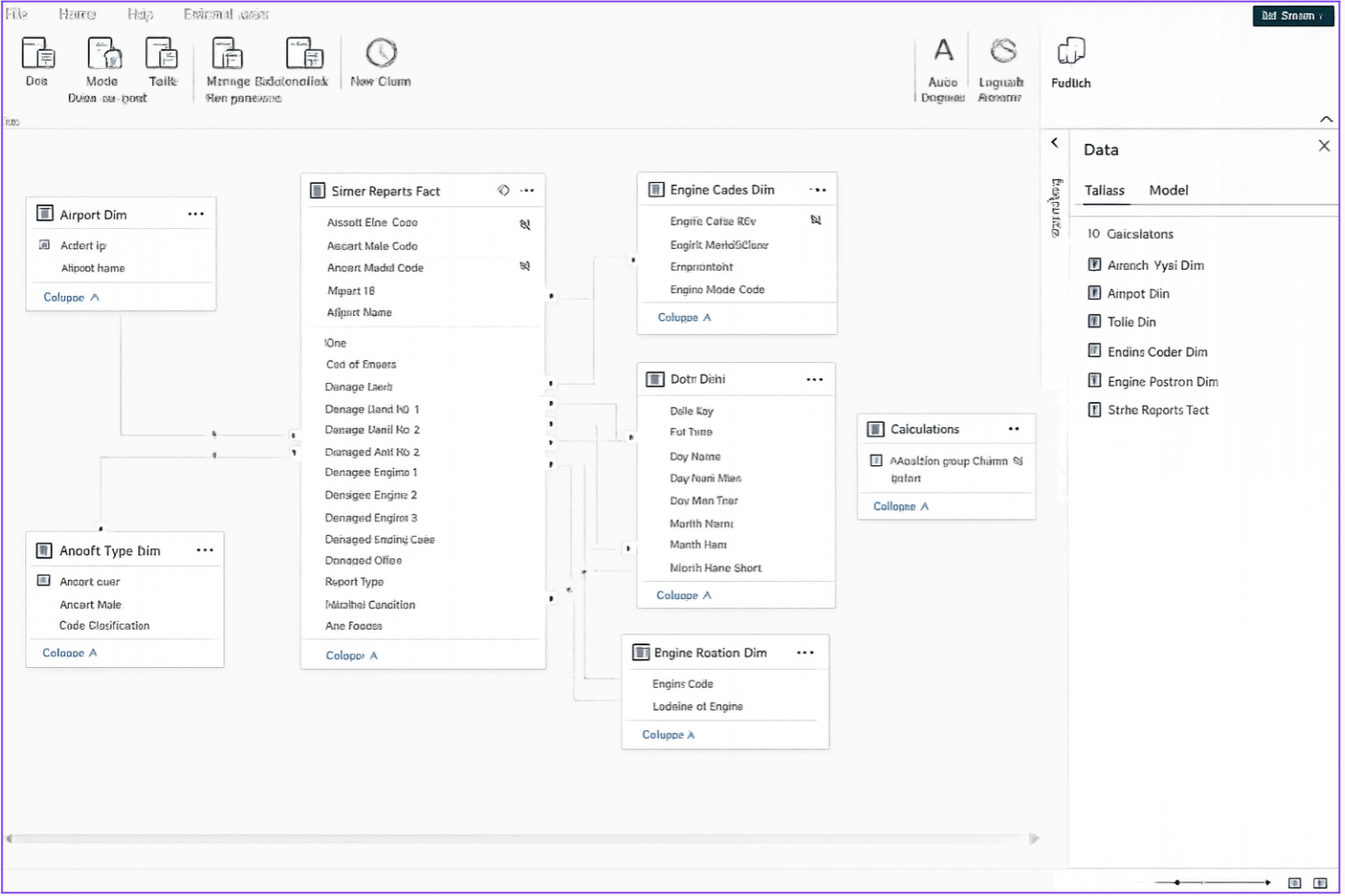
M365 Copilot can connect to Power BI models and create optimization plans in minutes that used to take days
Slow and inefficient Power BI reports are a widespread cause of low customer satisfaction, bloated costs, wasted compute capacity, and increased total cost of ownership. Fixing these issues often requires a significant time investment and a high level of domain expertise in business intelligence data modeling, Power Query ETL design, and DAX runtime expression optimization.
But what if you could save thousands of dollars in person-hours (often spent on external consultants) by using Microsoft 365 Copilot to analyze your Power BI Desktop files and generate a step-by-step mitigation plan for slow and inefficient reports? What if optimization tasks that used to take days could now be completed in minutes or hours?
In this video, I’ll walk through my methodology for enabling M365 Copilot to read your Power BI Desktop files, produce a consultant-grade 20‑page assessment, and deliver a clear, actionable mitigation plan in less than 20 minutes. With this approach, a resource with intermediate Power BI skills can resolve issues in a few hours that previously required days or more of expert-level effort.
All you need to follow along today is M365 Copilot and Power BI Desktop. Everything described in this article is generally available now, and no additional licensing is required beyond M365 Copilot.
For the example in my video (embedded below), I created a very poorly architected Power BI solution and experienced the following improvements:
- Semantic Model and Power Query refresh time reduced by 45%
- Semantic Model (Import Mode) size reduced by 79%
- Report visualization rendering times reduced by 25%
- Assessment and mitigation guide that would’ve taken 16-40 hours reduced to 15 minutes
- All changes made in two hours (may have taken an additional 16-40 hours without M365 Copilot guide)
Some of you might ask why I’m not using the new Power BI MCP server capabilities. While powerful, setting up an MCP server requires a high level of technical aptitude and dedicated infrastructure. These resources are simply not available to many Power BI developers.
In contrast, fixing slow Power BI reports using M365 Copilot requires no additional licensing beyond M365 Copilot itself. All sensitive metadata remains within the customer’s tenant, and no advanced coding skills are required beyond standard Power BI development. An organization with hundreds of Power BI developers can realistically ask each developer to apply this method to optimize their own reports.
For my end-to-end demo and tutorial on using M365 Copilot to fix a slow and inefficient Power BI report, you can view my video below:
Step-by-step instructions and copies of the prompts can be found at my blog: Use M365 Copilot to improve Power BI semantic models, power query, and report speed – Greg Beaumont's Data & Analytics Blog

 Microsoft