Updated Jun 03, 2020
Version 5.0
LijuV Microsoft
MicrosoftMicrosoftMicrosoft
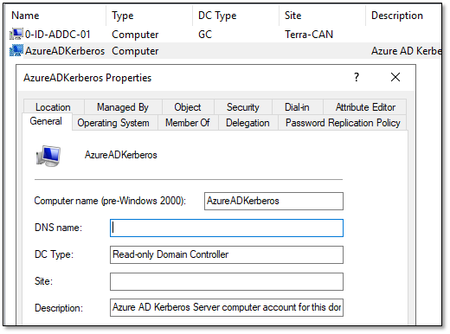
SteveAdmin Good point - I guess so. Because when you want to enable the FIDO2 Sign-In to Windows devices you also need no configure the steps mentioned in the article you posted (> See also here: https://docs.microsoft.com/en-ca/azure/active-directory/authentication/howto-authentication-passwordless-security-key-windows#sign-in-with-fido2-security-key // "For hybrid Azure AD joined devices, make sure you have also enabled passwordless security key sign-in to on-premises resources"). Without performing these steps no login with a FIDO2 Key is possible on a Windows device - also tested this a few weeks ago. There will be a error like "Could not resolve Username / Password" in the EventLog. Only by performing the steps in the SSO documentation, the login will be successfull. But I definitly could be wrong with this point...