Announcing Custom KEDA Scale Rules for Azure Functions on Container Apps
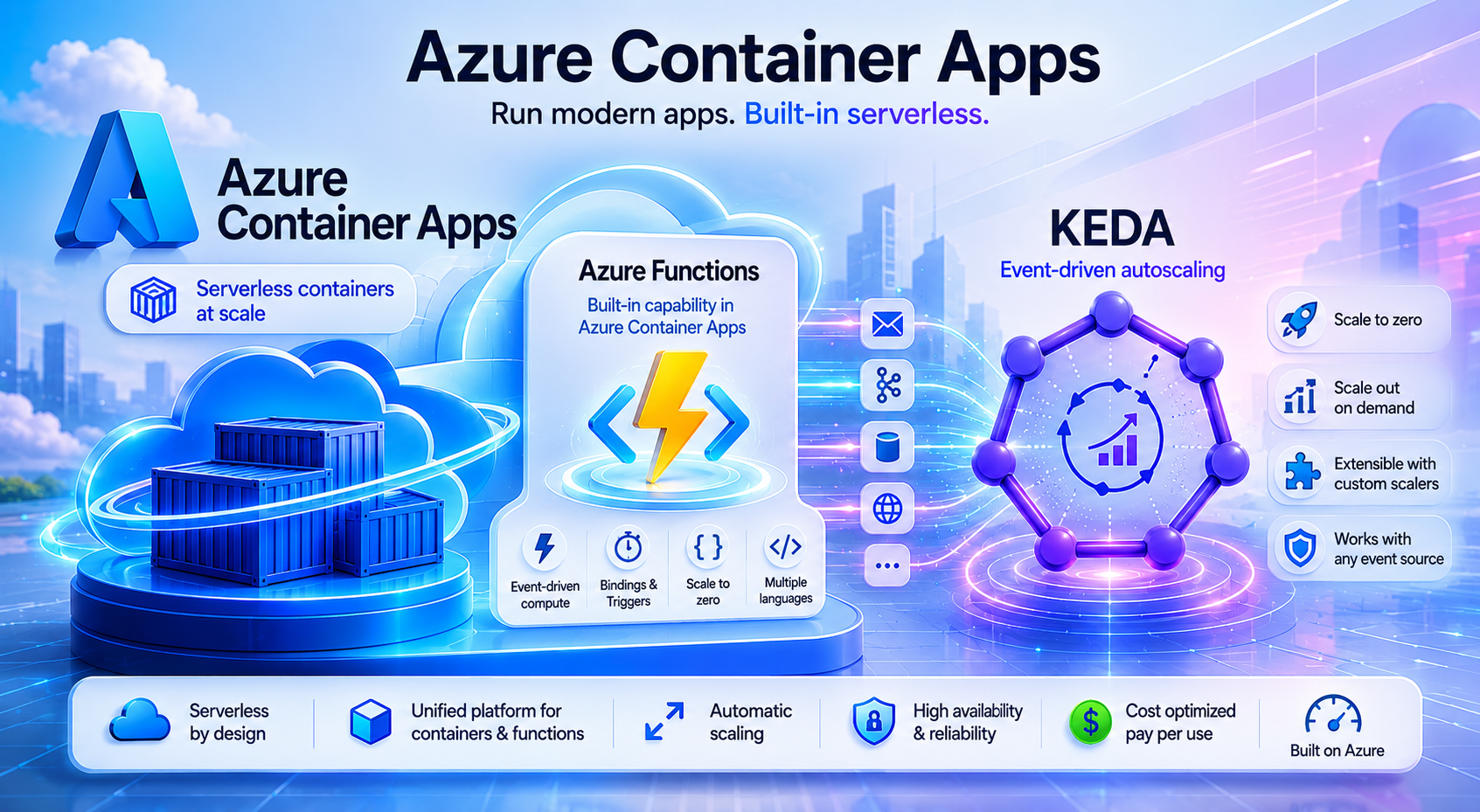
We're excited to announce a new capability for Azure Functions on Container Apps: custom KEDA scale rule overrides. You can now bypass the platform's auto-generated scaling rules and define your own KEDA configuration - giving you full control over how your function apps scale.
Why We Built This
Azure Functions on Container Apps automatically generates KEDA scale rules from your function triggers. This works great for most workloads, but we heard from customers that the platform defaults don't always match their scaling needs:
- Message-driven workloads that need a higher threshold before scaling out - to control costs and avoid over-provisioning.
- CPU-intensive functions where each replica should process fewer messages concurrently, independent of the scaling threshold.
- Advanced scenarios requiring KEDA scalers that the platform doesn't auto-generate from trigger metadata.
A common pattern we saw: teams needed to decouple when to add replicas from how much work each replica handles. The default threshold and maxConcurrentCalls in host.json are tightly coupled - adjusting one affects the other. With custom scale rules, these concerns are fully independent.
What's New: `allowScalingRuleOverride`
A new property on the Container Apps scale configuration:
{
   "properties":{
      "template":{
         "scale":{
            "allowScalingRuleOverride":true,
            "rules":[
               {
                  "name":"my-servicebus-rule",
                  "custom":{
                     "type":"azure-servicebus",
                     "metadata":{
                        "queueName":"orders-queue",
                        "messageCount":"50",
                        "connectionFromEnv":"ServiceBusConnection"
                     }
                  }
               }
            ]
         }
      }
   }
}
When set to `true`:
- Your custom rules override the platform's auto-generated scaling configuration.
- Your custom rules become the sole source of scaling decisions.
- You control the threshold - set the exact values that match your workload.
This works with any KEDA scaler - Service Bus, Azure Queue, Kafka, PostgreSQL, Cron, HTTP concurrency, or any of the 60+ scalers KEDA supports (https://keda.sh/docs/scalers/).
Getting Started
See the full documentation for step-by-step instructions:
https://learn.microsoft.com/en-us/azure/container-apps/functions-scale-rule-override
Enable the Override
Use the Container Apps REST API to PATCH your function app:
API endpoint:
https://management.azure.com/subscriptions/{subscriptionId}/resourceGroups/{resourceGroup}/providers/Microsoft.App/containerApps/{appName}?api-version=2026-03-02-preview
PATCH body:
{
   "properties":{
      "template":{
         "scale":{
            "allowScalingRuleOverride":true,
            "minReplicas":0,
            "maxReplicas":10,
            "rules":[
               {
                  "name":"controlled-sb-rule",
                  "custom":{
                     "type":"azure-servicebus",
                     "metadata":{
                        "queueName":"my-queue",
                        "messageCount":"50",
                        "connectionFromEnv":"ServiceBusConnection"
                     }
                  }
               }
            ]
         }
      }
   }
}
Important Details
- Functions-only: This property applies to Container Apps with kind=functionapp. Non-Functions apps will receive an AllowScalingRuleOverrideNotApplicable error.
- You own the rules: When override is enabled, Azure won't auto-generate trigger-based rules. You're responsible for providing a valid KEDA scaler configuration.
- Any KEDA scaler: Not limited to Service Bus or Queue Storage. HTTP concurrency, Kafka topic lag, PostgreSQL queries, Cron - anything KEDA supports.
- Combine multiple rules: Provide a queue rule AND an HTTP concurrency rule in a single PATCH for multi-signal scaling.
- Safe revert: To switch back to platform-managed scaling, set allowScalingRuleOverride: false with "rules": []. The API rejects the request if custom rules are still present - protecting you from accidental deletion.
Learn More
- Documentation-Override auto-generated KEDA scale rules-https://learn.microsoft.com/en-us/azure/container-apps/functions-scale-rule-override
- Azure Functions KEDA scaling mappings- https://learn.microsoft.com/en-us/azure/container-apps/functions-keda-mappings
- Scale an app in Azure Container Apps- https://learn.microsoft.com/en-us/azure/container-apps/scale-app
- KEDA Scalers Reference- https://keda.sh/docs/scalers/
We're excited to see how you use custom scale rules to optimize your workloads. Try it out today and share your feedback - we're listening.

 Microsoft