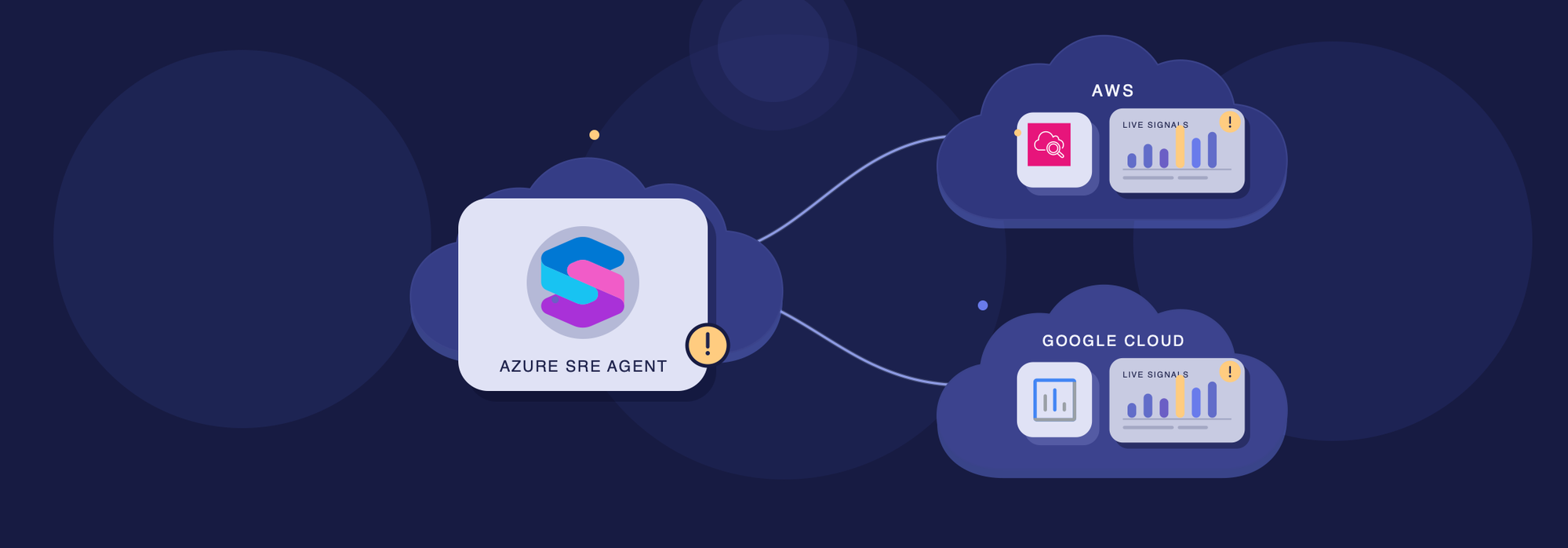
AWS and Google Cloud built-in connectors are now in public preview
The alert is in Azure. The next clue may be in AWS.
Imagine an inventory API running on Azure Container Apps starts returning errors. Azure telemetry shows requests failing, but the application reads its data from an Amazon DynamoDB table. Is the container app unhealthy, or is the database struggling? To find out, your team needs to follow the evidence across clouds.
Your infrastructure spans clouds. Your investigations should too.
Today, we're announcing the public preview of built-in AWS and Google Cloud connectors for Azure SRE Agent. With native support for both clouds, the agent can investigate your connected AWS and Google Cloud environments alongside Azure, without moving your workloads or rebuilding the investigation in another console. The AWS and Google Cloud connectors are part of a broader set of Azure SRE Agent announcements at Microsoft Ignite 2026, including new capabilities for Teams, agent identity and governance, and cross-agent collaboration, see the full announcement.
What's new
The AWS connector gives the agent tools from the AWS MCP Server, a managed Model Context Protocol (MCP) service from AWS. The Google Cloud connector uses the built-in Google Cloud CLI (gcloud). These tools become part of the agent's investigative capabilities alongside its Azure tools.
Both connectors use identity federation with an Azure managed identity. In AWS, SRE Agent assumes an IAM role; in Google Cloud, it uses Workload Identity Federation. That means no AWS access keys or Google Cloud service account keys to manage for these connections, and no custom connector or MCP server to build and host.
The Cloud providers experience guides you through connecting your environment and lets you test the connection before saving it.
Here's what it enables
One agent across accounts and projects
Teams often organize AWS workloads into separate accounts and Google Cloud workloads into separate projects by application, team, or environment. One SRE Agent can investigate across these boundaries, without requiring you to consolidate them.
- AWS: Add a separate named connection for each account. Each connection uses the IAM role and permissions configured in that account.
- Google Cloud: One connection can access multiple projects when its federated identity has the required IAM roles in each project. Add separate connections when you need different managed identities or workload identity providers.
Refer to connections by name, such as aws-production or gcp-production, and specify the project ID for Google Cloud.
Investigate in conversation or automatically
Ask in natural language, or set up incident response plans, scheduled tasks, and workflows to run investigations. The agent can choose the available tools, gather evidence across Azure and your connected AWS or Google Cloud environments, and bring it together in one investigation, subject to the access and approvals you configure.
Access and approvals stay under your control
Trust determines which identity can authenticate; cloud IAM determines what it can access. SRE Agent's run modes and tool approval policies add controls over what the agent can do and when it needs approval.
Google Cloud connections start with Read access. Choosing Write when needed does not grant additional Google Cloud IAM permissions. AWS tools and approvals are managed on the Tools page and shared across AWS connections.
For AWS, the aws:ViaAWSMCPService condition key also lets you write policies that distinguish requests made through the AWS MCP Server from direct API calls. Learn more about the agent's security approach in Stop restricting the agent. Start restricting its environment.
See activity in your cloud's audit logs
Your teams can use their existing cloud audit tools to review supported activity:
- AWS CloudTrail: CloudTrail can record AWS MCP Server tool calls, including events from aws-mcp.amazonaws.com. SRE Agent uses SREAgentRole with a role session starting AzureSREAgent-, helping identify role-related activity. The session name is stable per agent, not per investigation.
- Google Cloud Audit Logs: Supported API activity can be associated with the agent's federated principal. Enable Data Access audit logs where needed to capture supported read activity.
The events available depend on the cloud service and your audit-log settings.
Follow an investigation from Azure to AWS
Let's return to the inventory application. It runs on Azure Container Apps and reads inventory data from an Amazon DynamoDB table. The team sees rising HTTP 5xx errors and needs to understand whether the problem is in Azure, AWS, or the interaction between them.
With the right access, the agent can inspect the app's logs and revisions in Azure, then check the DynamoDB table and CloudWatch metrics in AWS.
Learn more
- Get started: AWS connector and Google Cloud connector
- Set up identity federation: AWS setup script and Google Cloud setup script
- Control what the agent can do: Tool access policies and Run modes
- Audit agent activity: AWS MCP Server CloudTrail logging and Google Cloud Workload Identity Federation audit logs
Want to try it? Connect your AWS or Google Cloud environment to your agent and follow your next investigation across clouds.
What does your app architecture look like? Tell us in the comments what runs in Azure, AWS, or Google Cloud and where your investigations cross cloud boundaries. We'd love to hear which multi-cloud scenarios you want SRE Agent to handle next.

 Microsoft