Cloud operations are most effective when teams can turn insights into understanding and understanding into action. Whether you’re deploying new services, troubleshooting an issue, assessing resource health, or managing change, you need operational intelligence that helps you make faster, more informed decisions and continuously improve your environment.
This is the promise of agentic cloud operations, a new operating model that uses AI powered agents equipped with deep contextual understanding and built in governance to help you run your cloud environments with speed and confidence. Azure Copilot brings AI-powered operations directly into Azure, helping you understand your environment, identify issues, determine likely causes and take informed action using the context already available in your Azure resources and services.
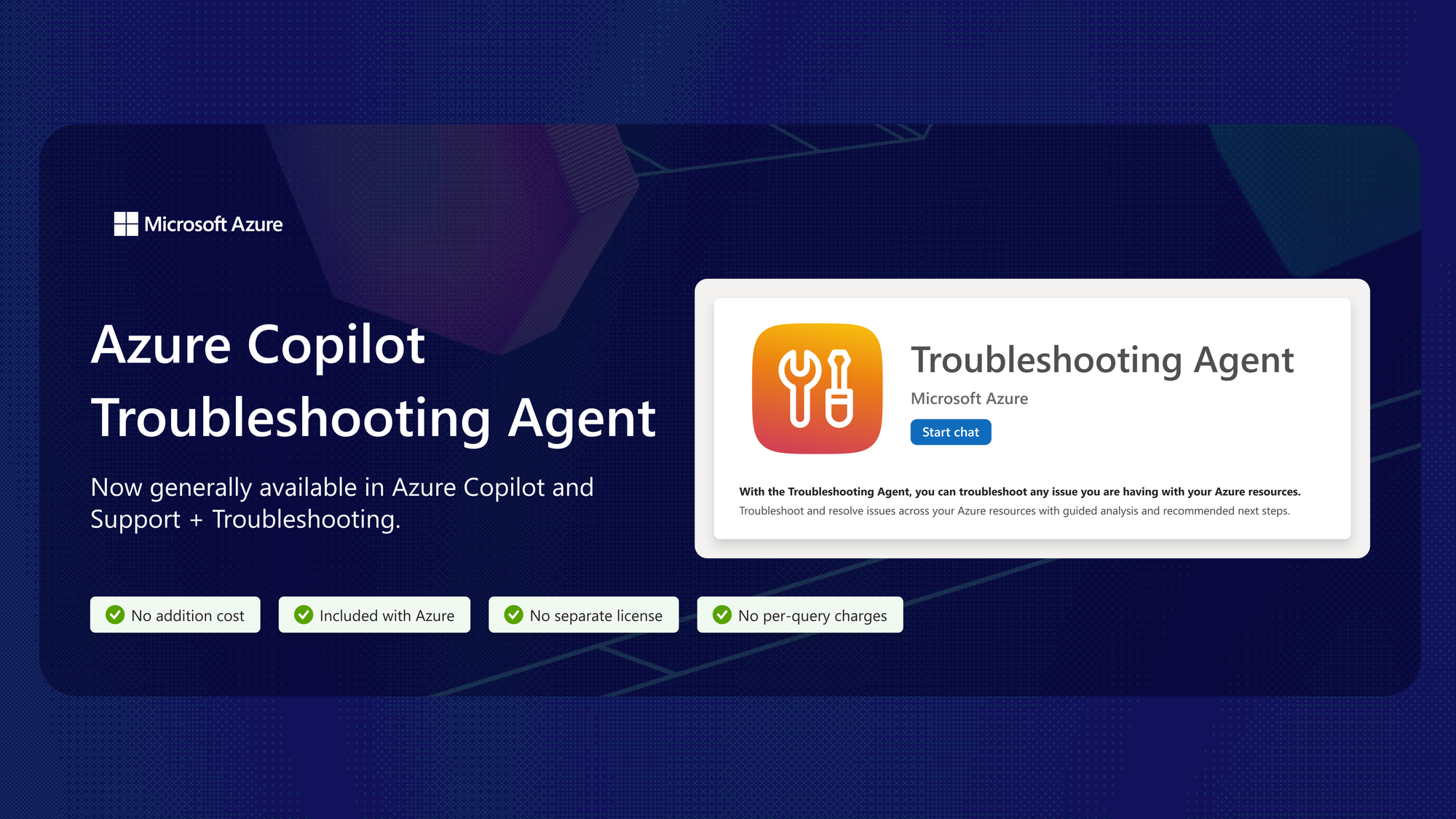
Today, Azure Copilot is announcing the general availability of Troubleshooting Agent, a unified, built-in Azure Copilot capability that helps customers investigate and resolve operational issues faster. Available through both Azure Copilot and Support + Troubleshooting in the Azure portal, Troubleshooting Agent enables you to move from issue detection to resolution faster by bringing together troubleshooting insights, operational context, and recommended actions in a single experience.
Deep expertise across Azure services
Azure services support a wide variety of architectures, operational patterns, and workload requirements. While Azure Copilot provides consistent agentic troubleshooting across Azure, deeper service integrations enable specialized expertise and investigative capabilities for specific services.
At general availability, Azure Compute and Azure Kubernetes Service (AKS) are the first services to offer these enhanced troubleshooting experiences.
- Azure Compute: You can investigate issues such as unexpected virtual machine restarts, connectivity and boot failures, high resource utilization, deployment and allocation failures, and unhealthy scale set instances.
- AKS: You can investigate issues such as pod restarts, stalled deployments, scheduling constraints, cluster networking, scaling behavior, upgrade regressions, and degraded performance.
“This [Troubleshooting Agent] is really helpful for the person who is debugging, and they can come to a conclusion. Instead of going through the entire documentation, it is giving us the exact information on what it needs and what to look on.” – Senior Software Engineer, Lavelle Networks
As the agentic troubleshooting capabilities of Azure Copilot continue to evolve, additional service specific skills and capabilities will be added to support a broader range of operational scenarios across Azure services through the same conversational experience.
Grounded in Azure context, with customers in control
Azure Copilot Troubleshooting Agent uses the resource information and supported diagnostics available for the affected resource while respecting your identity and Azure role based access control (RBAC).
The agent explains the information behind its findings and recommends actions for review, allowing you to remain in control of remediation actions. Diagnostic depth varies by service, resource type, and scenario, but the goal remains consistent: helping you investigate, diagnose, and resolve operational issues more effectively using the context already available within your Azure environment.
When additional assistance is needed, Azure Support remains available, but you can begin those engagements with a richer understanding of the issue, its likely causes, and potential remediation options.
Available at no additional cost
Troubleshooting Agent in Azure Copilot is available at no additional cost. There is no separate license or per-query charge, and existing Azure Support plans remain unchanged. Standard charges for the Azure resources continue to apply.
Get started
Open Azure Copilot and select Troubleshooting Agent in the Azure portal or go to Support + Troubleshooting, then describe the issue you are experiencing. Include the affected resource or subscription if it is not already clear from your current context.
To get started, here are some prompt suggestions: "Why did my virtual machine restart unexpectedly?", "Investigate why my AKS deployment is failing.", "Why can't I connect to this resource?", "What recent platform issues have affected this resource?", "Check whether this resource has active errors or configuration issues."
Troubleshooting Agent will use the supported resource diagnostics available for the investigation, explain what it finds, and recommend next steps.
Looking ahead
Connected cloud environments need a more intelligent approach to operations. As part of our broader vision for agentic cloud operations, Azure Copilot is your starting point when you need to understand, troubleshoot, and take action across your Azure environment. Troubleshooting Agent is an important step in that journey. Based on available context and diagnostics, we help you move from symptoms to informed next steps faster.

 Microsoft
