Forum Discussion

Windows Server 2019 install product key not working
 May 23, 2018
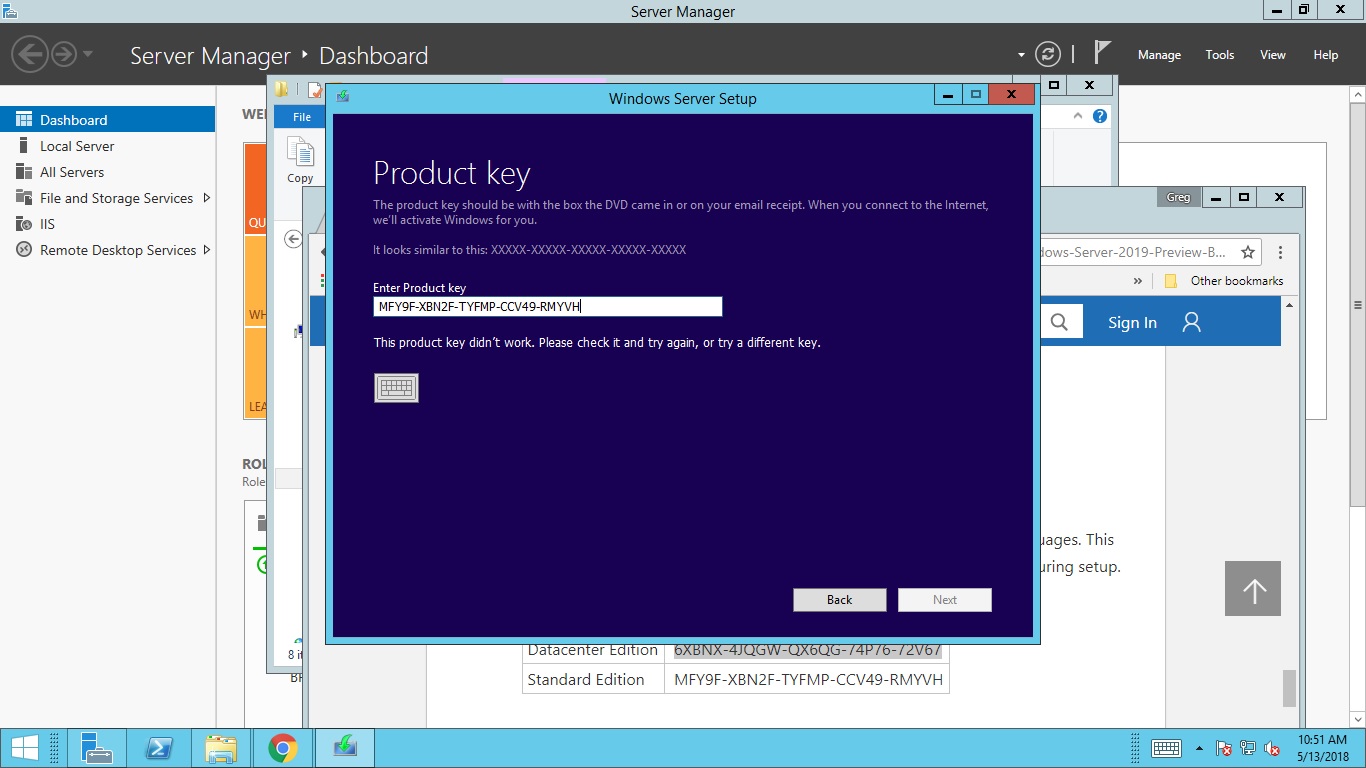
Did you install, choose NOT to enter the product key, then after the install was done, try to enter and activate the key? if so, that does not appear to work. I ran into the same issue on 2 of my 2019 servers. I wiped them out and this time entered the key during install, and it successfully activated. if I were to guess, they made something in the install to take into account these testing keys, but the Activation function within Settings, has not been updated to reflect that, so it thinks you are activating a live version of Windows, and that is not a valid key there. That is entirely a guess on my part. I didn't bother running a wireshark or anything to see what kind of response I was getting when trying to activate from Settings.
Just as an FYI, based on the earlier response, the 2 machines I was seeing this issue on, were not upgrades, they were brand new installs on a blank hard drive. I have not gotten around to trying the in-place upgrade yet. I don't know if this will help your situation, but I can say that I saw exactly what you were describing, and if you enter the key during the actual install, it appears to work. I have not looked into the release notes to see if there is something that says Activation from Settings is not set up to work yet.

Brentfor wrote:Hi Folks,
We apologize for the frustration this has been causing. We have several bugs opened and are working through these. Here is a possible solution in the meantime. Since it is difficult to tell exact steps from this thread, here is our repro and workaround. Step #6 is the workaround. Hope this helps.
- Install RS_PRERELEASE 17692 (Standard Full)
- Mount RS5_RELEASE 17713 ISO
- Upgrade 17692 to 17713 (Standard Full)
- After upgrade check two issues that should repro.
- On the desktop there is no watermark for OS is not licensed
- When running from a command prompt, cscript c:\windows\system32\slmgr.vbs /dlv – OS shows as not licensed
- Try to activate from UI: Settings -> Update & Security -> Activation -> Activate
- This will error saying product key is not valid
- From a command prompt use cscript c:\windows\system32\slmgr.vbs /ipk <product_key>
- OS should activate
STEP 6 WORKED PERFECTLY. right after pressing enter got a pop up saying the key was entered correct. The activation window, activation was blank the error was gone. had to right click the 4 start tiles click file explorer, right click this pc then click properties. in that screen at the bottom says activated.....saved a lot of work. thanks
Step 6 worked for me:
From a command prompt use cscript c:\windows\system32\slmgr.vbs /ipk <product_key>