Forum Discussion

I have an complicated problem for Windows Update in Windows Server 2016
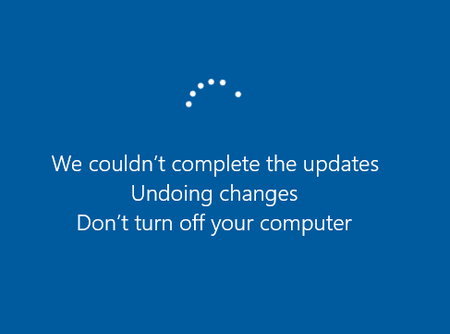

The update appearing in Control Panel after “undoing changes” does not prove every package committed; the component store and update history can disagree when servicing is damaged. Stop manually deleting staged packages because that can remove dependencies. Record the OS build, run DISM /Online /Get-Packages /Format:Table, and check whether KB5123239 is Installed, Install Pending, or Staged. Review the Setup log, WindowsUpdateClient events, and C:\Windows\Logs\CBS\CBS.log around the failed reboot for the first HRESULT and package name. Run DISM /Online /Cleanup-Image /RestoreHealth, using a matching Server 2016 repair source if Windows Update cannot supply files, followed by sfc /scannow and a reboot. Retry the latest applicable cumulative update, not an older superseded CAB. Excluding drivers matters only if CBS identifies a driver operation as the failure. If DISM cannot repair the store, preserve the logs and escalate or restore a known-good backup instead of forcing more removals