Forum Discussion

AbhijitSarkar
May 26, 2021Copper Contributor
"get-PowerBiWorkspace" giving error like 'incompatible with the array'
Hi, "Get-PowerBiWorkspace " is giving error like below. I tried to execute in VS-Code, ISE and Powershell -Noprofile, but no luck. Please help me to resolve this. get-PowerBiworkspace : Attemp...

JudyO72
Aug 26, 2022Copper Contributor
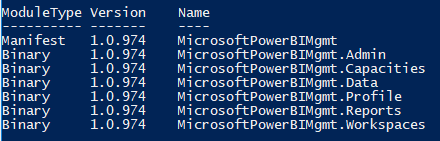
AbhijitSarkar A Microsoft technician provided this code to us to run in Azure Automation. This worked. This runs in powershell 5.1 HybridWorker. make sure the Hybrid worker has all the powerbi modules. Hope this helps.
if ($($env:computerName) -eq "Client") {"Runbook running on Azure Client sandbox"} else {"Runbook running on " + $env:computerName}
Write-Output "Parent runbook"
[Newtonsoft.Json.JsonConvert].Module
$cred = Get-AutomationPSCredential -Name 'TheName'
#POWERBI MODULE SECTION
# PowerShell background Job for PowerBI module to avoid modules incompatibility
Write-Warning "Starting PowerShell background for PowerBI module"
$job = Start-Job -ScriptBlock {
Param($jobResults)
Write-Output "Importing Orchestrator AssetManagement Cmdlets module"
Import-Module Orchestrator.AssetManagement.Cmdlets
#Connection and your script
Connect-PowerBIServiceAccount -Credential $using:Cred
Get-PowerBIWorkspace -Scope Organization -All
#End of your script
Write-Output "Background job Newtonsoft Version check 1"
[Newtonsoft.Json.JsonConvert].module
} -ArgumentList (,$Results)
Write-Output "Waiting for Job to finish"
Wait-Job $job
Write-Output "Retrieving Job output"
Receive-Job -ID $job.id -keep