Forum Discussion

PLove59
Apr 16, 2021Brass Contributor
Create a View on SharePoint Document Library Sub-Folder with PowerShell
I'm trying to create views for sub-folders in a SharePoint Online document library using SharePoint Online Management Shell. The script creates the view but does not include the files in the sub-fold...
- Apr 16, 2021
Hello PLove59,
If I understood you requirements correctly, you should create view first using Add-PnPView and then use Set-PnPView to set Values parameter for Recursive scope.
Set-PnpView -List $ListName -Identity $ViewName -Values @{Scope=[Microsoft.SharePoint.Client.ViewScope]::Recursive}Hope that helps.

AndySvints
Apr 16, 2021Steel Contributor
Hello PLove59,
If I understood you requirements correctly, you should create view first using Add-PnPView and then use Set-PnPView to set Values parameter for Recursive scope.
Set-PnpView -List $ListName -Identity $ViewName -Values @{Scope=[Microsoft.SharePoint.Client.ViewScope]::Recursive}Hope that helps.

PLove59
Apr 19, 2021Brass Contributor
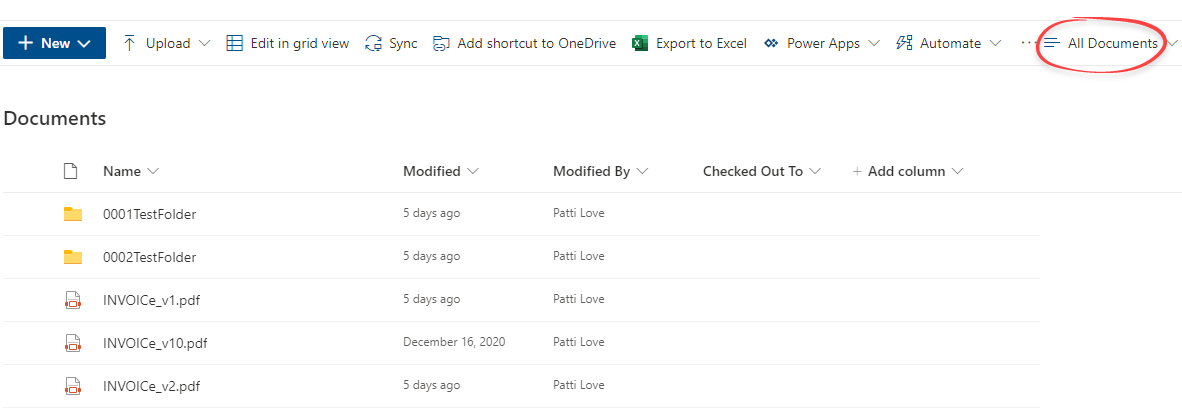
Thank your for your response. I added the Set-PnPView to the script, but the view still does not include the files within that subfolder. Unfortunately, I'm not very familiar with PowerShell and not sure how to proceed. Screenshots of the Documents and TestFolder views are below. Thank you for your assistance with this.