Forum Discussion

Larry Clarkin
Feb 28, 2018Copper Contributor
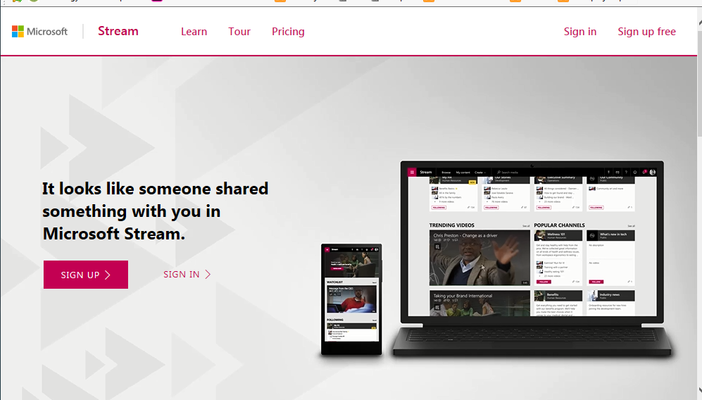
Stream "sign in" or "sign up" page blocking video views
We are trying to create links to stream videos that we can post in e-mail or on our legacy / on-premises sharepoint portal that a user can "1 click" to access a video. Before I dive into this, let m...

Marc Mroz Microsoft
Oct 25, 2018MicrosoftWe are also working with the Yammer team on making the Stream url unfurling better as well. Saili Raje is the PM on our team working on that project.

Peter Strong
Nov 15, 2018Copper Contributor
We are tyring to use the embed code for MSStream videos in a sharepoint (online) page, which as other users have said works fine in most browsers on the desktop except for Safari (which has cross domain protection enabled by default - turning this off allows it to work).
However we are trying to load the sharepoint page with an embedded MSStream video in a webview control using Xamarin forms however get the following error:
11-14 11:55:07.426 W/zygote (18172): Attempt to remove non-JNI local reference, dumping thread[INFO:CONSOLE(0)] "Refused to display 'https://login.microsoftonline.com/common/oauth2/authorize?response_type=id_token&client_id=<blah blah blah>' in a frame because it set 'X-Frame-Options' to 'deny'.", source: https://<oursharepoint host>/Pages/Videos.aspx (0)
Same page works in Chrome, IE, Firefox on the desktop, ie user is signed in to SharePoint (online) and MSStream embedded video loads.
Safari does not work, and gives the following error in the console (similar to the Android emulator):
[Error] Refused to display 'https://login.microsoftonline.com/common/oauth2/authorize?response_type=id_token&client_id=89bee1f7-5e6e-4d8a-9f3d-ecd601259da7&redirect_uri=https%3A%2F%2Fwebshell.suite.office.com%2Fiframe%2FTokenFactoryIframe&state=0e6d9d94-16b5-4793-96e4-670306e2801f&client-request-id=c942ede5-0c60-4c79-906b-193ece6ecddd&x-client-SKU=Js&x-client-Ver=1.0.15&nonce=b6e7a5d3-9a75-451e-aef1-77dd6a56d065blah blah blah>' in a frame because it set 'X-Frame-Options' to 'DENY'.
Chrome on the mobile device loads the page ok.
Can the X-Frame-Options for login.microsoftonline.com be opened up a little to allow working in an IFrame or at least from other Office 365 services (ie SharePoint)? And sooner the better!!! Otherwise we'll be looking for other video solution options...