Forum Discussion

Jake216
Nov 24, 2021Copper Contributor
SQL login screen
Hi Everyone, I was recently given a file to work on however it asked for my credentials. I clicked on Microsoft account, entered my information but it gives me an error code. The problem that I'm ...


Jake216
Nov 26, 2021Copper Contributor
Hi olafhelper, This is a report run through Excel. When they sent me the file, I wasn't given the credentials to login so I tried my Microsoft account info. The information created a link with the server but would not login. after this I was given the correct login/password however, the screen where I enter this does not appear anymore.
Not sure how I stop the file from automatically using the credentials I've entered incorrectly.
I'll reach back out to them to see if they can help me.

olafhelper
Nov 29, 2021Bronze Contributor
Ask your DBA which credentials to use and/or ask him to grant access for your Windows login.
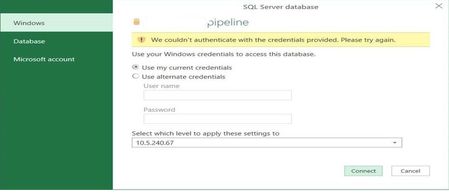
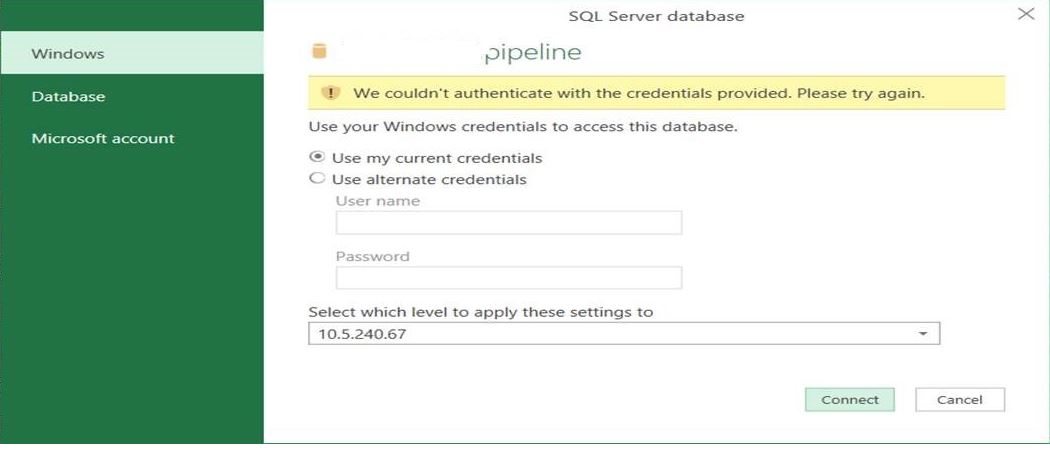
- Jake216Nov 30, 2021Copper ContributorThey sent me the correct information to access the file however, there is nowhere for me to enter it. There used to be a login/password screen that appeared when the file would first open (picture 1), now it opens with the error message (picture 2).
The error message says "A connection was successfully established with the server, but then an error occurred during the login process" Somehow it has the wrong information saved from the first time and wont let me go back to enter anything else.
Thanks again for the information you've provided.- Jake216Nov 30, 2021Copper ContributorWe were able to figure it out. In Excel, we had to do the following: Data tab/get data/data source settings/clear permissions. This erased the link it had with my wrong information and I was able to enter the correct login information.
Thank you