Forum Discussion

Aireal
Sep 20, 2021Copper Contributor
Understanding the different reports in MDE
Hello, I'm new to working in Microsoft Defender and Endpoint and trying to understand some of the reports. If I navigate to https://security.microsoft.com/securityreports and click on the predefi...

mas18
Sep 21, 2021Brass Contributor
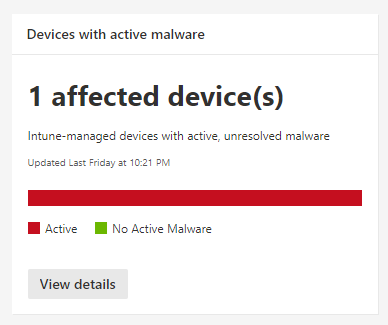
You can also view the active malware report for more details.
1) Sign in to the Microsoft Endpoint Manager admin center.
2) Select Endpoint security > Antivirus > Windows 10 active malware tab.
1) Sign in to the Microsoft Endpoint Manager admin center.
2) Select Endpoint security > Antivirus > Windows 10 active malware tab.