Forum Discussion

Deleted
Mar 19, 2017Not applicable
New Delve User Profile and OneDrive assumptions revisited
A while back I logged an issue with the behaviour of user profiles and the (false) assumptions that users have their personal OneDrive provisioned. This issue was confirmed and resolved very quickly,...

Mar 20, 2017
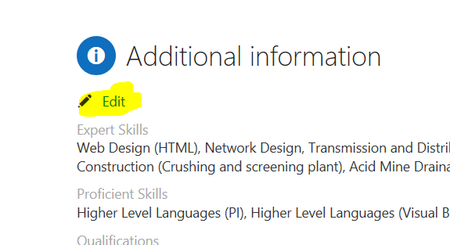
Mmmm....this is very strange / weird. In one of my tenants, where First Release is enabled, I'm not seeing this Additional information section you have and the Edit button...in regards of de avatar, If I click on it, a new tab opens (I'm using Google Chrome) and the old profile SPO page is displayed so I can change the picture...and of course I can change other properties. Therefore, it clearly seems that the new Delve profile page is far to be finisihed
- DeletedMar 20, 2017Not applicable
You only see additional information if you have edited SharePoint user profile properties that are not covered by Delve profiles. Then it will appear.
But if you disable OneDrive on your account, the link will be broken and you cannot get to the old SPO page at all.
- Mar 20, 2017Nice to know Paul...and by the way, your comments are aligned what I have said: there is still some room for improvement in the Delve Profile page