Forum Discussion

IIS setup a web site to be accessed without a domain name....how?

Hi,
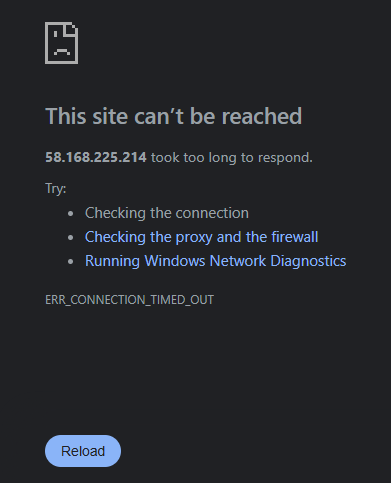
Just to recap, you want to deploy a web site with ip access for testing purpose, but you are getting an error.
The error message are related to network.
**
Notice: Your website Milhouse is stopped. click start in the right panel first.
**
Well, the first thing that I would like to check, is the connection between the client machine to the server.
try to ping the windows server ip: 58.168.225.214
open cmd: run:
ping 58.168.225.214
(to double check your right IIS ip, go to your IIS server and run ipconfig)
2- if you have got a successfull ping connection, I will go to double check the corresponding ports.
in this case, check 8080 port in the firewall settings in IIS server.
-open it.
-try it again.
3-try to find any success scenario.
-Change and test another different port.
-deploy a new web site for testing with a different binding.
-play with those web sites to see if you get access to any of them.