Forum Discussion

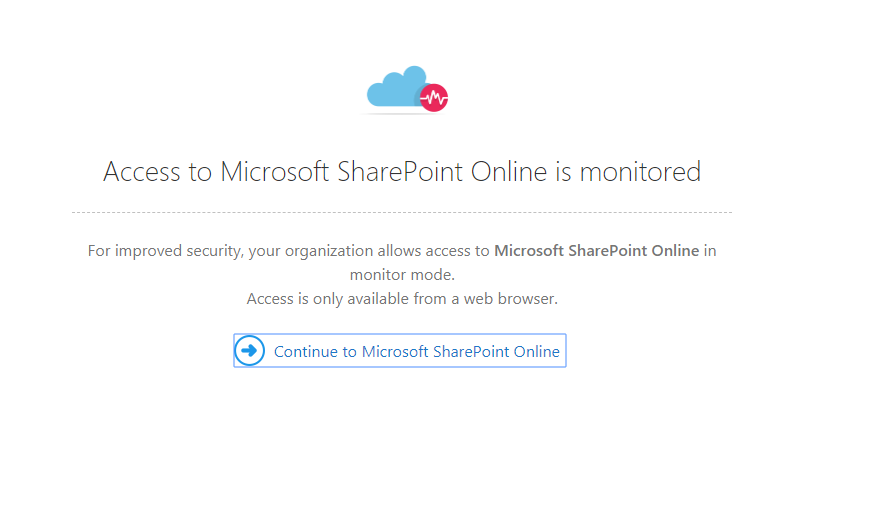
Access to Microsoft Sharepoint Online is monitored
- Jul 02, 2019
Hello dcurtis
If I got your question right then this is what you need to configure:
If you don't want to notify the user that they're being monitored, you can disable the notification message.
Under the settings cog, select General settings.
Then, under Conditional Access App Control select User monitoring and unselect the Notify users checkbox.
Source: https://docs.microsoft.com/en-us/cloud-app-security/session-policy-aad#monitor-all-activities-
Hope that helps
Alex

Hello dcurtis
If I got your question right then this is what you need to configure:
If you don't want to notify the user that they're being monitored, you can disable the notification message.
Under the settings cog, select General settings.
Then, under Conditional Access App Control select User monitoring and unselect the Notify users checkbox.
Source: https://docs.microsoft.com/en-us/cloud-app-security/session-policy-aad#monitor-all-activities-
Hope that helps
Alex
