Forum Discussion

cllee
Mar 29, 2023Brass Contributor
Providing Rooms & Equipment Admin Right
Hi, I am the administrator looking after the O365 account. I would like to designate some of the users to allow them to manage/create the resources themself. How do I create the admin acces...
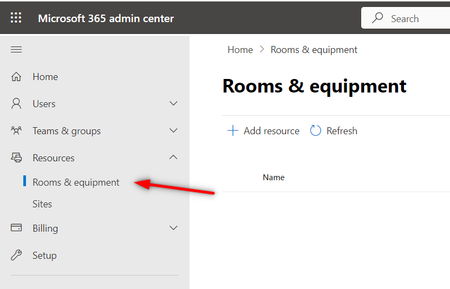

VasilMichev
Mar 30, 2023MVP
If you want to follow the principle of least privilege, add them the Exchange Online's Recipient Management role group, and optionally create a management scope that only covers room/equipment mailboxes.
If you want to use the M365 admin roles instead, User management should suffice. You can create an Administrative unit to restrict the permissions to just room/equipment mailboxes.
If you want to use the M365 admin roles instead, User management should suffice. You can create an Administrative unit to restrict the permissions to just room/equipment mailboxes.
 clleeMar 30, 2023Brass Contributor
- VasilMichevMar 30, 2023MVPRight, you can also do it from the M365 Admin center under Roles > Role assignments > Exchange > Recipient Management role.
- clleeApr 02, 2023Brass Contributor
Hi VasilMichev
Under the default "Permissions" listing, there are 9 roles checked. Can I select the role only to manage the Resources (creating/editing Rooms And Equipment)? I can't seems to find such option listed.
Thanks.