Forum Discussion

Forum broken
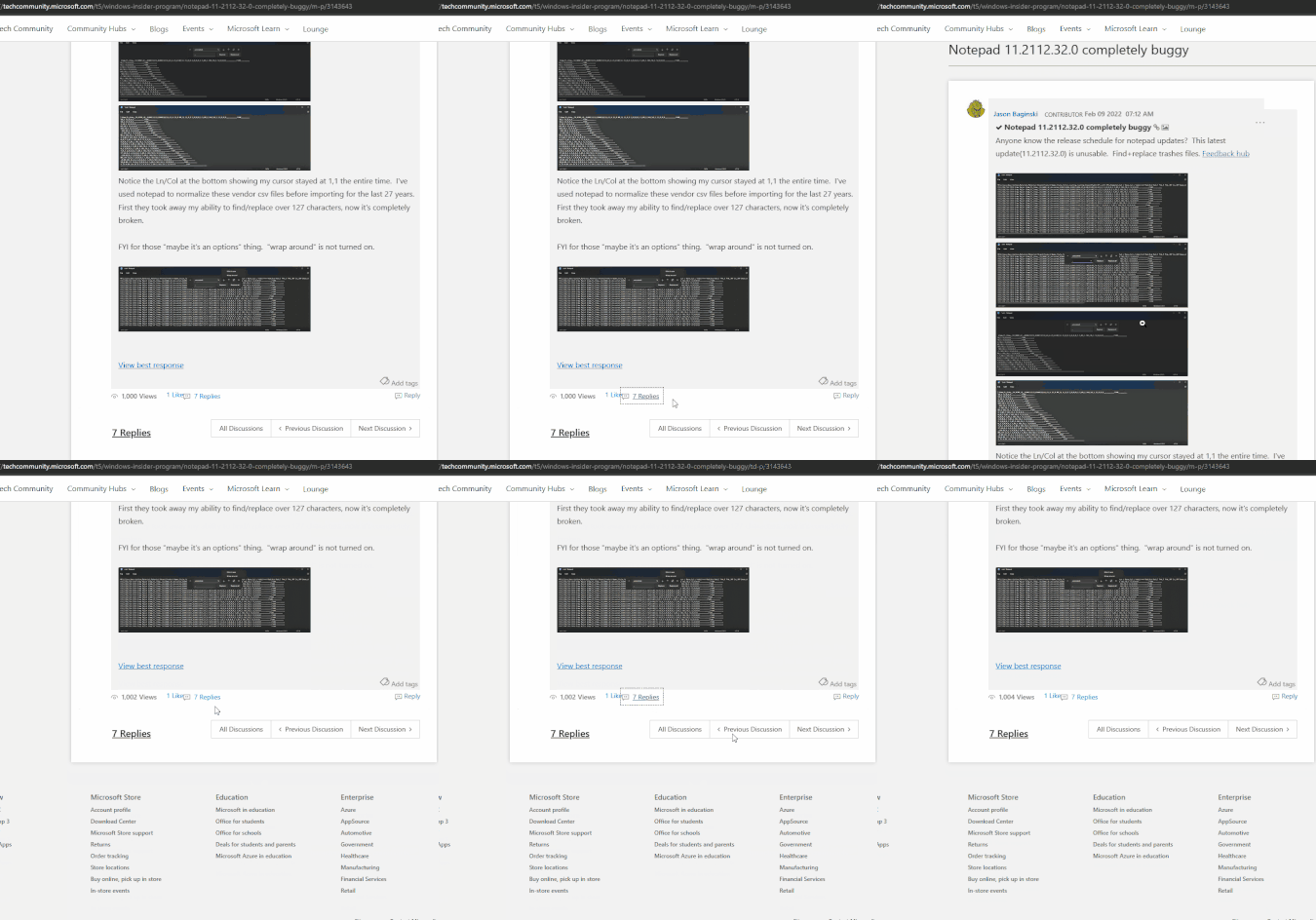

I get an email that someone has replied to a topic. I click "reply", it takes me to a page that shows me my original post(but nothing else) with a link showing "4 replies". I click said link that just takes me back to the page only showing the original post. I then click "All discussions" and see the post, and click the "View all 4 replies" and, again, it takes me back to only seeing the original post. So the notification email is the only way I'm able to see what the reply text was.
Here's a recording showing these steps with Edge 102.0.1236.0

 Community Manager
Thanks for posting this issue was caused by a setting you had changed in the user settings. You had tried to change discussions to be 'threaded' however we do not support the system the platform uses to create that 'threaded view'.
I am not entirely sure how you managed to change it as we have disabled that option in the settings menu, this is something I am looking into, but I changed it back to the default setting and you should be good now.
The setting can be seen here: My Settings - Microsoft Tech Community under "Format for displaying posts" and should always be set to Linear.
Apologies for any inconvenience caused.
 DeletedMay 04, 2022Not applicable
- DeletedMay 04, 2022Not applicable
Hi Allen
"Format for displaying posts"
Yes, but before that I could change the default settings and set only 10 posts - > now the default is 25, if I want to scroll I lose time!
Please add 10 posts on your Page by default, or let the user change this setting.
10 posts is a good option - by default. - NXTwoThouMay 04, 2022Iron ContributorThank you for figuring out. FYI, I don't recall ever going to the settings section so I wouldn't have been the one who selected threaded view. You might want to do a search to see how many other users are set to threaded and get anyone else corrected.