Forum Discussion

One Student Does Not Have Content Library in her class notebook
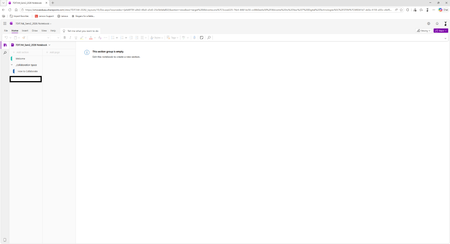

The student probably did not disable the Content Library herself. That section uses special read-only permissions, and if those permissions are interrupted, OneNote can hide the library from affected students while the content remains intact. As the notebook owner, open the Class Notebook permissions repair page and run Fix Permissions for this notebook. Confirm that the Content Library section group is still at the notebook’s top level and has not been moved through ordinary OneNote operations. After the repair completes, ask the student to close the notebook fully and reopen it in OneNote for the web before testing the desktop app. Also verify that she remains a member of the correct class. For a notebook created in Microsoft Teams, add or remove students through the class team rather than the Class Notebook Wizard. Avoid sharing the Content Library manually, because that can bypass the notebook’s managed permission structure.