Forum Discussion

Table exists but the query cannot find it

HiAdiGrio
This must be some temporary issue with the search service. Is your issue resolved now or you still experience it?
- AdiGrioDec 18, 2019Brass Contributor
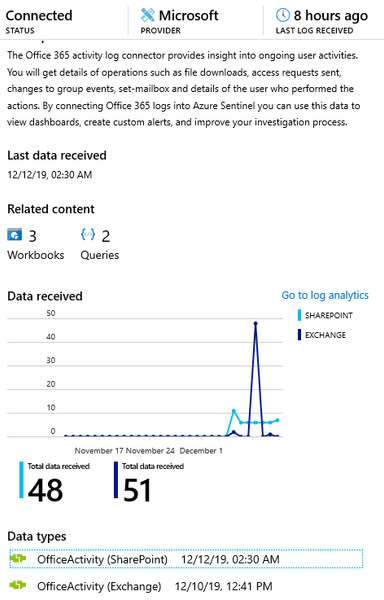
Stanislav_Zhelyazkov Thank you for the reply. Unfortunately, the issue persists. It seems that the tables that are affected are OfficeActivity and custom logs, weeks after the tables have been created (with data streaming in on regular basis). Just trying to create alerts in Azure Sentinel using these tables is failing as the KQL scripts cannot be validated (since the tables "don't exist"). Some succeed after several tries. One particular subscription is based on South Africa North region and the other in Canada Central so maybe is something about that?
- Dec 18, 2019
The only way that you are not seeing these tables could be by two issues:
- You do not have permissions. If you have Contributor permissions on the subscription where the workspace is that shouldn't be problem
- When you have opened Logs blade you scoped it to something else (you can now scope per subscription, resource group or specific resource) instead of the actual workspace resource.
There isn't any replication in Log Analytics workspace happening that could be preventing you from searching (as far as I know) these tables.
Can you describe the steps on how you query the logs?
If none of the above is the problem you might want to open official case to MS support to investigate.
