Forum Discussion

Missing custom logs in Log Analytics schema pane
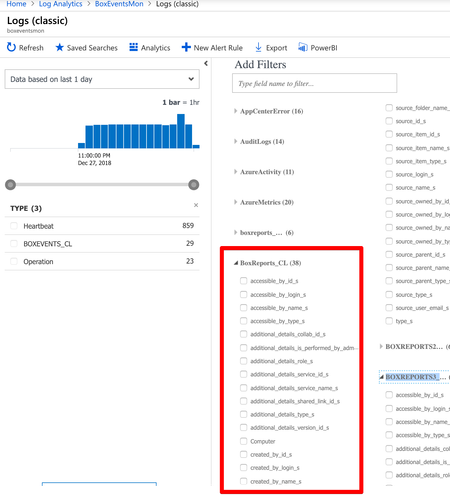
- Dec 28, 2018
My experience with PowerShell is it only takes a few seconds for data to show with the data collector API, after the initial setup delay. The code I used can be found at the bottom of this link.
http://www.ciraltos.com/azure-oms-log-analytics-step-by-step-data-collector-api/
This article goes deeper into ingestion time that may help with troubleshooting.
http://contoso.se/blog/?p=4493

Thanks for the link. I checked back every 30 mins or so but it literally did take that long. (and i did refresh my browser from time to time)
It's improved since but still takes around 1 - 2 hours for new tables to show up...
Adding data to existing tables takes around 30 mins to process.
This is very disappointing given how robust the features are compared to other competitor products.
I guess I'll just have to live with the limitations and come up with a cleaver solution ;p

My experience with PowerShell is it only takes a few seconds for data to show with the data collector API, after the initial setup delay. The code I used can be found at the bottom of this link.
http://www.ciraltos.com/azure-oms-log-analytics-step-by-step-data-collector-api/
This article goes deeper into ingestion time that may help with troubleshooting.
http://contoso.se/blog/?p=4493