Forum Discussion

TardigradeX
Aug 05, 2019Copper Contributor
Application Gateway Logs not shown in Azure Log Analytics
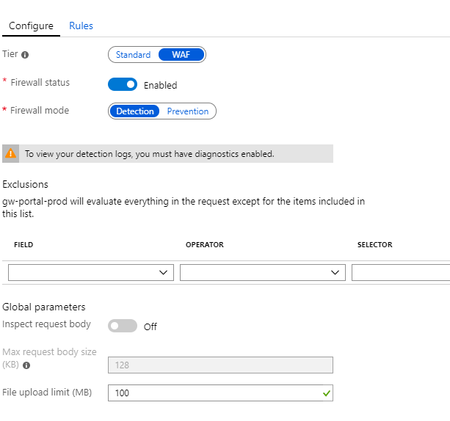
Hello, I have an Application Gateway, with WAF enabled and set to detection mode: I want to show and query "ApplicationGatewayAccessLog", "ApplicationGatewayPerformanceLog" and "Applicatio...

John_McCash
Jan 07, 2020Copper Contributor
Meir_MendelovichSorry; I hate looking like a complete noob, but I don't see anyplace in the page for the virtual machine where either Heartbeat or Tenant shows up... Is it supposed to be in the Security tab? I can't load that right now because of some problem with the tenant (I think). The message I'm getting currently reads:
columnNumber: 55 fileName: <a href="https://portal.azure.com/Content/Dynamic/lN9nxus-UgR8.js" target="_blank">https://portal.azure.com/Content/Dynamic/lN9nxus-UgR8.js</a> line 54 > Function lineNumber: 3 message: Unable to process binding "if: function(){return showAgentCampaignBar() }" Message: showAgentCampaignBar is not definedThanks
John

Meir_Mendelovich Microsoft
Jan 07, 2020MicrosoftYou need to open the "Logs" page for this VM and run a query like "Heartbeat | take 10" or "Heartbeat | distinct TenantId".
- John_McCashJan 07, 2020Copper Contributor... OK... I just looked at the TenantId in my Heartbeat logs. It appears to just be the GUID assigned to the Tenant. It doesn't match any of my Log Analytics Workspace GUIDs. Am I just terminally confused?
- John_McCashJan 07, 2020Copper Contributor
Meir_MendelovichAh! OK. Thanks very much again.