Forum Discussion

Application Gateway Logs not shown in Azure Log Analytics

Thank you for your response.
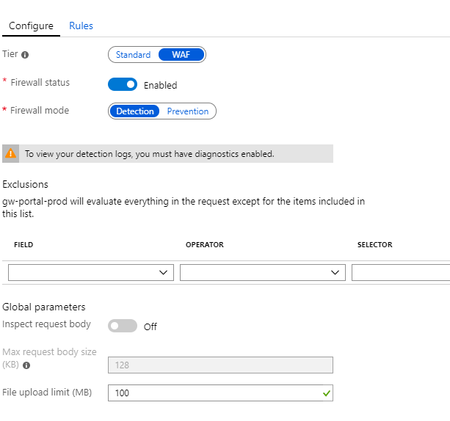
Yes, the WAF is active and Logging is enabled since 3-4 hours now.
I can see AzureDiagnostics in the schema, but every query to this table throws an error as if it does not exist.
You can see everything here, where I tried the category query you suggested:

If you have full access to that schema Table (can someone else try)? Can you see other tables and query them under LogManagement - like Alert or AzureActivity? Is table level RBAC set (however if it was that I would expect a different message)?
https://docs.microsoft.com/en-us/azure/azure-monitor/platform/manage-access
You might need to "copy request id to clipboard" and raise a support ticket - unless anyone else has an idea?
- TardigradeXAug 06, 2019Copper Contributor
I opened a support ticket and with their help I was able to solve the problem.
I had to go to the Log Analytics Workspace, to which I configured the application gateway to send its log too. There I could query for the logs and all tables were in place.
What I did before was going to: "Application Gateway Resource -> Monitoring -> log"
The log there is empty and missing tables and is not connected to the Log Analytics Workspace I created on the gateway resource.
This is a kind of confusing UI design, but now I know how to access/query the log.
Thanks again for your input.
- Meir_MendelovichAug 11, 2019
Microsoft
Hi,
It seems like you did the right things and it should work without going to the workspace. I will investigate what happened in your case.
Sorry for that,
Meir from the Azure Monitor Logs team John_McCashDec 12, 2019Tin Contributor
Meir_MendelovichFor the record, I have the exact same issue
