Forum Discussion

Depth layer in Azure Maps
- May 13, 2021
Yggdrasill If you go into the general settings section of the visual, you will see there is an option to show negative values. When turned on, it's absolute value is used for relative scaling of sizes, but the popup will still display the correct negative value when hovered. More details here: https://docs.microsoft.com/en-us/azure/azure-maps/power-bi-visual-understanding-layers#general-layer-settings

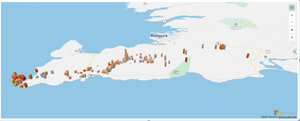
I was attempting to do just that with azure maps. But it seems the layers that can do a bubble and a bar only show the same data point. What I want to show is a quantity and a depth. The quantity can be a bubble and the depth can be a bar. But I have not figured out how to do that. I can only do quantity or depth - just a single field. Is there another way?

 Microsoft