Forum Discussion

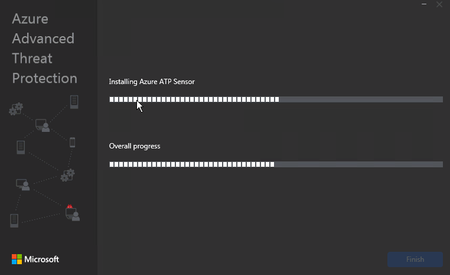
Azure ATP Sensor install failing (Updater Service do not start)
 Jun 15, 2020
Actually, the solution in our case was to use Silent Installation (https://docs.microsoft.com/en-us/azure-advanced-threat-protection/atp-silent-installation#proxy-authentication) and provide the Proxy Information in the commandline.
Thank you all for helping and advising!!!

 Microsoft
minah is NIC Teaming enabled on this machine..
In this case, the NPF service is not starting up, which works hand in hand with Winpcap\Npcap to capture the network activities.
Which Server OS are you running with?
I 'd suggest you to install npcap which can be downloaded with the help link below (Remove if you are using any other Npcap version than 0.9984)
https://nmap.org/npcap/dist/npcap-0.9984.exe
Then,try steps below in the sequential manner:
- Verify current files, Npcap & Npf services exist
In PowerShell:
get-item C:\Windows\System32\drivers\npf.sys
get-item C:\Windows\System32\drivers\npcap.sys
2. Verify service exist
Get-Service Npf | FL
Get-Service Npcap | FL
If npf service is still not started, reboot the sever.
3. Install Azure ATP Sensor
Then Try & install the sensor setup .

Vishal_Sharma_4224 thanks for supporting me
on the physical DC the NIC Teaming it was configured before, but now is not configured,
Which Server OS are you running with?
i have two DCs ( one Physical and one VM on VMWare) both are WS 2012 R2 standard, with DHCP role installed.
i am trying to install NPCAP but i am facing an error
on the physical server
Npf service is running and no Npcap service.
on VM Server
Npf service is stopping and no Npcap service.