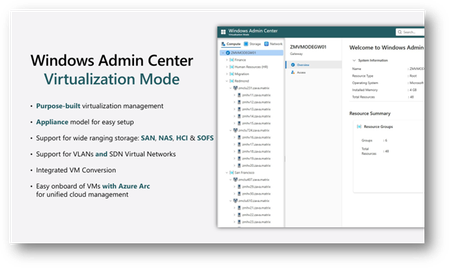
We are introducing a new Virtualization Mode (vMode) in the latest Windows Admin Center Public Preview.
Updated Nov 18, 2025
Version 1.0
WSNewsAdmin Microsoft
MicrosoftMicrosoftMicrosoft
I see that too - did you find a solution?
Unfortunately we have not yet found a solution even at the second Public Preview release; we still run into this no matter what we try. Attempted on a completely clean, barebones image of Server 2025 and 2022 and have run into the same issue every time. Have you had any more luck? LarsvillaumeTwoday
 Microsoft
Hey agoss and LarsvillaumeTwoday ,
Immediately after install of vMode, only the user who did the installation can log-in. This user can then give other users access by ensuring they're in one of Windows Admin Center's gateway groups (gateway admins or users) and have permissions on the root (which you can configure using the Access tool).
If you're running into issues accessing vMode as the user who performed the install, please let me know.
Hello, thanks for the reply Davanna-White! That is correct, I have been running into the issue as the user who performed the installation. I've attempted via my domain account (which is an admin on the box) as well as the local system admin account and both have the same issue when running the install and attempting the initial login.