Updated May 14, 2019
Version 1.0
Tim.Chen Microsoft
MicrosoftMicrosoftMicrosoft
Zoe_Luo
I have very simple packages, just retrieving data from a Oracle db and moving it to a SQL server table.
The packages are created in Visual Studio 2015 for SQL server 2016 using Attunity Source component, and they all work fine in that development environment.
When moving/upgrading the packages to a new project in our new(er) development environment, Visual Studio 2017 with SSDT 15.9.2 the problem starts.
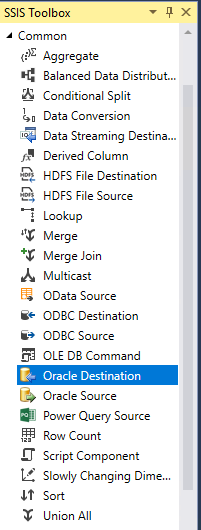
The Attunity components seems to be replaced by the new Oracle source correctly but when opening the package I get these validation error messages:
The MAXPROD_Attunity connection manager is configured with SSISconfiguration and the connection string looks like this:
The Server name MAXPROD is defined in out TNSNAMES.ORA-file.
Both Attunity V4 and V5 are installed.
The validation error when trying to run the package in VS 2017 is this, pretty much the same as when opening the package.
* One question that just popped up when reading the error message more thouroughly, is if an ODBC connection is needed?
Since the validation error says: "here was an error trying to establish an Open Database Connectivity (ODBC) connection with the database server"
But wait, I just discovered, that if I set DelayValidation to True, then I can execute the package without any errors!
So this seems to be a problem just in the validation step...