Updated May 14, 2019
Version 1.0
Tim.Chen Microsoft
MicrosoftMicrosoftMicrosoft
I am having issues connecting to Oracle in an SSIS package developed with SSDT 2017 in Windows 10.
The Oracle connections worked for the same SSIS package in Windows 7.
In the Windows 10 environment, I have 32 bit (OraClient11) and 64 bit (OraClient12). In my previous Windows 7 environment, I only had 32 bit Oracle. Are there any issues with having 32 and 64 bit on the same machine, or possibly some workarounds required if you have both?
The connection to Oracle is the OLE DB\Microsoft OLE DB Provide for Oracle. When I try to test this connection in the Windows 10 environment, the error I am receiving is “Test connection failed because of an error in initializing provider. Error while trying to retrieve text for error ORA-01019”
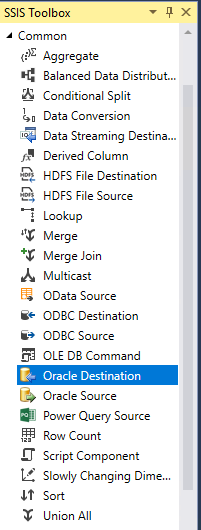
I have also tried creating a connection using the Connection manager for Oracle connections, and after doing so I can preview the data in the Oracle Source in a Data Flow Task, but when I try to run it I receive the following error during task validation:
[Oracle Source [22]] Error: The AcquireConnection method call to the connection manager Product failed with error code 0x80004005. There may be error messages posted before this with more information on why the AcquireConnection method call failed.
[SSIS.Pipeline] Error: Oracle Source failed validation and returned error code 0x80004005.