Updated May 14, 2019
Version 1.0
Tim.Chen Microsoft
MicrosoftMicrosoftMicrosoft
Rob_Patt It is possible to do what you want, it's just a little different from how we usually do for with OLEDB data sources. It is however the same method as with the old Attunity Oracle connector.
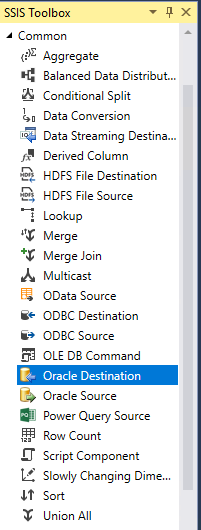
Create your data-flow task and add in the Oracle source(s) to the task. At this point I would also configure the SQL Command with a "design-time" static SQL statement. When you switch back to the Control Flow view, view the properties of your data flow task, and open the Property Expression Editor. You will have a number of properties for each instance of the Oracle source present in the data-flow task, one property wil be called SqlCommand, which you can set with your run-time SQL statement. In the example below my data flow task has a data source called "PeopleMatters PS_GP_RSLT_ACUM" which we are setting with a variable. Hope this helps.