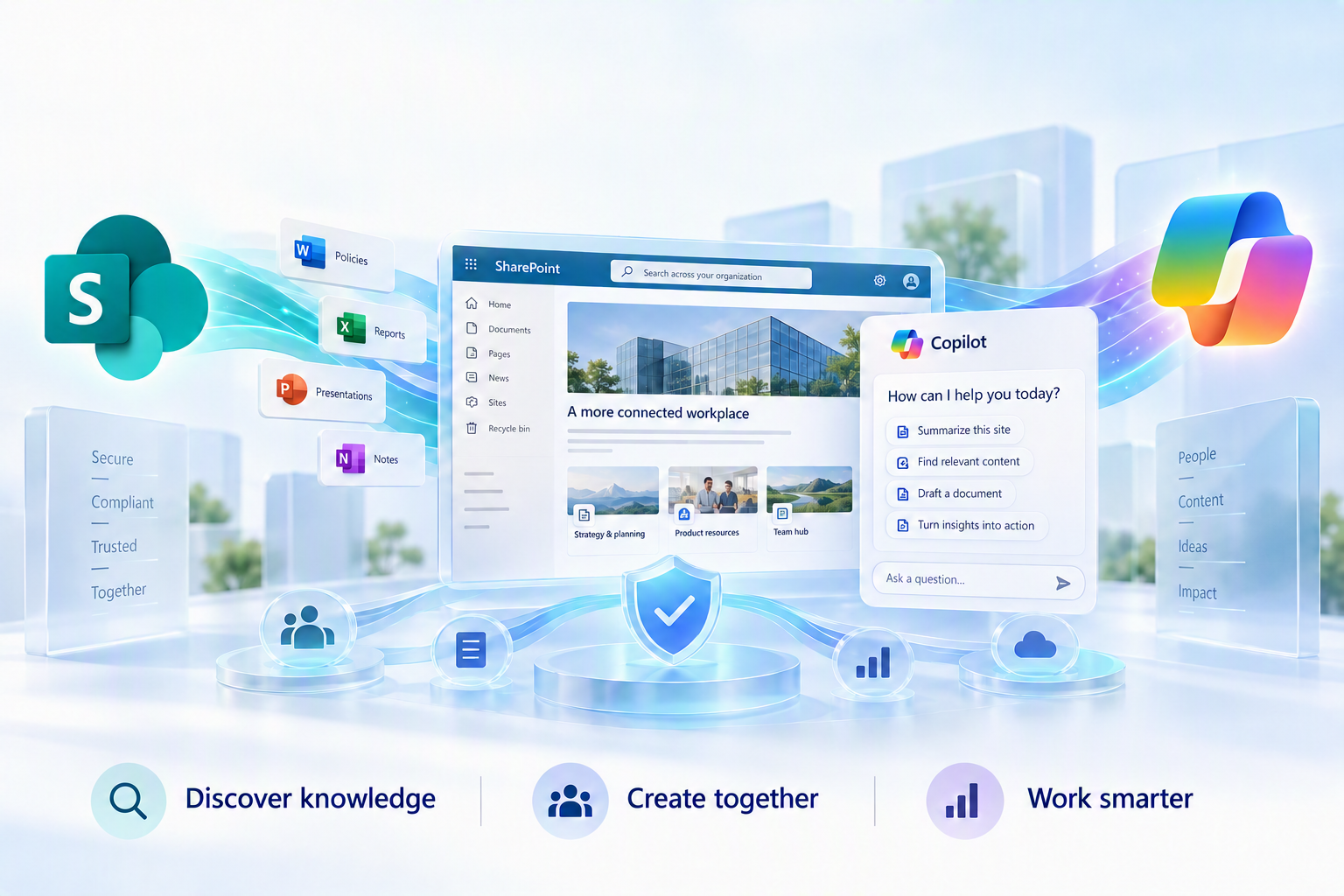
Why the next phase of enterprise AI will be determined not only by better models, but by better organizational knowledge
Product and terminology status verified against Microsoft’s published guidance available on September 10, 2026.
The most important question about enterprise AI is no longer, “How intelligent is the model?” It is, “What does the model know about our organization, and should it trust what it finds?”
A powerful model grounded in outdated policies, duplicate documents, unclear ownership, or overly broad permissions can produce polished but unreliable answers. Grounded in current, authoritative, well-structured, and appropriately secured knowledge, AI can become a dependable participant in how an organization works.
That is why SharePoint’s role in Microsoft 365 is changing. It remains a platform for documents, intranets, collaboration, publishing, and business solutions. Increasingly, those capabilities support a larger strategic function: creating, organizing, governing, and activating the knowledge Copilot and agents use to reason about the business.
Microsoft describes SharePoint as the leading grounding source for Microsoft 365 Copilot, foundational to Work IQ, and “the knowledge platform for Copilot and agents.” My strategic interpretation is straightforward:
SharePoint is evolving from a place where enterprise knowledge is stored into an operational knowledge layer through which AI discovers, interprets, protects, and activates that knowledge.
From Passive Repository to Conversational Knowledge
For much of its history, SharePoint helped people publish information and gave others places to browse or search for it. Agents change that interaction model.
Instead of knowing which site, library, terminology, or document version contains the answer, an employee can begin with intent: What is our policy? What changed? What applies to my situation? What should I review next?
This is more than an improved search box. Search returns candidate content. A knowledge grounded conversation can retrieve, synthesize, compare, explain, and cite that content in the context of the user’s request. The repository becomes the grounding environment behind a conversational interface.
SharePoint Agents: Giving Knowledge a Conversational Boundary
SharePoint agents ground conversations in selected sites, libraries, pages, folders, and files. This creates a deliberate knowledge boundary around a business purpose while continuing to respect each user’s permissions.
Microsoft has announced an evolution to this model. Beginning in mid-November 2026, creating a new agent from SharePoint or OneDrive transitions from the .agent file model to Microsoft 365 Copilot Agent Builder. Users can still start where the knowledge lives, but the selected content becomes the agent’s initial knowledge scope in Agent Builder rather than a new .agent file.
The architectural separation becomes clearer: SharePoint provides the governed knowledge foundation, Microsoft 365 provides the agent creation and lifecycle layer, and Copilot provides the interaction layer. Agent access determines who can use the agent; SharePoint permissions determine what knowledge each person can receive.
Existing .agent files will not automatically migrate and are planned to remain supported through March 2027. Organizations should use the transition to decide which agents solve meaningful business problems, who owns them, and whether their sources are authoritative, current, and appropriately permissioned.
Knowledge Agent Has Evolved into Copilot in SharePoint
Microsoft’s terminology has evolved. In early 2026, Knowledge Agent in SharePoint was described as a public preview experience for improving AI answers, automating metadata and classification, supporting business processes, and identifying stale pages, broken links, and knowledge gaps.
By September 2026, Microsoft documentation presents the broader user-facing capability as Copilot in SharePoint. Microsoft Learn notes that it was previously called AI in SharePoint, while PowerShell parameters such as KnowledgeAgentScope retain the earlier name for compatibility.
These concepts should not be treated as interchangeable:
|
Concept |
Primary role |
|
SharePoint Agents |
Scoped conversational assistants grounded in selected SharePoint knowledge. |
|
Copilot in SharePoint / earlier Knowledge Agent capabilities |
An AI experience for understanding, creating, organizing, enriching, maintaining, and acting on SharePoint content. |
|
SharePoint Admin Agent |
An administrative governance experience for assessing and remediating risks across SharePoint and OneDrive. |
As of September 10, 2026, Copilot in SharePoint remains documented as a public preview. Microsoft moved it toward an opt-out preview for licensed users beginning in mid-June 2026, with tenant- and site-level controls available through the SharePoint Online Management Shell. Its documented capabilities include asking questions, organizing content, creating sites and business artifacts, and supporting workflows through natural language.
This is another sign of a knowledge platform: AI is moving upstream into knowledge stewardship. SharePoint Agents help people converse with knowledge; Copilot in SharePoint helps create, organize, improve, and operationalize the environment those conversations draw from.
Metadata Is Becoming Context Infrastructure
Metadata has often been treated as a SharePoint feature users avoid and administrators defend. In an AI-ready environment, it is better understood as context infrastructure.
Content supplies the words. Metadata supplies structured context: document type, business process, owner, geography, review date, lifecycle status, and related product, customer, regulation, or department.
SharePoint information architecture already combines navigation, search, hierarchy, taxonomy, security, metadata, and personalized experiences. Managed metadata creates reusable vocabulary, while content types provide consistent structures for policies, procedures, contracts, and other content classes.
Microsoft also documents more direct links between metadata and Copilot retrieval. When a request is scoped to a SharePoint library or folder, grounding can use library column metadata with file content to constrain and rank results. Guidance for agent content recommends consistent metadata, content types, owners, effective dates, and regional classifications to reduce ambiguity.
Metadata is not an accuracy switch. It cannot correct a bad policy or resolve conflicting sources. Its value is that it makes organizational distinctions machine-readable, supports retrieval and lifecycle controls, separates authoritative content from drafts, and gives people and AI a shared vocabulary.
Copilot in SharePoint may also reduce the friction of structured knowledge management by suggesting schemas and autofill columns. People must still validate the vocabulary, schema, and resulting classifications.
Permissions Are Part of the Answer
Microsoft 365 Copilot does not grant access simply because a user asks a question. SharePoint Agents and SharePoint knowledge sources in Copilot Studio return only content the signed-in user is authorized to access.
But permission aware AI can still surface sensitive information when the underlying access model is too broad. Copilot can amplify the consequences of oversharing without causing the original permission problem.
“Copilot respects permissions” should begin the executive conversation, not end it. The real question is whether Copilot is respecting the permissions the organization intends.
Microsoft recommends SharePoint Advanced Management and Microsoft Purview to identify overshared content, review permissions and sharing links, apply sensitivity protections, and right-size access. Restricted Access Control can limit a site to designated groups. Restricted Content Discovery can temporarily keep high-risk site content out of organization-wide search and Copilot during remediation without changing underlying permissions.
Controls should remain proportionate. Microsoft cautions that overusing Restricted Content Discovery can reduce the completeness and relevance of search and AI responses. The goal is not to hide enterprise knowledge, but to make appropriate knowledge safely usable.
Content Quality Is Now an Operational Discipline
A perfectly permissioned content estate can still be a poor knowledge foundation. Duplicate procedures, unclear filenames, ownerless pages, missing review dates, broken links, drafts mixed with approved guidance, and years of inactive content can all weaken answers.
Microsoft guidance emphasizes clear structure, focused pages, descriptive headings, concise summaries, consistent labels, versioning, retention, review policies, and archiving or deleting obsolete content. Governance tooling can also identify inactive or ownerless sites, request attestations, archive sites while preserving metadata and permissions, and assess content-management risk.
Copilot in SharePoint points toward continuous content quality through documented capabilities for identifying stale pages, broken links, and gaps; suggesting improvements; enriching libraries with metadata; and helping owners organize or automate content.
Technology cannot own knowledge quality by itself. AI may identify old or similar content, but it cannot always determine legal validity or business authority. Knowledge quality requires accountable owners, defined review cycles, and operational measures—not a one-time cleanup before Copilot deployment.
The Architecture of an AI-Ready Knowledge Layer
The emerging operating model can be understood as five connected layers:
- Content: SharePoint sites, pages, documents, lists, libraries, and business solutions.
- Context: metadata, taxonomy, content types, ownership, effective dates, relationships, and information architecture.
- Trust: permissions, least privilege, sensitivity, retention, lifecycle, authoritative-source designation, and discovery controls.
- Retrieval and reasoning: Microsoft Graph, semantic indexing, retrieval services, and Work IQ.
- Experiences: SharePoint Agents, Copilot in SharePoint, Copilot Search, Microsoft 365 Copilot, Copilot Studio agents, and custom applications.
Microsoft describes Work IQ as a workplace intelligence layer spanning organizational data, context, tools, and workspaces. SharePoint Embedded can also provide persistent working storage for longer running agent workflows.
SharePoint is not the exclusive source of Microsoft 365 intelligence. Copilot can also ground experiences in OneDrive, email, meetings, chats, people, and connected external data. Work IQ assembles context across organizational systems, and the Retrieval API supports SharePoint, OneDrive, and connector content.
SharePoint is becoming a primary governed knowledge foundation within Microsoft 365’s broader AI and intelligence architecture.
Its distinctive value is the combination of content management, publishing, information architecture, permissions, lifecycle, extensibility, and agent experiences inside the Microsoft 365 trust boundary.
What Leaders Should Do Now
For executives
Treat enterprise AI readiness as a knowledge strategy, not merely a licensing or deployment program. Identify the business domains that depend most on authoritative knowledge, assign accountability, assess the cost of outdated or incorrectly shared answers, and prioritize scenarios that justify investment in stewardship.
The strategic metric is not the number of agents created. It is whether people can make faster, better-supported decisions using trusted organizational knowledge.
For IT, security, and governance leaders
Move from periodic cleanup to continuous knowledge-risk management. Priorities include identifying high risk sites, validating ownership, reviewing sharing defaults and legacy links, establishing lifecycle and attestation policies, distinguishing official sources, and using temporary discovery restrictions selectively during remediation.
Microsoft’s Content Management Assessment, data access governance reporting, authoritative site designation, and SharePoint Admin Agent all reflect this shift toward ongoing governance.
For SharePoint and Microsoft 365 practitioners
Design for both human and AI consumption: clear titles and headings, intentional content types, meaningful metadata, manageable document scope, identifiable owners, review and effective dates, explicit current or superseded status, accessible page structure, and agent scopes aligned to real business questions.
Build agents around curated knowledge domains and measurable user needs not every library that happens to exist.
The Knowledge Layer Is a Leadership Choice
SharePoint will not become an effective AI knowledge platform simply because Copilot is enabled. It becomes one when organizations give knowledge ownership, structure, maintenance, and protection.
Many organizations will have access to comparable models. Differentiation will come from what those models can know, how effectively they retrieve it, how confidently users can verify it, and how deliberately the underlying knowledge is governed.
SharePoint is well positioned because it already sits where content, collaboration, publishing, security, metadata, and lifecycle intersect. Agents make that knowledge conversational. Copilot in SharePoint helps manage it more intelligently. Microsoft Graph, semantic retrieval, and Work IQ make it available across the broader flow of work.
The foundation remains human. People determine what is authoritative, define appropriate access, resolve contradictions, retire obsolete knowledge, and decide which business rules AI should follow.
AI may activate enterprise knowledge, but organizations must first make that knowledge worthy of activation.
The opportunity for SharePoint leaders is not simply to prepare SharePoint for Copilot, but to use Copilot as the catalyst to treat organizational knowledge as the strategic asset it has always been.
Resources
|
Topic |
Microsoft resource |
|
The knowledge platform for Copilot | |
|
Semantic Indexing | |
|
Copilot Retrieval API | |
|
SharePoint Advanced Management |
Get ready for Microsoft Copilot with SharePoint Advanced Management |
|
Secure and governed foundation for Copilot |
Configure a secure and governed foundation for Microsoft Copilot |
|
SharePoint sites in Copilot Search | |
|
Work IQ | |
|
Restricted Content Discovery | |
|
Adding SharePoint as a knowledge source |
Add SharePoint as a knowledge source in Microsoft Copilot Studio |

 Microsoft