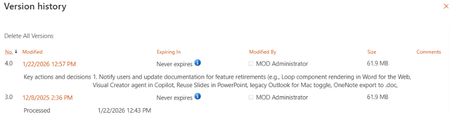
Why Version History Cleanup Matters SharePoint’s version history is invaluable for tracking changes and restoring previous file versions, but it can also consume massive amounts of storage if left unmanaged. Every edit saved by Office’s AutoSave or co-authoring creates a new version; for example, a single editing session of a document can generate dozens of versions. By default, SharePoint Online allows up to 500 versions per document library item (with no expiration). Over time, hundreds of minor edits — especially in frequently updated or collaborative files — accumulate and quietly bloat your SharePoint storage usage. In one real-world analysis, a library of just 250 files averaging 150 versions each was consuming ~37.5 GB of storage. Clearly, unmanaged version history can lead to unexpected storage costs and administrative headaches. Automatic Version History Cleanup (also known as Intelligent Versioning) is Microsoft’s solution to this problem. Introduced in SharePoint Online in late 2024, this feature uses an intelligent, time-based algorithm to trim “low-value” older versions automatically while retaining an appropriate set of versions for recovery and audit without manual intervention. The goal is to strike a balance between data recoverability and storage efficiency. In the sections below, we’ll explain what this feature does, how it works, how to configure it, and best practices for using it in your customers’ SharePoint Online environment.
Updated Apr 23, 2026
Version 1.0
jeresmith Microsoft
Microsoft