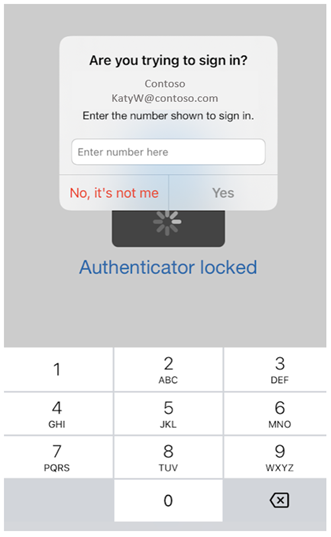
When using the Additional Context for MFA I see the location where my IP address is registered for my provider, which is some datacenter elsewhere in the country instead of seeing my actual location based on GPS coordinates. I guess MFA looks at what IP address the login is initiated from. If someone tries to logon from the other side of the world it's quite obvious to the user that the login in not genuine and the MFA request should be rejected, but if a user is logging on from his workplace at the office or at home and gets a location that is probably referring to the location of the datacenter of ther internet provider they might get confused with the location being shown in the MFA request.
It is somehow possible to get a more accurate location. If I use https://iplocation.com/ I get a location in my hometown. If I use https://www.iplocation.net/ I get a location elsewhere based on my current internet provider.
Is it possible to get a accurate location with additional context?

 Microsoft