Howdy folks!
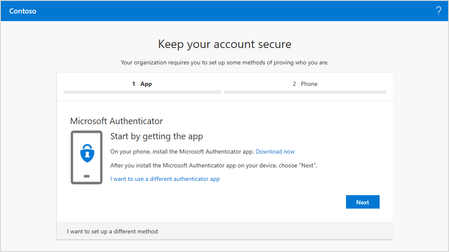
Today, I am excited to announce a set of fantastic enhancements—based on your feedback—to the public preview of our combined registration experience for Multi-Factor Authentication...
Hi, what to do when a particle user receives the message "Oops, it looks like your administrator hasn't enabled this experience for you. Please chose "Continue" to view your profile.". Because we enable both experiences for "All" users in the tenant? Also, when user click "Continue" he has redirected to AAD My Profile page and from there back to this. And he cannot access, change the registered methods even in old experience, because it redirects him to the new one.
And, one feedback maybe Alex_Simons. You should talk with the Office 365 team and make a single wording for each "profile" and "account" links. Because once account take you to Delve, profile to AAD page, account once to Office 365 setup, profile to different AAD page. Really confusing for users. But definitely great progress to a better experience with MFA/SSPR with these efforts. I hope to soon try FIDO2 natively in AAD and Windows 10.
PS: When the admin reset MFA for user and user go to portal, it fail completely.

 Microsoft