I followed the document but I didn't make it work. So I have to publish two On-Premises application and with that, it works. I had to published two on-premises application on the Application Proxy:
- One pointing to my externalrds.contoso.com with Azure Authentication option.
- The second, pointing to my externalrds.contoso.com/rpc with Passthrough Authentication option.
Now with that configuration, I have the RDWeb portal and the Webclient working without problem. But it is not in the documentation.
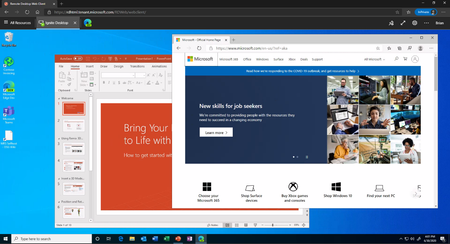
I would like now to have SSO in the webclient site. I had enabled MFA, so when the user goes to https://externalrds.contoso.com/rdweb/webclient it will get a prompt from login.microsoft.com asking for the user credentials and MFA auth, it works perfectly. But after the user put their credentials and their MFA auth, it prompts again for credentials in the webclient site. I was wondering if there is any solution to enable SSO? Thank you so much for your effort.

 Microsoft