
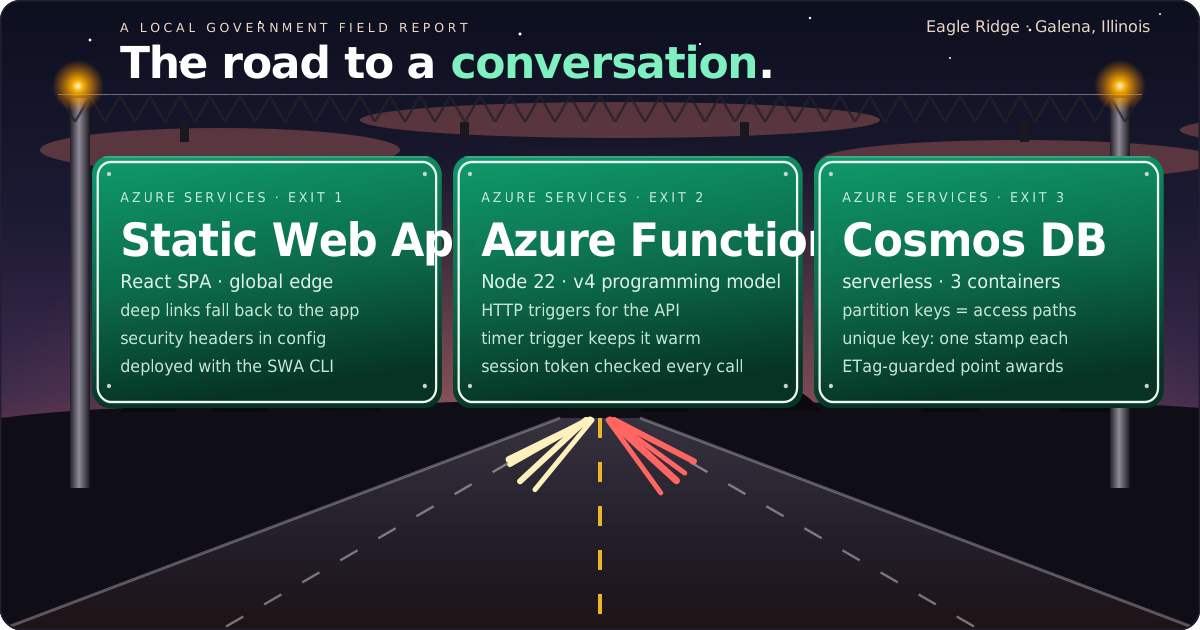
Every city already knows how to move people. Guide signs tell you where you're going. Warning signs tell you what's ahead. Work zones tell you someone is building and someone else is directing traffic. Traffic engineers call the whole system wayfinding. It's one of the oldest user-experience disciplines local government has.
We borrowed it to build a conference app on Azure. A public-sector association asked us for a digital passport for its annual conference. Attendees visit sponsor tables, collect stamps, and earn a spot in the prize drawing. Underneath, it's a wayfinding problem in two directions: getting people to the right conversations, and getting every request to the right Azure service and back. This post walks the route.

The destination: conversations, not stamps
Sponsors don't come to a conference for a table. They come to talk to people. A paper passport fails at exactly that: walk up, get a stamp, walk off. So before we chose a single service, we set the destination. A stamp has to be earned by a conversation.
Each sponsor table has a question, and the sponsor gives the answer while talking with the attendee. Scanning a table's QR code opens that question rather than awarding points, because a scan alone proves nothing. Points roll up to a live leaderboard and the prize drawing. Every Azure decision that followed traces back to that one sentence.
The route a stamp takes
The architecture is four exits on one road, and each service does one job well.
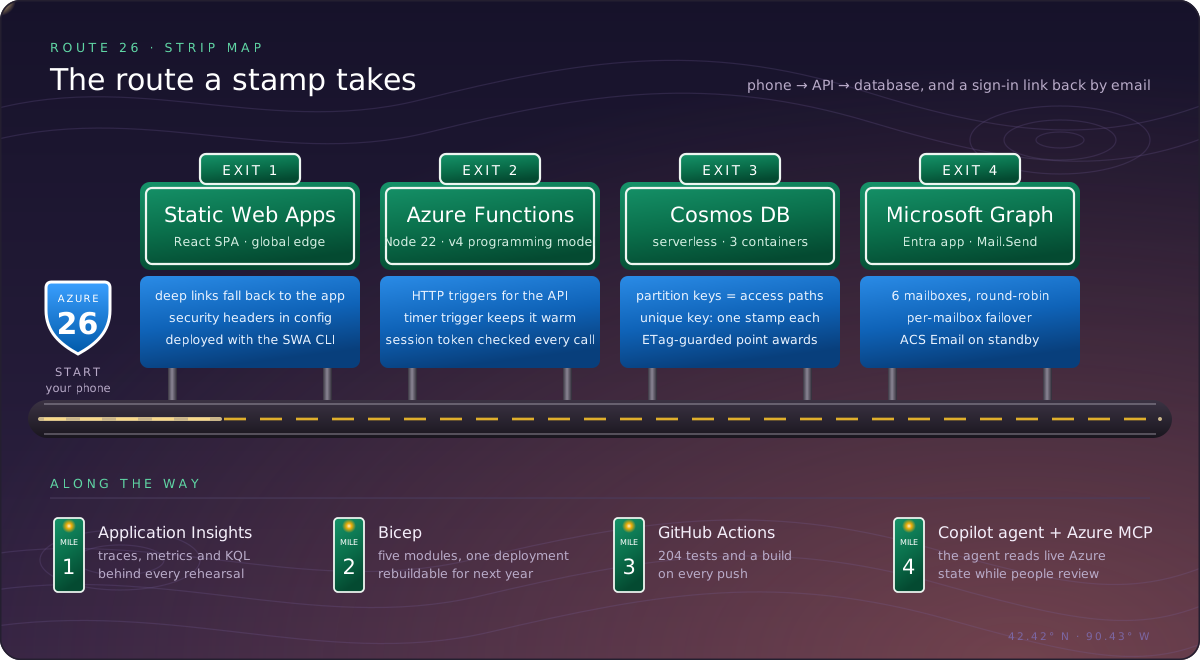
Exit 1: Azure Static Web Apps. The React front end is served from the global edge. A navigation fallback means a deep link printed on a table's QR code opens straight into the app. Security headers live in staticwebapp.config.json, next to the code they protect.
Exit 2: Azure Functions. The API runs on the Node.js v4 programming model. HTTP triggers handle sign-in, check-ins, the leaderboard, and the staff portal. A timer trigger keeps the app warm during conference hours. Shared modules hold the rules that matter, such as how points are awarded, so every endpoint follows them consistently.
Exit 3: Azure Cosmos DB. This is where most of the design thinking went. There are three serverless containers, and each partition key matches how the data is actually read. Attendees are partitioned by email, which is how they sign in. Check-ins are partitioned by attendee, which is how a passport is drawn. The database itself guarantees one stamp per sponsor per attendee:
// checkins container: partitioned by attendee
partitionKey: { paths: ['/attendeeId'], kind: 'Hash', version: 2 }
// one check-in per sponsor within each attendee's partition
uniqueKeyPolicy: { uniqueKeys: [ { paths: ['/sponsorId'] } ] }
Point awards use optimistic concurrency. The function reads the attendee, computes the new total, and writes it back only if the document's _etag hasn't changed. If two taps race, or a staff member grants a manual credit at the same moment, the loser gets a 412, re-reads, and tries again. Nobody's points are double-counted or lost.
Exit 4: Microsoft Graph. Sign-in links are sent through Microsoft 365 mailboxes using an Entra ID app registration with the Mail.Send application permission. Azure Communication Services Email stays configured as a standby route.
Put a sign at every hazard
Good roads don't assume perfect drivers. They post a sign wherever conditions change. We did the same: we listed what would really happen when a few hundred people use this on their own phones, in a hotel ballroom, all at once. Then we built an Azure answer for each one.
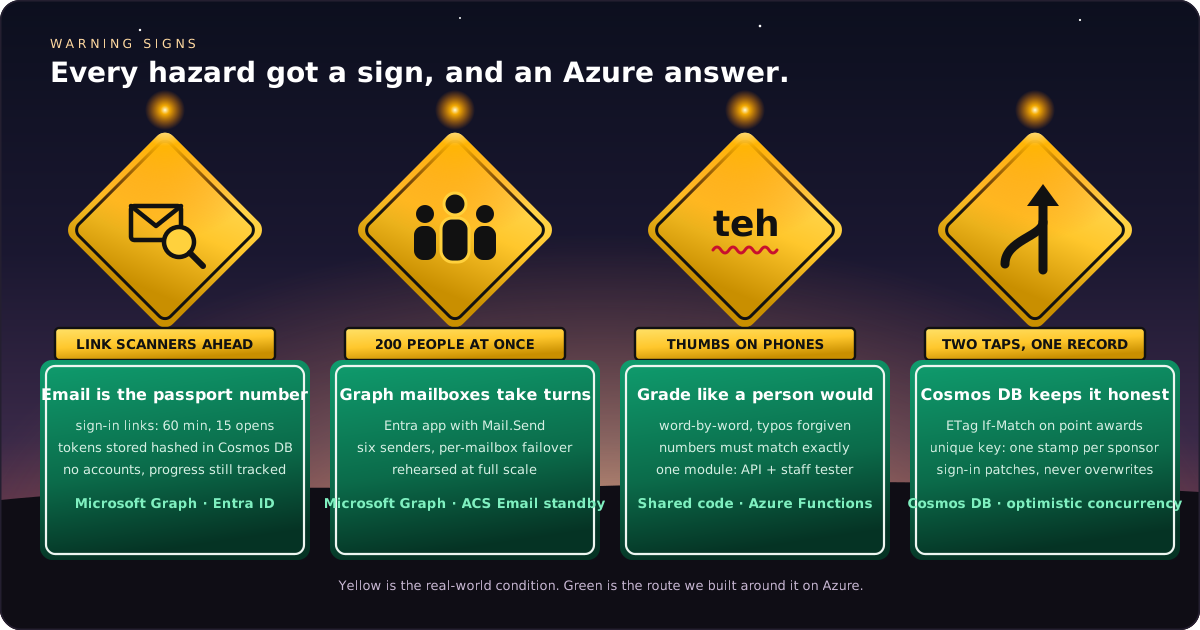
No accounts, but every stamp tracked. The client didn't want attendees creating accounts or remembering passwords. They still needed each person's passport tracked, through phone switches and closed browsers, all the way to the prize drawing. An attendee's email resolves both: it is their passport number. They type it, tap a link, and they're in. Staff can find them at the help desk, and winners can be contacted. Link tokens are stored only as hashes in Cosmos DB.
Link scanners ahead. Many organizations, especially government, run email security that opens every link before a person does. A single-use link would be spent by the scanner. So a link lasts 60 minutes and up to 15 opens. Asking for another link doesn't cancel the first, and signing in patches only the token fields on the attendee document, so it can never overwrite points.
Everyone at once. Registration is a surge: everyone opens the app and asks for a link in the same few minutes. Six Graph mailboxes take turns sending, and a busy mailbox hands off to the next.
Thumbs on phones. Answers are graded the way a sponsor would grade them: word by word, typos and word order forgiven, numbers exact. The API and the staff "test an answer" tool share one matching module, and a test fails if the two ever drift apart.
Rehearse the rush, then read the telemetry
Traffic engineers don't guess at volume; they count it. Before the event, we rehearsed registration at full scale: 200 real sign-ins in three minutes. Then we read the results back from Application Insights rather than trusting the script's console.
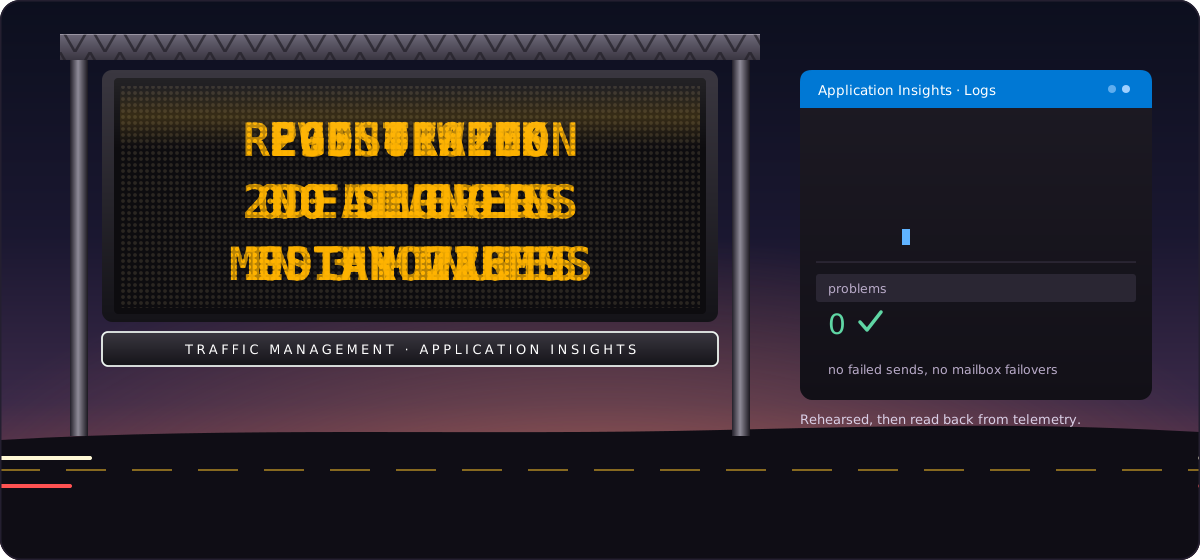
All 200 were delivered, with a median send of 226 ms and a 95th percentile of 418 ms. No failovers or throttling occurred. We load-tested the API the same way, with thousands of simultaneous requests. That run produced the most useful rule of the project: Functions perform best after they've been running for a while, so event week is a no-deploy zone. The timer trigger keeps everything warm.
Agents build. People hold the paddle.
Here's how the work got done. We built this with GitHub Copilot in agent mode in VS Code, using the Azure MCP Server so the agent could read live Azure state instead of guessing. The agent was the work crew. It quickly scaffolded functions, React pages, Bicep modules, and tests.
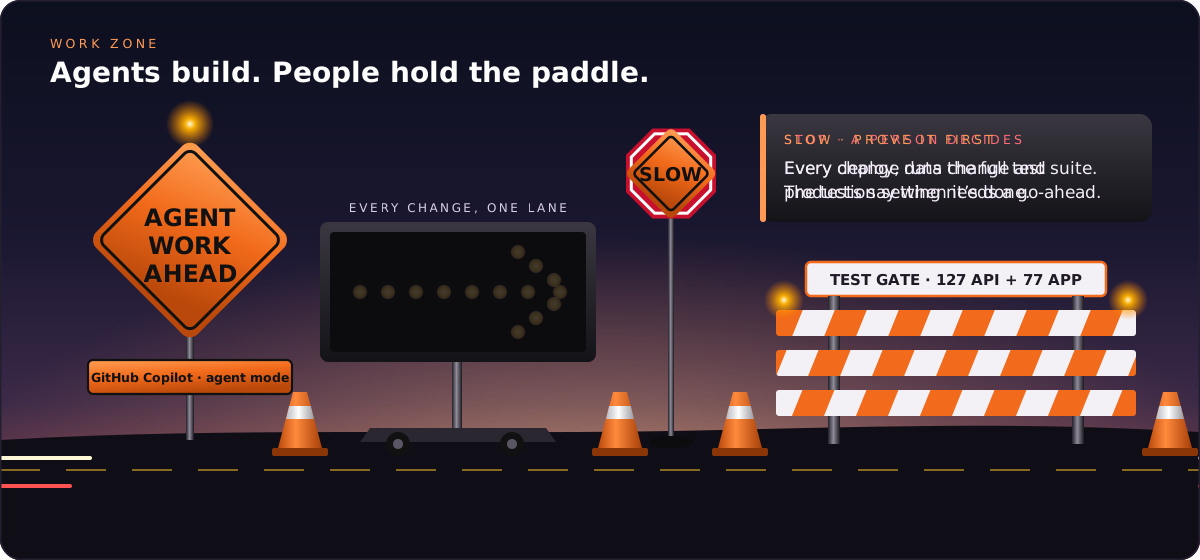
But a work zone always has a flagger, and that was our job:
- A decision log. Every significant choice is written down with its reasoning, from the platform to the partition keys. The agent works from it, and next year's team inherits it.
- A test gate. 327 API tests and 177 front-end tests run in GitHub Actions on every push. A change is done when the tests say so.
- Infrastructure as code. Five Bicep modules describe the whole environment, so we can review, rebuild, and hand it off.
- A person approves anything irreversible. That covers every deploy, data change, and production setting.
These are the same rules we'd hold any contractor to. The agent didn't lower the bar; it gave us time to apply it everywhere.
What this means for local government
Local government already thinks in systems that move people safely: roads, transit, permit counters, public meetings. Azure gives small public teams the same kind of building blocks. There's a managed front door, event-driven compute, a database that enforces its own rules, identity and mail that fit the Microsoft 365 tenant most of us already run, and telemetry to prove it all works.
AI agents make those blocks faster to assemble. The craft is the part that hasn't changed: choosing the destination, signing the hazards, rehearsing the rush, and keeping a person at the paddle. That's the same pattern for a conference passport, a 311 intake, or a permit lookup, and it's work local government developers are well placed to lead.
The road is open. Every stamp on it will mean a conversation happened.

Opening day: what the road actually carried
Rehearsals tell you what should happen. The conference told us what did. We went back to Application Insights and Cosmos DB afterward and counted.
The road held. Throughout the event, the API handled 3,579 sign-in, check-in, leaderboard, and sponsor requests. None failed. The median response time was 89 ms, and the 95th percentile was 502 ms. Our earlier load test had pushed about 3,150 requests per minute through the same functions without a single error, so the real crowd was well within the margin we'd built. Every sign-in link we sent was delivered through the Graph mailboxes, and the one rejected request was malformed.
The hazard signs weren't needed, which is the point. The optimistic-concurrency retry path never had to fire, because no two writes collided on the same attendee. The code was there if it was needed. Signs like that only get tested on the day something goes wrong, and it's still the right place for them.
The stamps were earned. Attendees collected 307 stamps across the three days, and every one came from answering a sponsor's question. We granted no manual credits. Once someone got going, they almost always finished. Completing a passport took a median of about 74 minutes, which is about how long eight real conversations take.
Every table got traffic. Stamps were spread evenly across the eight sponsors, from 24 to 28 each. Each sponsor had at least two dozen conversations, which was the whole reason for the design. The busiest hour was 2 p.m. on the first day, with 64 stamps in 60 minutes.
Attendees came from more than 40 different organizations, including city, village, and county governments across the region.
