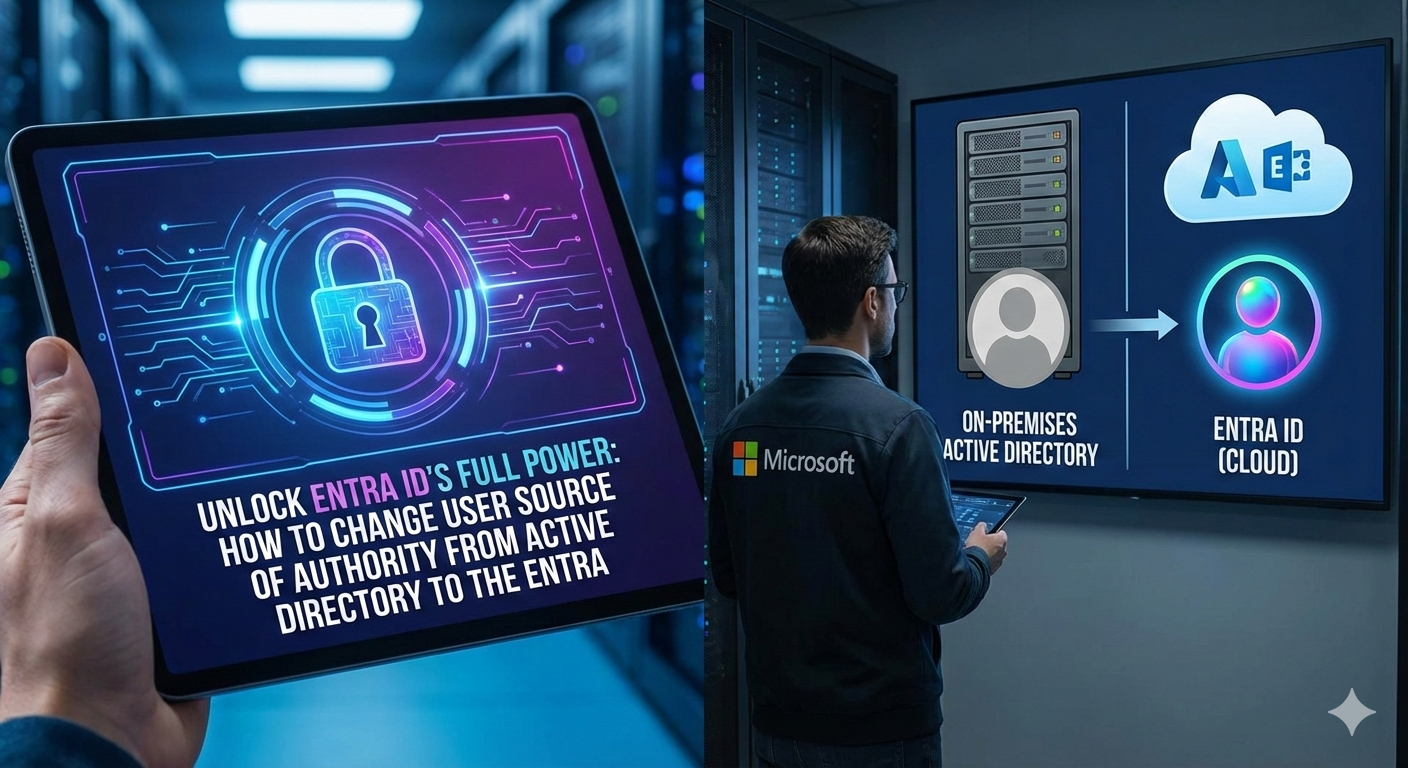
For years, hybrid identity has been the standard. We synchronize users from on-premises Active Directory (AD) to Microsoft Entra ID (formerly Azure AD), giving our people one set of credentials for both cloud and local resources.
But this setup comes with a hidden limitation: Active Directory remains the Source of Authority (SOA).
This traditional model limits your ability to leverage modern security, governance, and management tools available in the cloud. The good news? Microsoft has introduced the capability to shift the SOA for your users entirely to Entra ID.
Here’s a deep dive into why this shift is essential, how simple the change is, and the critical implications you need to plan for.
The Hybrid Dilemma: Why AD SOA is Limiting:
In a typical hybrid setup, every synced user object in Entra ID has properties that are permanently locked down or "grayed out." This is because the object has an underlying attribute, isCloudManaged, set to false.
This status means:
- Limited Lifecycle Management: You can’t fully leverage cloud-based identity governance or lifecycle features.
- HR Provisioning Complexity: If your Human Resources (HR) system is the true source of truth for new employees, updates must flow: HR → AD → Entra ID. This creates latency and points of failure.
- Increased Attack Surface: If you are primarily cloud-focused, maintaining an AD object for synchronization creates an unnecessary on-premises attack surface that you must continually protect.
- No Cloud Editing: You are forced to make all major attribute changes in AD, even if the user only interacts with cloud services.
By making Entra ID the Source of Authority, you break this dependency and unlock a truly cloud-first identity posture.
The Core Mechanism: A Single Attribute Flip:
The actual technical process of changing the SOA is surprisingly simple, it boils down to flipping a single attribute.
The change is made using the Microsoft Graph API (or PowerShell) with a PATCH command against the user's onPremisesSyncBehavior endpoint.
|
Action |
Method |
Endpoint |
Body |
|
Change SOA |
PATCH |
/beta/users/{user-id}/onPremisesSyncBehavior |
{ "isCloudManaged": true } |
Once this change is made, two immediate things happen:
- Synchronization Stops: Entra Connect or Cloud Sync immediately recognize the change and stop synchronizing any updates from the on-premises AD object to the Entra ID object.
- Properties Unlocked: The user's properties in the Entra ID portal are instantly un-grayed, allowing cloud administrators to manage the user's identity directly.
Critical Warning: No Write-Back
Before you perform this change, you must understand the most critical implication: There is no user write-back capability from Entra ID to AD today.
Once you shift the SOA, the connection is unidirectional and then effectively severed. Changes made to the cloud object will not be reflected in the on-premises AD object.
Post-Migration Scenarios: Planning the Cutover:
After flipping the SOA, you must plan what happens to the on-premises AD object. There are two main scenarios:
Scenario 1: Full Cloud Cutover (The Ideal)
If your user no longer requires any legacy Kerberos or AD-dependent services:
- Action in AD: Disable the user account in Active Directory immediately. After a period of validation, the account can be safely deleted.
- Benefit: This achieves the goal of minimizing your AD footprint, reducing attack surface, and simplifying your HR flow to HR → Entra ID.
Scenario 2: Maintaining On-Premises Kerberos Access
Many organizations still rely on Kerberos for resources like file shares, legacy applications, or Remote Desktop (RDP) access. Fortunately, you can still access these resources with an Entra ID-managed user, but it requires a few key technical components:
- Keep the AD Object: You must keep the on-premises AD user account (though it should no longer be managed by AD tools).
- Passwordless Authentication: The user must utilize a modern passwordless method (like Windows Hello for Business or FIDO2 keys).
- Cloud Kerberos Trust: Your environment must be configured with a Cloud Kerberos Trust.
How it works: The cloud-managed user authenticates with Entra ID using passwordless methods. Entra ID, acting as a pseudo Read-Only Domain Controller, issues a partial Kerberos Ticket Granting Ticket (TGT). This partial TGT is used with your domain controllers to acquire a full Kerberos service ticket, which then grants access to the on-premises resource (e.g., the file share).
Final Planning Checklist:
While the Graph API command is easy, the preparation is everything. Plan your deployment carefully:
|
Step |
Action |
Why |
|
1. Migrate Groups First |
Shift the SOA for all security groups the user belongs to before shifting the user's SOA. |
Groups are often a logical first step for moving access controls. |
|
2. Retire Exchange Hybrid |
Ensure all user mailboxes have been moved to Exchange Online. |
Entra ID SOA users are incompatible with the on-premises Exchange Hybrid configuration. |
|
3. Plan for HR Flow |
Update your HR provisioning to target Entra ID directly, bypassing AD, for the affected users. |
This ensures the user's identity lifecycle is entirely cloud-managed going forward. |
|
4. Automate |
Write a robust PowerShell script to manage the process, allowing for staged rollouts based on Organizational Units (OUs) or security groups. |
Avoid making changes one-by-one in the portal for scale and consistency. |
Moving the Source of Authority to Microsoft Entra ID is a major step toward a modern, highly secure, and simplified identity environment. Understand the implications, plan your path for Kerberos access, and start unlocking the full potential of the cloud.

 Microsoft