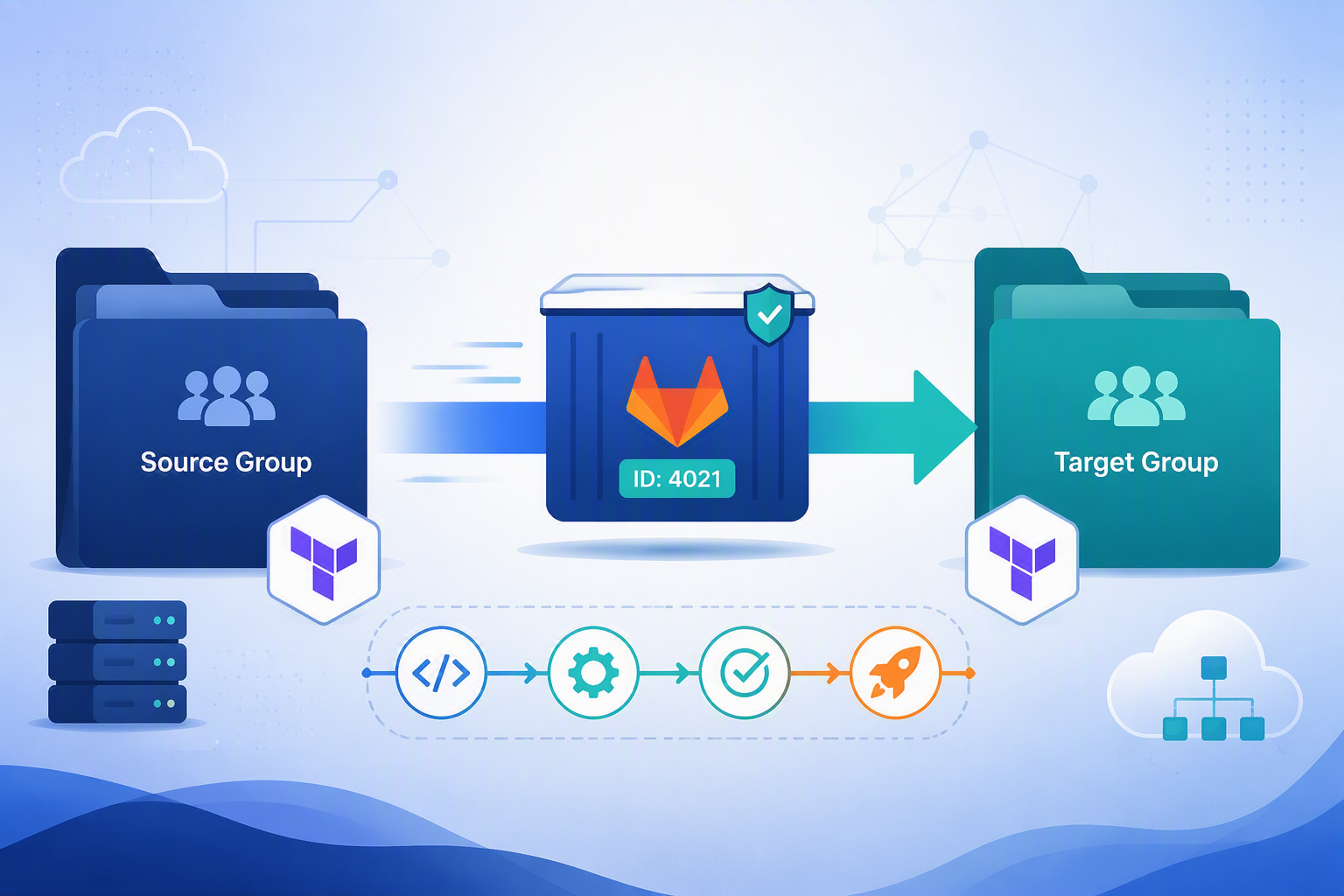
Move a live GitLab project to a new group without breaking Terraform state, CI/CD variables, or cloud authentication — the gotchas and the fixes, from real experience. Transferring a GitLab project to a different group sounds like a two-click settings change — right up until you remember the project owns Terraform-managed state, a stack of CI/CD variables, and pipelines that deploy to real environments. Move it carelessly and your next terraform plan starts proposing to destroy and recreate infrastructure, or your pipelines fail because the variables they relied on quietly disappeared. In this post I'll walk through the approach we used to move a live, Terraform-heavy project between groups with zero infrastructure drift, and I'll call out the traps that cost us the most time so you can dodge them.
Why this is trickier than it looks
A group transfer in GitLab isn't just a rename. It re-parents the project under a new namespace, which changes every path-based assumption downstream: inherited group variables, group-scoped runners, and any external system that hardcoded the old your-source-group/your-project path. For a plain application repo that's a minor cleanup. For a project that manages infrastructure, four things can bite at once:
-Terraform state can appear to "reset" if the backend address was built from the old project path instead of the stable project ID.
-Pipelines can fail because CI/CD variables that were inherited from the old group are no longer in scope.
-Terraform jobs can fail on permissions because the runner or service account in the new group has different access.
-Cloud authentication can break because a service principal's federated credentials were mapped to the old GitLab repo path.
Get ahead of those four and the transfer itself is the easy part. Here's the shape of the move: the project keeps its identity (and its ID), but everything it inherited from the old parent stays behind.
Group transfer overview — project ID stays the same, inherited resources do not follow:
|
BEFORE: your-source-group your-project | ID 4021 ├─ GitLab-managed Terraform state ├─ Group CI/CD variables (inherited) └─ Group runners (inherited) |
→ |
AFTER: your-target-group your-project | ID 4021 (unchanged) ├─ GitLab-managed Terraform state ├─ Group CI/CD variables (re-create) └─ Group runners (re-point) |
The project (and its GitLab-managed state) moves with its ID intact. The group-scoped variables and runners do not follow it — which is exactly where the rework lives.
Prerequisites and assumptions
This guide assumes the project you're moving includes:
-Terraform code spread across multiple folders and environments.
-Multiple Git branches and tags.
-GitLab-managed Terraform state.
-GitLab CI/CD pipelines, variables, and related configuration.
You'll also want Owner access in both the source and target groups, and a maintenance window you can announce in advance.
Before the move
Everything that makes the move safe happens here, while the project is still quiet and reversible.
- Confirm governance and access - Announce the change window and the expected freeze period so nobody pushes into a moving target. Confirm you hold Owner access in both the source and target groups, and that the users and teams who need the project already exist in the target group with the correct roles.
- Capture a baseline inventory - Write down what "good" looks like now so you can compare after the move. Capture the current project path and URL, the default branch and protected-branch rules, the full list of branches and tags, open merge requests and issues, pipeline schedules and their owners, the environment list with protected environments and approvals, and your runner topology (project runners, group runners inherited from the source group, and shared-runner status).
- Check Terraform readiness - For each Terraform root folder, identify the backend configuration pattern and confirm whether it points to the project ID (preferred) or the project path. List every state name in use, confirm there are no active state locks and no running Terraform jobs, and take a state backup for each active state as a safety export.
- Inventory the states GitLab is managing for this root
- terraform state list
- Pull a point-in-time backup of each state before you touch anything
- terraform state pull > backup-<environment>-<state-name>.tfstate
- Inventory the states GitLab is managing for this root
TIP
Keep these backups outside the project you're about to move. If the transfer ever needs to be reversed, you'll want the safety net to live somewhere the move can't touch.
- Prepare CI/CD variables and secrets - Export and document your project-level CI/CD variables, including their masked and protected flags. Inventory the source-group inherited variables your pipelines actually consume, then prepare the same variables at the target group (or pull them down to project scope if that's cleaner). Review your .gitlab-ci.yml includes and templates for any references to the old group or project path.
- Watch for includes that hardcode the old namespace and will break after the move
- include: - project: 'your-source-group/ci-templates' and file: '/terraform/plan.yml'
- Watch for includes that hardcode the old namespace and will break after the move
- Freeze and lock down - Put a temporary merge freeze in place, pause scheduled pipelines, and make sure no release or deployment jobs are running. Tell the team to hold pushes during the transfer window.
- Checklist: before the move
- Change window announced and freeze period agreed.
- Owner access confirmed in both groups.
- Baseline inventory captured (branches, tags, MRs, issues, schedules, environments, runners).
- Backend pattern verified as project ID versus path, per root.
- State backups exported and stored off-project.
- CI/CD variables documented and staged in the target group.
- Merge freeze on, schedules paused, no active deploys.
- Checklist: before the move
Executing the move
With the project frozen and backed up, the transfer itself is quick. Keep your eyes on one number: the project ID.
- Run the transfer - In the project's Settings > General > Advanced section, transfer the project to the target group. Confirm the transfer succeeds, note the new namespace path, and verify that the project ID has not changed. The unchanged project ID is what lets your Terraform state and your rollback plan keep working.
- Validate immediately - Right after the move, confirm the repository is present and that branches, tags, merge requests, and issues are all visible. Check that the default branch and protected branches survived, and confirm the project visibility level (the target group's settings can constrain it).
- Cut over CI/CD and runners - Verify that the runners you need are available in the target context, and re-enable or pin them as required. Re-create or validate the variables that used to be inherited from the old group, confirm your project-level variables are intact, and only unpause schedules after a smoke pipeline succeeds.
- Run a Terraform safety pass - Do a dry run for each Terraform root before you trust anything. Confirm the backend resolves to the existing GitLab-managed state, run a plan per environment, and make sure the state lock and unlock cycle still works.
- terraform init
- terraform plan # expect no unexpected recreation
- Checklist: executing the move -
- Transfer completed and new namespace path recorded.
- Project ID confirmed unchanged.
- Repo, branches, tags, MRs, and issues all visible.
- Default and protected branches intact.
- Runners available and pinned in the new context.
- Inherited variables re-created; project variables intact.
- Dry-run plans clean before schedules are unpaused.
After the move -
Now confirm the project is genuinely healthy, not just present.
- Validate Terraform end to end - For each root, confirm terraform init succeeds, terraform plan shows the drift you expect (ideally none), and state list and pull are accessible. Check that there are no orphaned or duplicate state files.
-
- terraform init
- terraform plan
- terraform state list
-
- Re-check access and security - Validate the role model in the new group (Maintainer, Developer, Reporter) and re-test masked and protected variable behavior so secrets still mask in job logs.
- Clean up operationally - Update local Git remotes to the new URL, and update your docs and runbooks with the new namespace and project path.
- git remote set-url origin https://gitlab.example.com/your-target-group/your-project.git
- Stay in hypercare - For a short window after the move, watch pipelines and Terraform plans closely. Unexpected drift is easiest to catch and reason about while the change is fresh.
- Checklist: after the move -
- terraform init and terraform plan clean per root.
- No orphaned or duplicate state files.
- Roles and masked/protected variables verified.
- Git remotes, docs, and runbooks updated to the new path.
- Pipelines and plans monitored through hypercare.
Gotchas that will bite you
This is the part I wish someone had handed me before the move. Each gotcha follows the same shape: a symptom you'll see, the cause underneath it, and the fix.
⚠️ WARNING — Re-point the service principal's federated credentials -
- The backend built from project ID versus project path - GitLab-managed Terraform state lives at an HTTP backend address. When that address is keyed to the stable project ID, it survives a group transfer untouched. When it's keyed to the project path, the address changes the moment the namespace changes, and Terraform can no longer find the existing state — so a plan looks like a brand-new, empty deployment.
-
Symptom: after the move, terraform plan proposes to create everything from scratch.
-
Cause: the backend address was derived from the old project path.
-
Fix: point the backend at the project-ID form of the address (which is unchanged by the move) and re-run the plan. See the Terraform GitLab-managed state docs for the exact address format.
-
# Stable: keyed to the numeric project ID — survives a namespace change
# https://gitlab.example.com/api/v4/projects/<PROJECT_ID>/terraform/state/<state-name>
# Fragile: keyed to the project path — breaks the moment the group changes
# https://gitlab.example.com/api/v4/projects/your-source-group%2Fyour-project/terraform/state/<state-name>
- Variables that vanish with the old group -
- Symptom: pipelines that passed yesterday now fail on missing configuration.
- Cause: those values were inherited from the source group and aren't in scope under the new parent.
- Fix: re-create them at the target group, or pull the essential ones down to project scope so they travel with the project.
- Runner and service-account permission differences -
- Symptom: jobs queue forever or fail on permissions.
- Cause: the new group offers different runners, or the runner's service account has different access than the old group's.
- Fix: confirm runner availability in the target context, pin the runners you need, and reconcile the service-account permissions before unpausing schedules.
NOTE - GitLab preserves a lot on transfer, but it can't preserve anything that lived outside the project — like group-inherited variables or an external identity mapped to your old path. For the transfer mechanics themselves, the official
GitLab transfer-a-project docs are the authoritative reference:
https://docs.gitlab.com/ee/user/project/settings/index.html#transfer-a-project-to-another-namespace
What's preserved vs. what needs rework
|
Preserved automatically |
Requires rework after the move |
|
Git history, commits, branches, and tags |
Group-level CI/CD variables inherited from the old group |
|
Merge requests, issues, milestones, labels, and wiki |
Access that came from old group membership |
|
In-repo CI/CD config (.gitlab-ci.yml) |
Old group runners inherited at group scope |
|
Project-level CI/CD variables |
External systems that hardcoded the old namespace or project path |
|
GitLab-managed Terraform state tied to the same project (project ID unchanged) |
Service principal federated credentials mapped to the old repo path (see Warning above) |
How to verify (evidence to capture)
Treat verification as a read-only exercise first. The goal is proof that nothing changed under you, captured one environment at a time.
Work through the environments individually rather than all at once. For each one, run a read-only plan before anything else, investigate any proposed create or destroy before you apply, and confirm the state key name stays exactly identical to what it was before the move. If the state key naming drifts, stop and fix the backend address before proceeding.
Capture this evidence as you go:
- A screenshot of the project transfer success page showing the new namespace and unchanged project ID.
- A screenshot of branches and tags after the move.
- A screenshot of CI/CD variables and runner availability in the new context.
- The IDs of the first successful pipeline runs.
- The terraform plan summaries for each root and environment.
If something goes wrong: how to roll back
Your rollback plan is already in place if you did the prep. It rests on three facts from earlier in this process, and it needs nothing you haven't already prepared.
- You took a state backup for every active state before the move (from the readiness step). If a plan looks wrong, you can restore from those backups rather than letting an apply run.
- The merge freeze and paused schedules are still holding, so nothing is racing your recovery. The freeze window is the safe point to restore a state backup or reverse the move.
- The project ID never changed, which means the project can be transferred back to the source group the same way it came, and the same GitLab-managed state (keyed to that ID) remains valid.
CAUTION - Only lift the freeze and unpause schedules once your read-only plans are clean. The freeze is what keeps rollback simple; releasing it early is what turns a small correction into an incident.
Lessons learned
- Key your Terraform backend to the project ID, not the project path. It's the single decision that makes a group transfer boring instead of terrifying.
- Federated credentials are path-shaped. If a cloud identity trusts your old repo path, it won't trust the new one until you re-map it.
- Inventory before you inherit. Group-inherited variables and runners don't move with the project, so know what you depend on before you cut the cord.
- A freeze plus off-project backups is your whole rollback plan. Keep both until your plans come back clean.
- Verify read-only, one environment at a time. Drift is easy to reason about in isolation and painful to untangle in bulk.
Have you moved a Terraform-managed GitLab project between groups? I'd love to hear which gotcha caught you, and whether the project-ID backend trick saved you the way it saved us. Drop your experience (or your horror story) in the comments.

 Microsoft