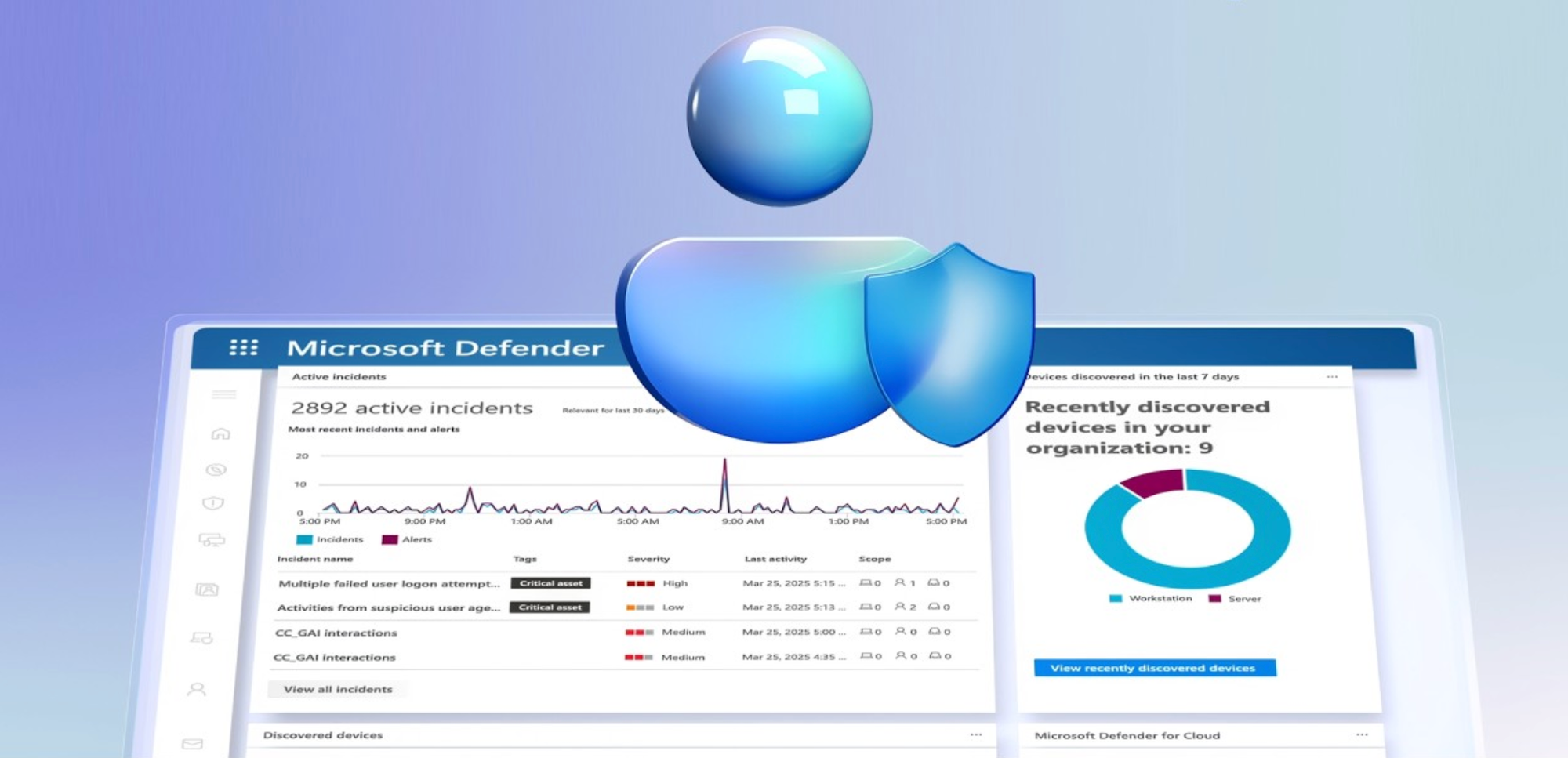
Stay ahead of real-world threats without overwhelming your team using Microsoft Defender Experts for XDR.
Offload high-severity incidents, gain full visibility into every investigation, and follow clear, guided remediation steps so you can contain attacks quickly and confidently, day or night.
Extend your security operations with always-on managed detection and response and proactive threat hunting, so you can uncover hidden risks early, stop threats threats they spread, and strengthen your defenses to prevent future attacks.
Maynald Savatdy, Microsoft Defender Expert, shows how to detect, contain, and hunt threats across your environment with support from human experts.
Stay protected at all hours.
Extend security coverage to nights, weekends, & holidays without staffing new shifts. Defender Experts for XDR includes managed detection and response and proactive threat hunting.
Reduce response time and uncertainty.
Take guided remediation steps from human experts instead of guessing what to do next. See how Microsoft Defender Experts for XDR works.
Uncover hidden threats early.
Microsoft Defender Experts proactively hunts across your environment and acts on contextual alerts before exploits become public. See it here.
QUICK LINKS:
00:00 — Microsoft Defender Experts
00:54–24/7 Security Coverage
01:35 — Visibility & guidance actions
03:34 — Incidents and alerts
04:25 — Social engineering attack
05:36 — Defender Experts for hunting
06:34 — Wrap up
Link References
Get started at https://aka.ms/DefenderExperts
Unfamiliar with Microsoft Mechanics?
As Microsoft’s official video series for IT, you can watch and share valuable content and demos of current and upcoming tech from the people who build it at Microsoft.
- Subscribe to our YouTube: https://www.youtube.com/c/MicrosoftMechanicsSeries
- Talk with other IT Pros, join us on the Microsoft Tech Community: https://techcommunity.microsoft.com/t5/microsoft-mechanics-blog/bg-p/MicrosoftMechanicsBlog
- Watch or listen from anywhere, subscribe to our podcast: https://microsoftmechanics.libsyn.com/podcast
Keep getting this insider knowledge, join us on social:
- Follow us on Twitter: https://twitter.com/MSFTMechanics
- Share knowledge on LinkedIn: https://www.linkedin.com/company/microsoft-mechanics/
- Enjoy us on Instagram: https://www.instagram.com/msftmechanics/
- Loosen up with us on TikTok: https://www.tiktok.com/@msftmechanics
Video Transcript:
-What if your security team had elite defenders available 24/7 ready to detect, respond, investigate, and hunt threats across your environment? Every day you may need to look at dozens or hundreds of incidents, and anyone of them could pose an existential threat to your organization. This is where our human-led Microsoft Defender Experts for XDR, our managed detection and response service and team come in, to work through those incidents for you. They work behind the scenes to bring deep expertise in triaging and investigating incidents, augmenting your SOC team. And you can track progress directly in Microsoft Defender.
-In fact, I’m part of the global Microsoft Defender Experts team and we represent Microsoft’s own experienced security analysts and threat hunters. People who live and breathe cybersecurity. We’ve managed some of the worst situations and developed deep understanding of all the ways systems and endpoints can be compromised. We work around the clock, including after hours, weekends, and holidays, to augment your team. Defender Experts for XDR also includes a dedicated Defender Experts for Hunting service. This augments your team with our trained engineers that proactively hunt down risks and vulnerabilities across different entry points and services. If you are part of a larger organization with an expert SecOps team, you can also get Defender Experts for Hunting as a standalone service. Our human-led team of experts will work with bespoke tooling and queries, including AI.
-In fact, we’ll uncover and work through advanced threats using up-to-the-second intel that automated systems might miss and correlate data from live raw sources that may not yet have been published. Let’s start in Microsoft Defender. You’re looking at the Incidents view, and normally, to stay protected, you’d need to triage these incidents and work them yourself. These are legitimate attacks unique to your organization and infrastructure. There could be dozens or hundreds of active incidents. The Defender Experts team will triage and work the incident queue for you as an opt-in managed service to augment your security team. In fact, right from the Home screen of the Defender portal, you’ll see the latest incidents that have been worked through by our Defender Experts team. These are stats for the number of investigated incidents and how many were resolved directly or with your help.
-Let’s click in to see all incidents for the ones that need your attention. This status means that the recommended actions needs to be taken by someone on your team. This could be due to credential resets or policy configuration changes only your team may be authorized to perform. If I click into the incident for initial access involving one user, right up top you’ll see that it’s been assigned to Defender Experts. By default, any medium or high severity incident will get our attention. You can see the managed response provided by the Defender Expert who worked on the incident. There’s a detailed summary of what happened, how the incident started, the scope of entities and services impacted, any discovered indicators of compromise, in this case, email information and a malicious phishing URL, along with which entities were investigated. And below that are details for the Advanced Hunting Queries that were used.
-Here you can see our Defender analyst was able to query emails containing the suspicious URL, which devices connected to that URL, the emails from the compromised sender account, then finally who clicked on the URL in the emails from that compromised account. And you can see the Awaited Actions below that you as the customer would need to take care of, like taking action to create an indicator that automatically blocks traffic to the URL, a password reset for the affected user, and requiring the user to sign in again by revoking their sessions. So you have full visibility into what our Defender Experts worked on and any guidance for actions that you need to take. Additionally, our Defender Experts can raise incidents and alerts themselves when suspicious activity is detected. This incident with the Defender Experts prefix was raised as both an incident and alert by our team. It’s a Teams Phishing Activity involving initial access, execution, and privilege escalation.
-From the Managed Response summary, we can see the details of the attack, which the team was able to contain, and if I scroll down, you can see the specific actions completed. They first disabled the targeted account, then created an indicator to block the suspicious domain, and they were able to block incoming Teams messages from the malicious actor along with all of the related IP addresses. So as you saw, these are hands-on interventions. When something suspicious pops up, we don’t just send an alert. Our team digs in, validates what’s happening, and guides you through any containment and remediation steps that we can’t directly perform.
-Let me expand on a social engineering attack to gain remote access, similar to this Teams incident I showed earlier, and how we addressed it. It started when we investigated an alert that was triggered when a user installed a remote viewing and management tool on their work device. At first glance, this type of software isn’t inherently malicious. It’s often used for legitimate IT support. However, our analysts noticed a pattern that didn’t align with normal behavior. The installation followed a series of junk emails sent to the user, an email bombing attack, and a Teams message claiming to be from Technical Support. Once installed, the adversary began using legitimate system paths to gain deeper access. Our team quickly disabled the user and attacker accounts and lines of communication, isolated the device and notified the customer, stopping the attack before it spread further into the network.
-Leveraging Microsoft Threat Intelligence and access to global security data for broader querying, we identified the threat actor. Following the containment, our hunters then initiated proactive searches across other customer tenants and issued intelligence-driven notifications to prevent the spread and further compromise. This is just a recent example of how attackers combine social engineering with their tactics, techniques, and procedures. Beyond reactive support, Defender Experts for Hunting, as the name suggests, proactively hunts for threats in your environment and across the ecosystem. This the Defender Experts custom alert. It’s an overview of suspicious activity, complete with context, severity, and details. Clicking into the Summary tab, there’s a tile view of alerts, recommended queries, evidence and more. Last July, before any public CVE was announced, our team observed unusual activity on a SharePoint server where the W3WP executable was seen invoking PowerShell commands with Base64 encoding, behavior that typically signals an exploit attempt.
-Using advanced hunting queries, we were able to confirm this was not just an isolated event. Based on our queries, we could confirm the attackers were actively probing weaknesses in other environments. We used the results to find the list of over 100 organizations that were vulnerable to this attack and proactively warned them of their exposure even before the exploit became widely known with guidance on how to address it.
-So, whether you’re a small team looking to scale your security operations, or a large enterprise needing deeper threat insights, Microsoft Defender Experts gives you the confidence of knowing elite defenders are watching your back. To learn more or get started, head to aka.ms/DefenderExperts and keep watching Microsoft Mechanics for the latest tech updates. Thanks for watching.
