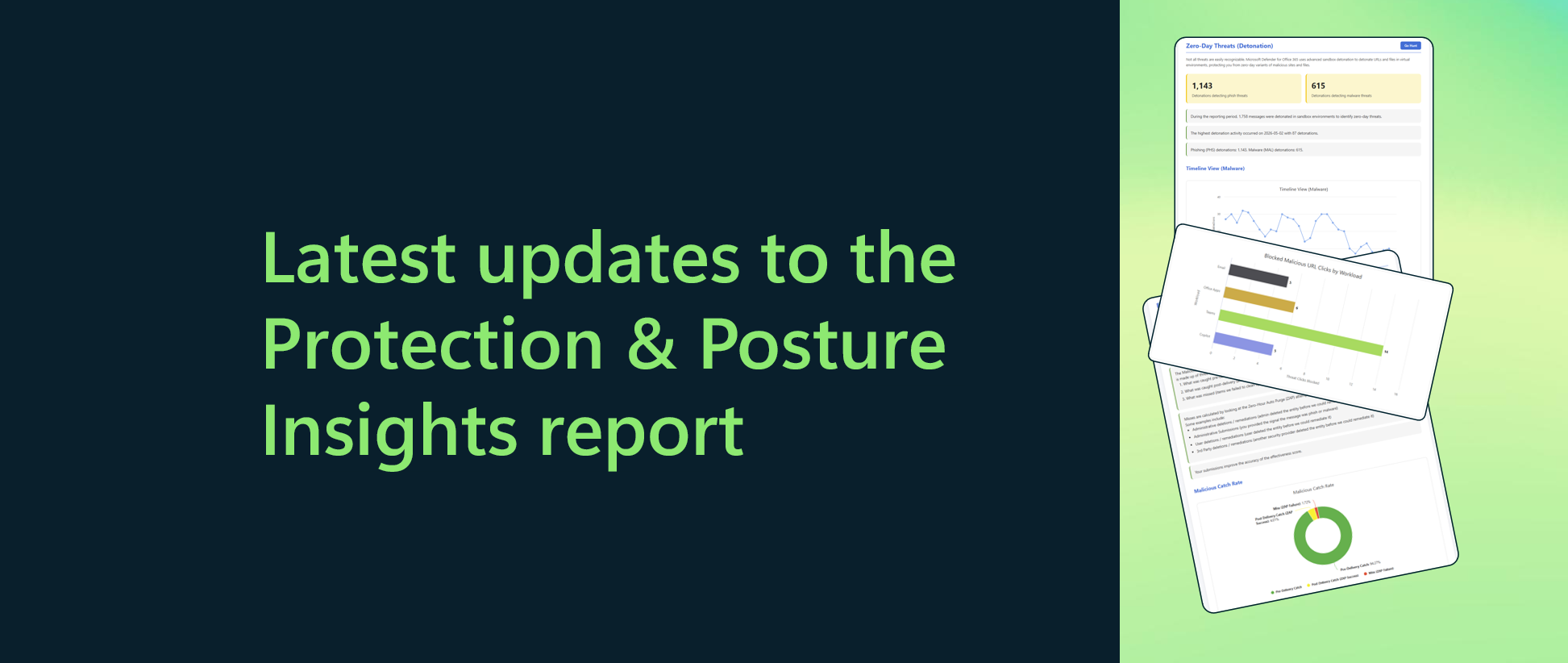
Earlier this year, we introduced the Protection & Posture Insights report: an on-demand, tenant-specific view of the email & collaboration threats targeting your organization, how well Microsoft Defender is stopping them, and where your configuration can be strengthened.
Today, we're announcing the latest updates to the report, shaped directly by your feedback. Here are the highlights:
URL Protection: visibility beyond the inbox
Attackers follow users wherever they work. Malicious links now show up in Teams conversations, Office files and Microsoft 365 Copilot responses as well as email, and many look harmless until after they're delivered. Microsoft Defender checks links when users click them, and the new 'URL Protection' insight shows how many clicks were checked, how many attempts to reach malicious sites were blocked, and how that activity breaks down across email, Office apps, Teams and Microsoft 365 Copilot.
Filtering Overrides: find the exceptions weakening your posture
Allow lists and transport rules are sometimes needed for business continuity, but every exception can weaken your protection. The new 'Filtering Overrides' insight shows how many phish, malware and spam messages were permitted by organization-level and user-level overrides, and which override types were responsible. It also flags overrides applied to messages Defender had already classified as clean, a strong signal that they can be retired.
Where an override is genuinely required, we recommend the Tenant Allow/Block List, which offers more visibility, auditing and control than broad transport rules.
Go Hunt: increased coverage
Our 'Go Hunt' experience opens Advanced Hunting with the exact query behind an insight, so you can explore and customize the underlying data yourself. It's now available on more insights, including URL Protection, Filtering Overrides and Detection Trends, so you can dig as deep into the data as you need.
Get started
Defender for Office 365 Plan 2 customers can generate the report in a couple of minutes. In the Microsoft Defender portal, go to Reports -> Email & collaboration reports. Then select 'Generate' on the Protection & Posture Insights report card. You can also go directly to the Reports page within the Microsoft Defender portal. Learn more about email & collaboration reports with our documentation.
We'd love to hear what you think about the report, and what you'd like to see next. Share your feedback at aka.ms/PPIRReportFeedback.

 Microsoft
