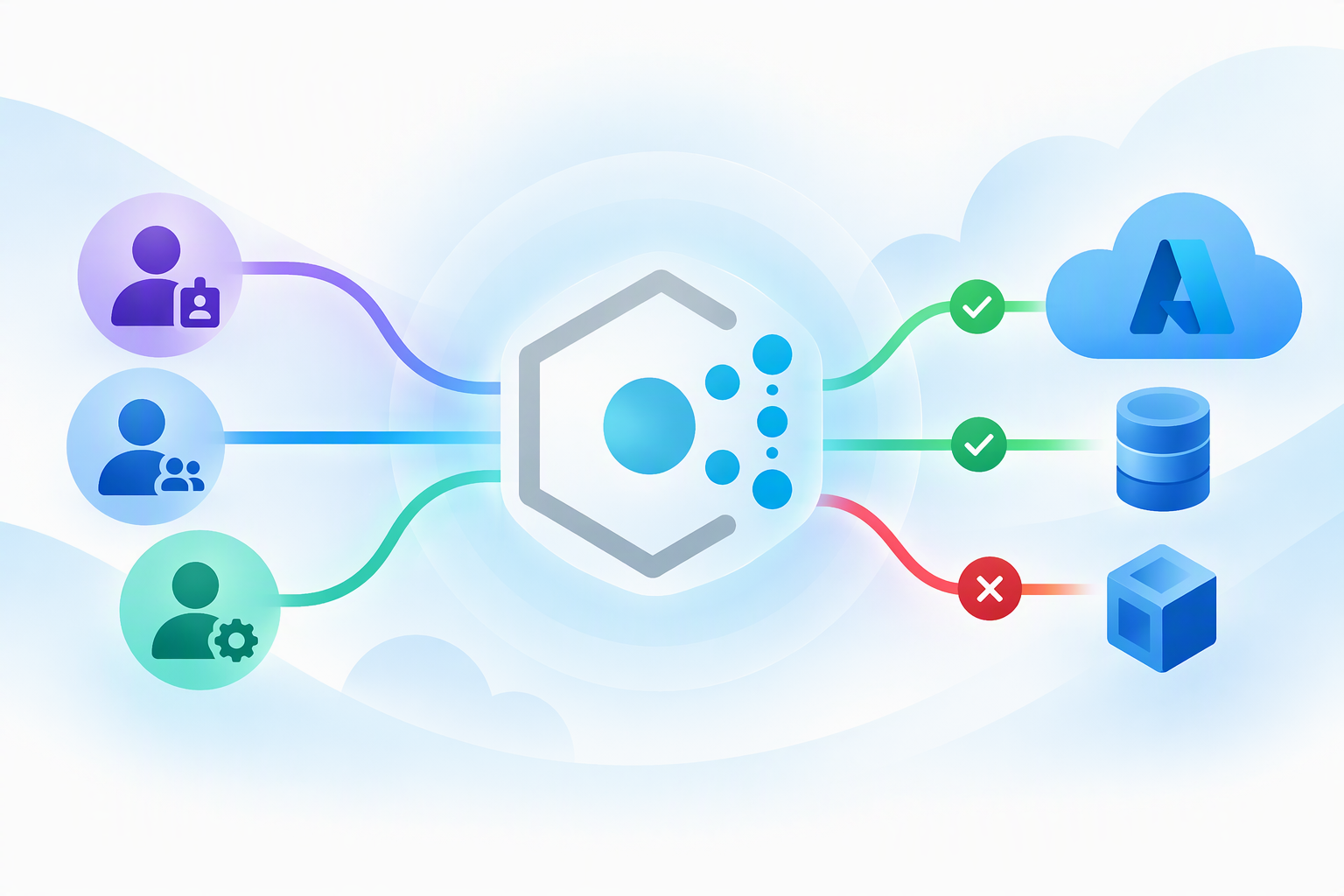
For years, Azure Policy has answered one question extremely well: "what should your Azure environment look like?" Allowed regions, required tags, mandatory diagnostic settings, approved SKUs. That’s powerful, but it only inspects the resource payload. It never looked at the caller.
Now Azure Policy can evaluate not only the resource properties and attributes you're already using to govern your environment, but also the identity making the request at request time. This means you can govern both what changes are allowed and who is allowed to make them. This blog walks through why that matters, how to author identity-aware rules, a collection of copy-ready example policies, and how to safely roll enforcement out (and back!). This is not a particularly "new" feature but it is something that is powerful enough to need its own blog.
How identity-based enforcement works
Most policy rules read the target resource’s properties. Identity-aware rules add a new source of truth: the requestContext().identity function, which exposes the request metadata about the caller in your policy rule expressions.
At a high level, every identity-aware policy is just a short decision: is this caller allowed to do this?
You can inspect the following claims:
|
Claim |
What it tells you |
Typical use |
|
idtyp |
Caller identity type like user, app, or null |
Allow automation, block manual human changes |
|
appid |
Client application ID used for the request |
Allow-list approved deployment tooling |
|
acrs |
Authentication context class references (e.g. MFA / step-up signals) |
Require stronger sign-in before sensitive ops |
|
http://schemas.microsoft.com/identity/claims/objectidentifier |
Caller object ID (user or service principal) |
Precise allow/deny for specific principals |
Real world policy examples
Below are practical, copy-ready patterns. Treat the acrs and appid values as placeholders, validate the real values for your tenant before you enforce.
1. Block manual deletion of critical resources (but let automation through)
Pairs the denyAction delete-protection effect with an identity check, so humans can’t hand-delete a resource while your pipeline still can. denyAction’s only supported action today is DELETE, which is exactly what you want here.
{
  "mode": "All",
  "policyRule": {
    "if": {
      "allOf": [
        {
          "field": "type",
          "equals": "Microsoft.Sql/servers"
        },
        {
          "value": "[tryGet(requestContext().identity, 'idtyp')]",
          "equals": "user"
        }
      ]
    },
    "then": {
      "effect": "denyAction",
      "details": {
        "actionNames": [ "delete" ]
      }
    }
  }
}
2. Require MFA / step-up auth before sensitive operations
The acrs claim can carry multiple comma-separated values, so split it and check for your required authentication-context reference. This example blocks changes to role assignment resources unless the caller presented the p1 auth context.
{
  "if": {
    "allOf": [
      {
        "field": "type",
        "equals": "Microsoft.Authorization/roleAssignments"
      },
      {
        "value": "p1",
        "notIn": "[split(tryGet(requestContext().identity, 'acrs'), ',')]"
      }
    ]
  },
  "then": {
    "effect": "deny"
  }
}
Swap the field/type clause for Microsoft.Compute/virtualMachines, or any other resource you consider to be high-impact.
3. Allow-list approved deployment tooling only
Guard an automation boundary so only sanctioned pipelines / apps can write to selected resource providers. Any other client app ID is denied.
{
  "mode": "All",
  "parameters": {
    "allowedClientAppIds": {
      "type": "Array",
      "metadata": {
        "displayName": "Allowed client application IDs",
        "description": "List of Entra app IDs permitted to perform write operations."
      }
    }
  },
  "policyRule": {
    "if": {
      "allOf": [
        {
          "value": "[tryGet(requestContext().identity, 'appid')]",
          "notIn": "[parameters('allowedClientAppIds')]"
        }
      ]
    },
    "then": {
      "effect": "deny"
    }
  }
}
4. Layered governance - combine who with what
The real power shows up when you stack identity context on top of resource configuration. Here: only an approved app may create a public IP, and only in an approved SKU.
{
  "mode": "All",
  "parameters": {
    "allowedClientAppIds": { "type": "Array" }
  },
  "policyRule": {
    "if": {
      "allOf": [
        { "field": "type", "equals": "Microsoft.Network/publicIPAddresses" },
        {
          "anyOf": [
            {
              "value": "[tryGet(requestContext().identity, 'appid')]",
              "notIn": "[parameters('allowedClientAppIds')]"
            },
            {
              "field": "Microsoft.Network/publicIPAddresses/sku.name",
              "notEquals": "Standard"
            }
          ]
        }
      ]
    },
    "then": { "effect": "deny" }
  }
}
Roll it out safely and roll it back instantly
One of the most powerful features of Azure Policy is its ability to have controls to enable safe deployment practice (SDP) primitives for progressive exposure and fast rollback.
Three assignment-level knobs do the work without touching the policy definition:
- resourceSelectors - gradually widen scope by resourceLocation (or type), region by region.
- overrides - change the effect (e.g. Audit → Deny) on the fly.
- enforcementMode - DoNotEnforce vs Default, ideal for modify / deployIfNotExists.
The simplest version of this maps environments to regions: prove the policy in dev first (Audit, no blocking), then enforce it in prod (Deny) and keep a one-line off-switch in your back pocket.
Step 1: start in Audit, narrowest tier
Assign at a high scope, but use a selector to light up only your least-critical region, and override the effect down to Audit so nothing is blocked while you observe:
{
  "properties": {
    "policyDefinitionId": ".../policyDefinitions/BlockManualDeletes",
    "resourceSelectors": [
      {
        "name": "SDPRegions",
        "selectors": [ { "kind": "resourceLocation", "in": [ "eastus" ] } ]
      }
    ],
    "overrides": [ { "kind": "policyEffect", "value": "Audit" } ]
  }
}
Step 2: widen the ring
After compliance scans and automated health checks pass, add the next tier’s regions to the same selector:
"resourceSelectors": [
  {
    "name": "SDPRegions",
    "selectors": [ { "kind": "resourceLocation", "in": [ "eastus", "westus", "centralus" ] } ]
  }
]
Step 3: turn on enforcement, starting at Tier 0
Once every tier is happy in Audit, flip the override to Deny and reset the selector to the first enforcement region, then widen again:
"overrides": [ { "kind": "policyEffect", "value": "Deny" } ]
For modify / deployIfNotExists policies, the equivalent progression is enforcementMode: roll out under "DoNotEnforce", validate (and optionally trigger remediation), then switch to "Default".
The rollback you’ll be glad you have
If a health check fails at any stage, recovery is a single assignment edit, no definition change, no redeploy:
"overrides": [ { "kind": "policyEffect", "value": "Audit" } ]
Set the effect override back to Audit (or enforcementMode back to DoNotEnforce) and enforcement stops immediately across the affected scope. That instant, no-redeploy off-switch is what makes it safe to enforce aggressive controls in production.
Check out Safe deployment practices to learn more about these kinds of practices.
Identity-based exemptions
Strong enforcement needs a safety valve. There may be a situation where a trusted identity legitimately needs to do the very thing your policy blocks, and you want to allow that identity, not punch a hole for everyone. Azure Policy identity-based examples can help enable this experience.
Identity based exemptions have recently become Generally Available. An exemption’s resourceSelectors support two identity selector kinds, userPrincipalId and groupPrincipalId, that let a specific user, service principal, managed identity (MSI), or security group bypass a policy assignment’s enforcement, while the guardrail stays fully in force for everyone else. We are also exporing adding AppID as a selector to support in the future.
Let’s take a look at a real-world example. Your org assigns the built-in Allowed virtual machine size SKUs policy so only cost-efficient A-family VMs can be deployed subscription-wide. That is great for cost control until an outage hits. Your on-call SRE / incident-response team needs to stand up much larger VMs right now to absorb load and restore a degraded service. You do not want to relax the SKU policy across the whole subscription in the middle of an incident. Instead, grant an identity-based exemption to just the incident-response security group via groupPrincipalId: those responders can deploy the larger SKUs during the emergency, and every other identity stays blocked.
{
  "properties": {
    "policyAssignmentId": ".../policyAssignments/AllowedVmSkus",
    "resourceSelectors": [
      {
        "name": "IncidentResponders",
        "selectors": [
          { "kind": "groupPrincipalId", "in": [ "<IncidentResponseGroupId>" ] }
        ]
      }
    ],
    "exemptionCategory": "Waiver",
    "expiresOn": "2026-12-31T23:59:00.0000000Z",
    "displayName": "Exempt incident responders from VM SKU limits",
    "description": "Allow the on-call SRE group to deploy larger VMs during Sev-1 recovery.",
    "metadata": {
      "requestedBy": "SRE on-call",
      "approvedBy": "Cloud CoE",
      "approvedOn": "2026-07-24T00:00:00.0000000Z",
      "ticketRef": "INC-4821"
    }
  }
}
What makes this safe rather than a backdoor:
- It’s precise. Only the named group is exempt, the policy still denies everyone else, so you haven’t widened your attack surface to grant one team relief.
- It’s time-boxed. expiresOn closes the escape hatch automatically. (Although we do not recommend auto-expiring exemptions for product workloads until you feel confident removal of the exemption will not re-impact your service)
- It’s categorized. Use Waiver when you’re temporarily accepting non-compliance, or Mitigated when the policy’s intent is already met another way.
- It’s audited. The metadata block has optional settings where you can capture requestedBy, approvedBy, approvedOn, and a ticketRef, so every exception has a paper trail.
- It’s permission-gated. Granting an exemption isn’t something just anyone can do, the creator needs write permission plus the exempt/Action verb on the target assignment.
Roadmap
Looking ahead, Azure Policy is expanding beyond resource properties and attributes to evaluate more context about each request. Planned support for Agent ID will enable organizations to identify and govern actions performed by AI agents, ensuring autonomous operations follow the same governance controls as other Azure operations. Azure Policy has also introduced expressions to block requests coming from disallowed IP addresses or CIDR blocks. This mechanism, along with Azure Policy's support for application ID exemptions, provides greater flexibility in how policies are applied to specific applications. Together, these investments will give organizations more precise control over who and what can make changes to their Azure environments.
References (Microsoft Learn)
Here are some references to learn more about the topics discussed in this article.
- Overview of Azure Policy
- Use requestContext().identity to return caller identity
- Azure Policy definition rules structure
- Policy assignment structure — resource selectors, overrides, enforcement mode
- Policy exemption structure — identity-based exemptions
- Safe deployment of Azure Policy assignments
- Effect basics · denyAction effect

 Microsoft